📚 MLA to Harvard Citation Converter
Enter your source details once — get both MLA 9th Edition & Harvard format citations instantly
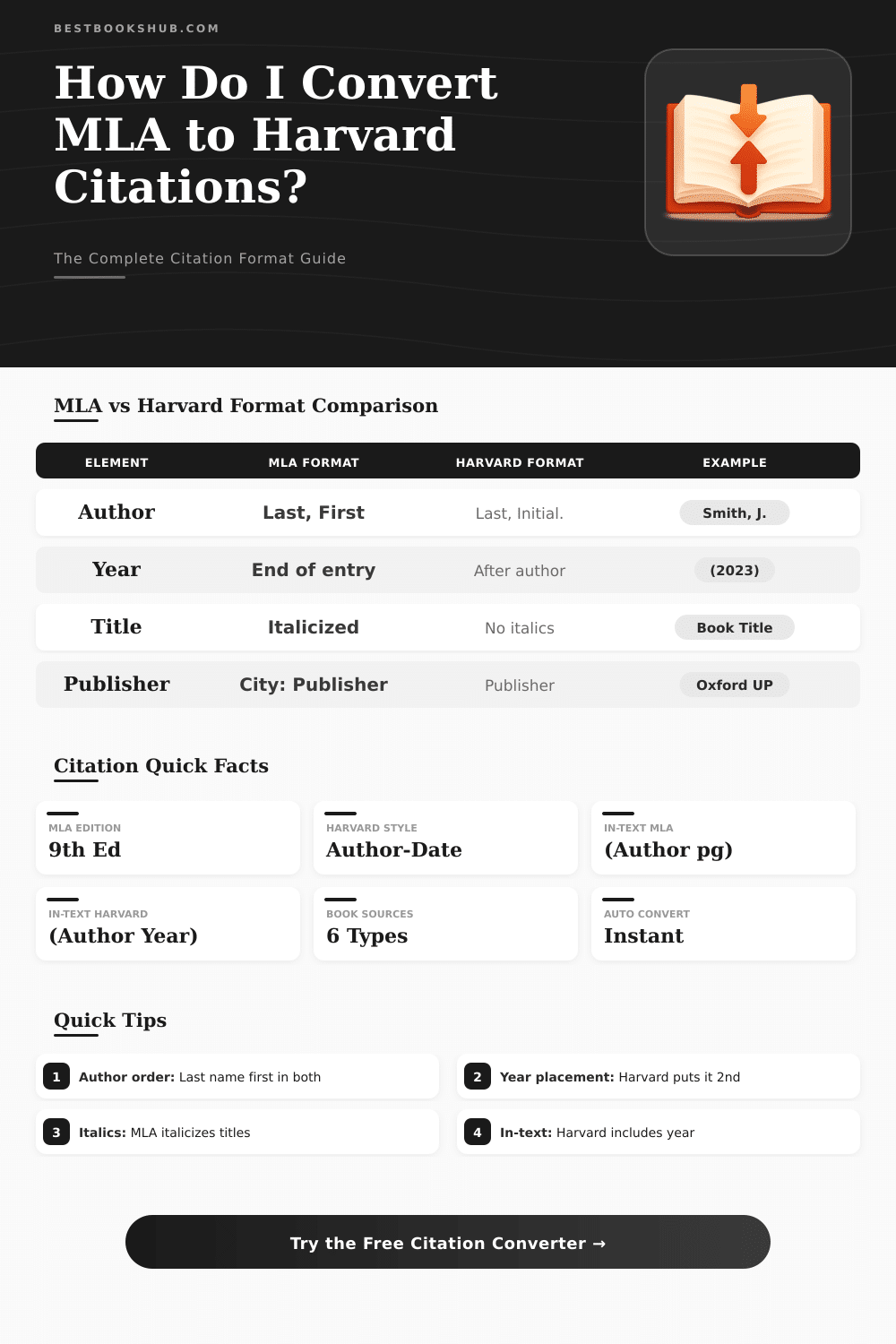
| Element | MLA 9th Edition | Harvard Format |
|---|---|---|
| Author Name | Last, First Middle. | Last, F. (initial only) |
| Year Placement | Near end of entry | Immediately after author |
| Book Title | Italicized | Italicized |
| Article Title | "In Quotation Marks" | No quotation marks |
| Journal Name | Italicized | Italicized |
| Publisher Location | Included (City: Publisher) | Often omitted (modern) |
| Page Numbers | pp. 10-25 | pp. 10-25 |
| In-text Citation | (Author page) | (Author year, page) |
| Second Author | Last, First, and First Last. | Last, F. and Last, F. |
| 3+ Authors | First author et al. | First author et al. |
| Website Access | Accessed Day Mon. Year. | [Accessed Day Month Year]. |
| DOI Format | doi:10.xxxx/xxxx | https://doi.org/10.xxxx |
| Source Type | MLA Example | Harvard Example |
|---|---|---|
| Book | Smith, John. The Title Here. Publisher, 2020. | Smith, J. (2020) The Title Here. Publisher. |
| Journal | Smith, John. "Article." Journal, vol. 5, no. 2, 2020, pp. 10-20. | Smith, J. (2020) 'Article', Journal, 5(2), pp. 10-20. |
| Website | Smith, John. "Page Title." Site Name, 2020. Accessed 1 Jan. 2024. | Smith, J. (2020) Page Title [Online]. Available at: URL [Accessed 1 January 2024]. |
| Chapter | Smith, John. "Chapter." Book, edited by A. Jones, Publisher, 2020, pp. 5-20. | Smith, J. (2020) 'Chapter', in A. Jones (ed.) Book. Publisher, pp. 5-20. |
| Thesis | Smith, John. Thesis Title. PhD thesis, University, 2020. | Smith, J. (2020) Thesis Title. PhD thesis. University. |
Citation converters are programs that change references from one format to another. For instance, they swap quotes between APA and MLA styles, or convert identifiers like PMIDs into a form that one can import directly into Excel. The main benefit of these programs is that they save a lot of time especially when one must fit an article to a particular style rule.
DISCLOSURE: This post may contain affiliate links, meaning when you click the links and make a purchase, I receive a commission. As an Amazon Associate I earn from qualifying purchases.
The internet is full of free citation programs. Many of them work as add-ons for browsers, that capture the title, author, date of publication and other details from a page with one tap. Such an add-on automatically handles the basic tasks, so you do not need to enter everything by hand.
Free Tools to Make and Change Citations
MyBib creates quotes for books, newspapers, websites and videos, searching by title or identifier like URL or ISBN. Citation Machine works similarly, helping students and experts give right references to used sources. It offers APA, MLA, Chicago, Turabian and Harvard Citation styles for free, and can create quotes in thousands of otehr variants.
One can export bibliographies right away.
Some generators focus on certain styles. There is a free IEEE generator for those that need references according to the Institute of Electrical and Electronics Engineers. Wordvice offers another that handles APA 6 and 7, MLA 7 and 8, Chicago 17th and Vancouver.
The built-in citation system of Google Docs improved quite a lot over time.
Grammarly offers a free citation generator, made by writing specialists. It produces well-arranged quotes according to the newest versions of APA, MLA and the Chicago Manual of Style. Citefast is worth a look, it creates references, bibliographies, in-text quotes and title pages without extra taps.
Some of the programs give visual preview samples in real time and can process several authors or quotes at once. Others let you enter several sources quickly and include in-text quotes directly in the text. That really helps too save time during writing of a long essay.
Zotero is among the most used options. If one does not want all of Zotero, ZoteroBib works as a fast, simple citation tool without install. The problem though, some citation tools make mistakes.
If you do not know how to format quotes, finding those errors becomes hard. One can use DOI to create quotes: simply enter it and choose a style like Chicago or IEEE from the list.
Paperpile offers converters for formats that let you change a bibliography from one style to another. It is a free tool without ads, without need of an install or account to start, it supports more than 10 000 citation styles. Scribbr goes further, using AI or human specialists to check in-text quotes andreferences for mistakes and errors.