📚 Kindle Location to Page Number Converter
Convert Kindle locations to approximate print page numbers for any book format, font size, and device setting.
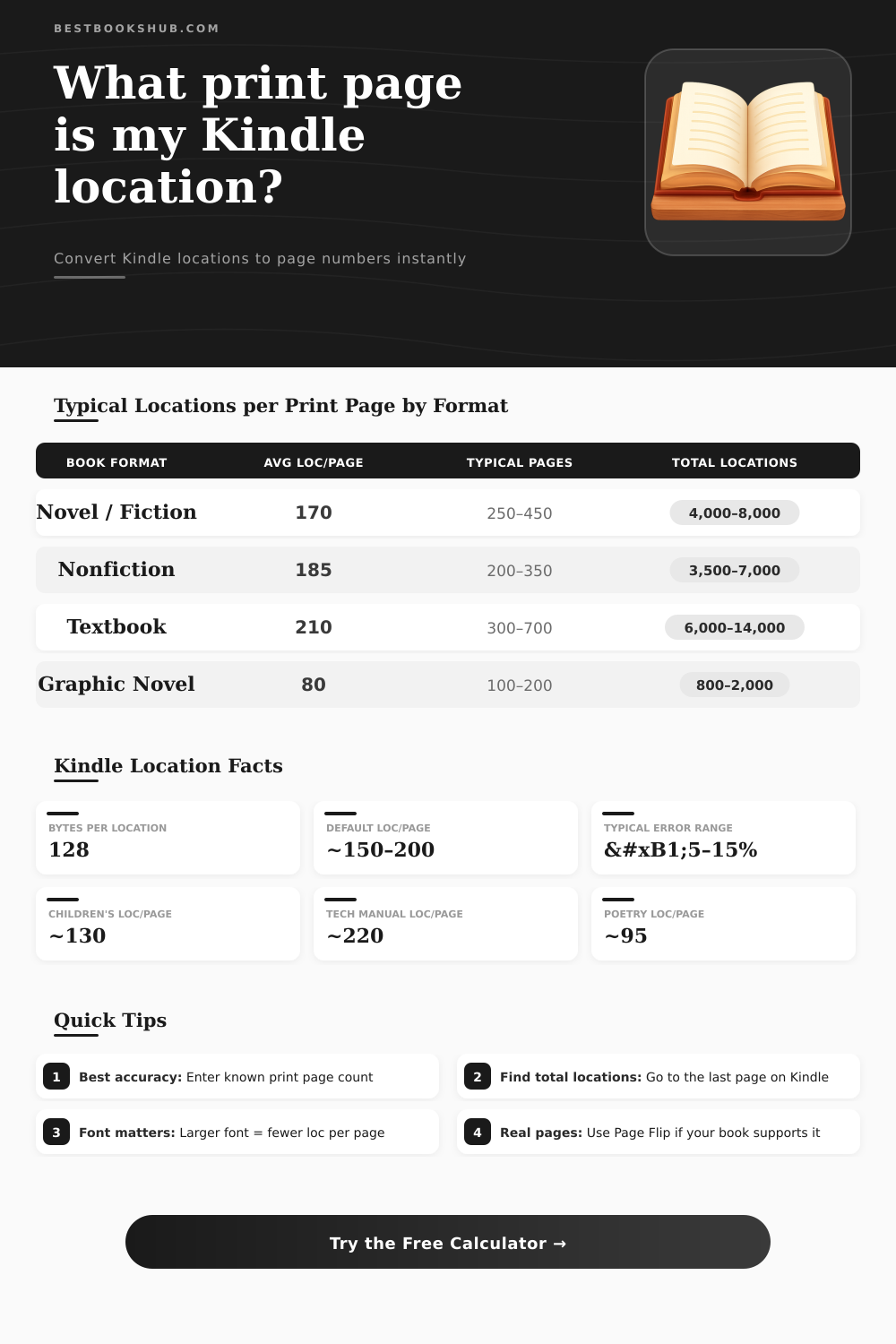
| Format | Avg Loc/Page | Typical Pages | Total Locations | Notes |
|---|---|---|---|---|
| Novel / Literary Fiction | 170 | 250–450 | 4,000–8,000 | Dense prose, few images |
| Nonfiction / Self-Help | 185 | 200–350 | 3,500–7,000 | Headings, bullets |
| Academic Textbook | 210 | 300–700 | 6,000–14,000 | Diagrams inflate count |
| Children's / YA | 130 | 150–400 | 2,000–5,500 | Large font, short sentences |
| Biography / Memoir | 175 | 280–480 | 5,000–8,500 | Similar to fiction prose |
| Technical Manual | 220 | 200–600 | 5,000–13,000 | Code blocks add locations |
| Graphic Novel / Comic | 80 | 100–200 | 800–2,000 | Images dominate; low count |
| Poetry Collection | 95 | 80–180 | 800–2,000 | Short lines = fewer bytes/page |
| Font Size | Setting | Text vs Default | Approx Loc/Page |
|---|---|---|---|
| Tiny | 1–2 | +40% more text | 235–280 |
| Small | 3–4 | +20% more text | 200–240 |
| Default / Medium | 5–6 | Baseline | 170–185 |
| Large | 7–8 | −15% text | 145–160 |
| Very Large | 9–10 | −30% text | 120–130 |
| Maximum | 11+ | −45% text | 95–105 |
| Book Example | Format | Print Pages | ~Total Locations | Loc/Page |
|---|---|---|---|---|
| Short novel (~200 pp) | Fiction | 200 | ~3,400 | ~170 |
| Average novel (~320 pp) | Fiction | 320 | ~5,440 | ~170 |
| Long novel (~600 pp) | Fiction | 600 | ~10,200 | ~170 |
| Business book (~260 pp) | Nonfiction | 260 | ~4,810 | ~185 |
| College textbook (~500 pp) | Textbook | 500 | ~10,500 | ~210 |
| Children's chapter book | Children's | 180 | ~2,340 | ~130 |
| Graphic novel (~150 pp) | Graphic | 150 | ~1,200 | ~80 |
| Poetry collection (~120 pp) | Poetry | 120 | ~1,140 | ~95 |
Kindle use location numbers instead of usual page numbers That happens because font size and screen layout change from device to device. Because of that you use location as reference, because not all eReaders can show whole page according to the screen size. For ease of reading in Kindle, Amazon chose to split one page into three separate sections.
DISCLOSURE: This post may contain affiliate links, meaning when you click the links and make a purchase, I receive a commission. As an Amazon Associate I earn from qualifying purchases.
One location is made up of 128 bytes of data. Those locations are planned as stable indication of text position, that does not adjust when you alter the font or the arrangement. They replace page numbers for e-books that do not have them.
Why Kindle Shows Location Numbers Instead of Page Numbers
Everything depends on the font, font size and the state of the device used.
Kindle can know where are the physical pages, because the publisher puts that in the metadata. So, if the paper book has 647 pages, the e-book also can have that coded only for reference. With a specfic font, alignment and size settings, about 13 locations match to one physical page.
Looking at around 400 books, the mean is near 15 locations for average book page. Average e-book can have maybe 3000 locations.
To convert locations to pages, open the menu of the book and choose “Go to”, then choose “Page or Location”. Enter the page number to find the approximate location number. Naturally that is only fast, a bit rough way to get a feeling about the size, no precise science.
It bases on the average paperback edition and give its approximate page length in Kindle form.
There is also other way to switch the display. Tap the upper part of the Kindle device, and will appear the menu bar. Then tap “Page Display”, and then “Font & Page Settings”.
In the pop-up window, press “Reading” and choose the option “Page in Book”. After that the book will show page numbers instead of locations. In iOS and Android, tap the progress bar below to alter the display between percentage, location or page, if available.
Touch the corner where appear the location number also allow to alter the display to pages, percentage, time left, or nothing. Depending on the Kindle model, where the big A is at the top of the screen, click on it should allow choosing more options and alter to page number. The Kindle must be fully updated, or almost, so that some of those functions work.
If books are sent by means of Send to Kindle, they usually show only location numbers and no page numbers. The process of Send to Kindle go through Amazon servers and convert the files to format that Kindle can read. You can try to convert to KFX using a plugin and in the KFX output tab mark “create approximate page numbers”.
There is no way to relate pages to location in e-book, unless you have copy of the paperback to compare manually.