📝 Text cleanup bench
Remove line breaks tool
Unwrap copied PDF text, remove soft line breaks, preserve true paragraphs, or turn line breaks into spaces, commas, and custom separators.
Start from a common paste problem, then adjust the controls for the exact line break behavior you need.
DISCLOSURE: This post may contain affiliate links, meaning when you click the links and make a purchase, I receive a commission. As an Amazon Associate I earn from qualifying purchases.
The cleaner can detect hard paragraph breaks, unwrap soft line endings, repair hyphenated PDF words, and return either flattened text or paragraph-preserved output.
Unwrap PDF text
Best for copied pages where every visual line ends with a break but blank lines still mark paragraphs.
Preserve paragraphs
Best for essays, chapters, emails, and notes that should keep paragraph rhythm after cleanup.
Convert to commas
Best for keyword lists, names, tags, bibliography fragments, and spreadsheet prep.
Remove all breaks
Best for one-line titles, captions, search snippets, and forms that reject pasted line breaks.
| Mode | What it removes | What it preserves | Best for |
|---|---|---|---|
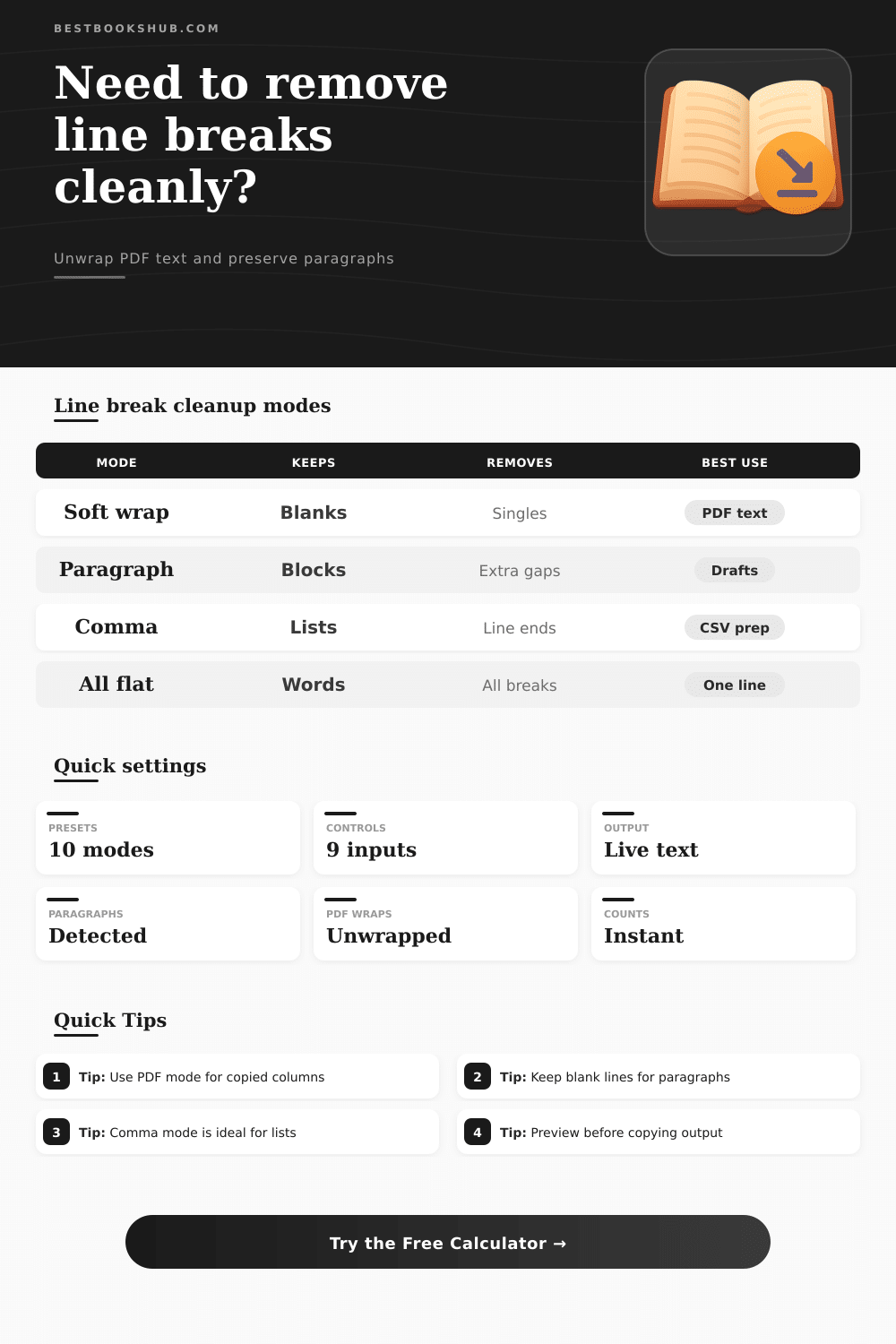
| Remove soft wraps only | Single line endings inside likely paragraphs | Blank-line paragraph breaks | PDF pages, wrapped prose, article drafts |
| Preserve paragraphs | Unwanted internal breaks and extra spaces | Detected hard paragraph boundaries | Manuscripts, emails, essays, pasted notes |
| Remove all line breaks | Every line ending and blank-line gap | Words and punctuation only | One-line fields, metadata, form entries |
| Convert breaks to commas | Line ending characters | List item text | Tags, keywords, names, short rows |
| Hard paragraph signal | Detected when | Merge risk | Recommended setting |
|---|---|---|---|
| Blank line | Two or more line breaks appear together | Low for prose | Blank line means paragraph |
| Indented start | Next line begins with spaces, tabs, or paragraph indent | Medium in code-like text | Indented line starts paragraph |
| Punctuation and capital | A sentence ends, then the next line starts capitalized | Medium for names and titles | Punctuation plus next capital |
| Short line | A brief heading or caption appears between longer lines | Medium in OCR scans | Short line can end paragraph |
| PDF symptom | Example pattern | Cleanup action | Why it helps |
|---|---|---|---|
| Visual wraps | Every printed line becomes a pasted line | Replace single breaks with spaces | Restores normal paragraph flow |
| Broken hyphen words | read- plus ing on next line | Join only before lowercase text | Repairs words without joining compound terms |
| Page header noise | Short repeated lines between paragraphs | Use heading protection and preview | Avoids swallowing headings into body copy |
| Column copy | Short uneven lines with many hard breaks | Use short-line detection carefully | Keeps separate blocks from mixing |
| Separator | Output style | Typical use | Watch for |
|---|---|---|---|
| Single space | Natural prose | Paragraph repair and soft wrap removal | Missing punctuation in source text |
| Comma and space | Inline list | Keywords, tags, names, quick references | Items that already contain commas |
| Semicolon | Heavy list | Longer list items and phrases | Semicolons already in source text |
| Custom text | Delimited output | Pipe, slash, dash, or app-specific separators | Trailing separators after blank lines |
When you copy text from a PDF or an email, the copied text often include unnecessary line breaks that is scattered throughout the text. These line breaks makes the text difficultly to read, and many peoples experience frustration at a amount of time that it takes to manually clean up these line breaks. Many people want to be able to quickly move text from one location to another without spending to much time on text formatting.
The problem with line breaks is that they have two different functions within the text. Some line breaks is use to indicate the end of a thought in the text, while other line breaks are used in the text due to the width of the page or the font that the user use to format the text. Any tool that treat line breaks the same will result in error in the copied text.
How to Remove Unwanted Line Breaks
Such errors will force the lines to either be glue together or to be left as single line with individual sentences. These error can be problematic if the copied text needs to be read aloud, imported into another program, or transformed into a list. Prior to performing text cleaning, it is important to make a decision as to whether the reader wish to keep the paragraph boundary in the text.
A blank line between sections of text indicate a paragraph boundary, but line breaks within a sentence does not indicate a paragraph boundary. Based off the decision made regarding paragraph boundaries, the reader can choose to transform the line breaks into spaces or to transform the line breaks into commas to indicate a list of item. Line breaks can be kept if the text to be copied include elements like poetry or addresses, where the line breaks between word were used as a way to maintain the order in which the words appeared in the original text.
Words that is hyphenated at the end of a line often pose a problem for text cleaning software. If the following line begin with a lowercase letter, the words can be rejoined. Otherwise, the rejoining of words can result in the merging of two separate term into one long compound word.
Additionally, short heading can be an issue in text cleaning software. In these instances, every line that contains only capital letters should be transformed into a paragraph boundary. The type of text that is to be copied can help determine the setting that should be use during the text cleaning process.
For instance, text copied from journal pages often include hard returns after every line of text is printed. However, the lines between paragraphs remains intact. Text copied from manuscripts may contain indent in the text.
Lastly, text that is copied from text that was recognized through an optical character reader may contain both heading and words that is hyphenated. Before the text is copied into a word processing program, that text should be previewed to ensure that the text has become readable section of text, or if it has been transformed into a list of line of text. These same step can be used to clean text that is to be included in forms that dont accept line breaks in the text.
These same steps can be applied to transform a block of text into a single-line caption for social media. In these instances, the line breaks in the text should be collapse into a single line while maintaining the words in the text in their original order. In these instances, scanning the text for the character count can provide assurance that no word were lost during the text cleaning process.
The best and more efficient way to clean line breaks in text is to first test the setting on a small sample of the text that is to be copied. By pasting a small sample of the text into the word processing application, applying the setting, and checking to see if the headings are within separate paragraphs and if the hyphenated words have been correctly rejoined, the user can tidy up the remainder of the document using the same set of rule. Applying the same rules to the rest of the document ensures consistency in the text, which transform the messy text into usable text.