🔤 Alphabetizing desk
Sort Lines Alphabetically Tool
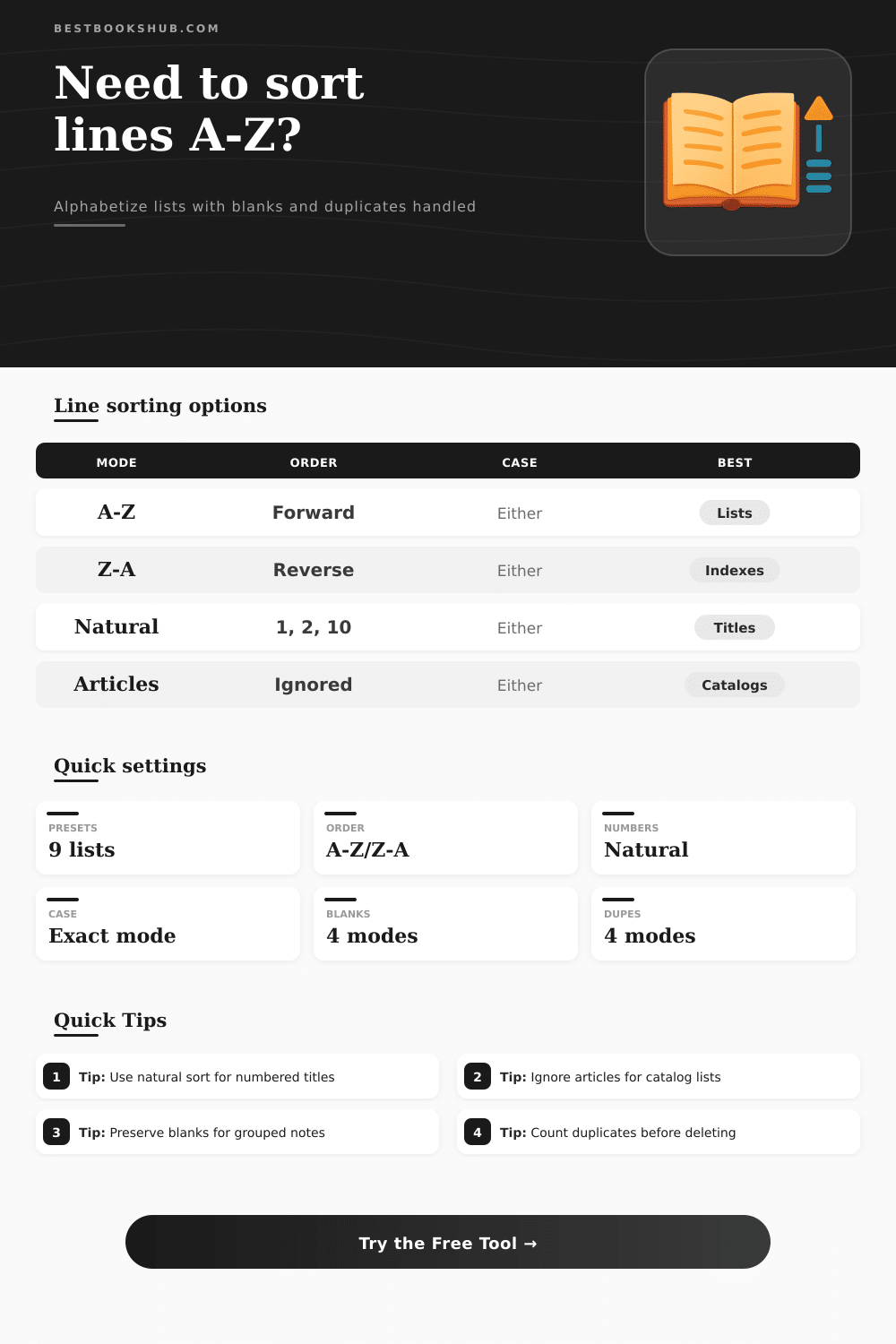
Paste a list and sort lines A-Z or Z-A with case-sensitive mode, natural number sorting, ignored leading articles, blank-line handling, duplicate grouping, and copy-ready output.
Load a realistic book, note, catalog, or reading-list scenario, then adjust the sort rules before copying the result.
Alphabetic A-Z
DISCLOSURE: This post may contain affiliate links, meaning when you click the links and make a purchase, I receive a commission. As an Amazon Associate I earn from qualifying purchases.
Best for names, glossary terms, reading notes, and simple title lists where text order matters most.
Natural numbers
Best for chapters, volumes, shelf codes, and filenames that mix words with numeric parts.
Case-sensitive
Best when uppercase codes, lowercase slugs, and display names must remain distinct during sorting.
Ignore articles
Best for book titles because The Hobbit sorts under Hobbit instead of under The.
| Sorting mode | Example input | Example output | Use when |
|---|---|---|---|
| A-Z alphabetical | Zadie, Alice, Octavia | Alice, Octavia, Zadie | You need a standard ascending list. |
| Z-A reverse | Alice, Octavia, Zadie | Zadie, Octavia, Alice | You are reviewing from the end of an index. |
| Case-sensitive | arc, ARC, Arc | ARC, Arc, arc | Letter case changes the meaning of a code. |
| Case-insensitive | arc, ARC, Arc | arc, ARC, Arc | Readable order matters more than exact casing. |
| Number mode | Sorted sample | What changes | Best for |
|---|---|---|---|
| Natural number sort | Chapter 1, Chapter 2, Chapter 10 | Numeric chunks are compared as numbers. | Chapters, volumes, files, shelf codes. |
| Strict text sort | Chapter 1, Chapter 10, Chapter 2 | Every character is compared left to right. | Exact string audits and machine-like order. |
| Natural with articles | The Book 2 before The Book 10 | Article removal happens before numeric comparison. | Title catalogs with numbered series. |
| Reverse natural | Volume 10, Volume 2, Volume 1 | The final natural comparison is flipped. | Descending filename or series reviews. |
| Blank line mode | Output behavior | Why use it | Watch for |
|---|---|---|---|
| Move blanks to bottom | All sorted items first, empty lines last | Keeps sorted content compact while preserving count. | Blank lines no longer mark old sections. |
| Move blanks to top | Empty lines appear before sorted content | Useful when blanks are placeholders for new entries. | Copied output may start with invisible rows. |
| Keep blank slots | Nonblank lines sort around original blank positions | Useful for worksheets and grouped note templates. | Sections may look partially sorted. |
| Remove blanks | Only nonblank sorted lines remain | Best for clean CSV, metadata, and index output. | Original spacing is not recoverable from output. |
| Duplicate mode | How output changes | Good for | Example |
|---|---|---|---|
| Keep duplicates | Repeats stay in the list and sort together | Attendance lists, repeated notes, raw logs | Novel, Novel |
| Group duplicates | Duplicate clusters get a blank separator | Manual review before deleting repeats | Novel, Novel, blank, Poem |
| Count duplicates | Repeated lines become one line with xN | Fast frequency-style cleanup checks | Novel (x2) |
| Unique only | Only the first line per comparison key remains | Deduplicated lists and final indexes | Novel |
This tool sort lines alphabetically and can alphabetize pasted lists, reverse order, sort natural numbers, ignore articles at the beginning of titles, deal with blank lines, and even group duplicate line together. It sounds trivial: Sort lines of text. But when your list get out of whack, it’s not so easy anymore. Manually re-arranging folder names or book titles is necessary because one begins with “The”, another conceals a number at the end that sorts weird, etc. That’s why a specialized alphabetical line sorter will remove that struggle and make sorting instant.
This means you should of know whether your situation need natural or strict text sorts. If your list has things like “Chapter 10” and “Chapter 2”, then natural number sorting matter. A strict text sort would compare each character starting at the left, resulting in a 10 coming before a 2, which is confusing for most people. The natural sort takes into account the numeric value and makes the sequence seem right. When organizing versioned files or manuals, this will avoid confusion.
Why You Need an Alphabetical Line Sorter
Another issue are leading articles. In a catalog, “The Hobbit” goes under H, but with simple sorts, it goes under T. Removing “The” and comparing the remaining words brings them back into proper order. The same rule apply to punctuation at the beginning of a line. Eliminating these items clears away hurdles that might throw your findings in disorder.
Another issue is case-sensitivity. By default, programmers likes exact ASCII ordering (uppercase precedes lowercase). Writers generaly prefer that proper nouns be treated identically no matter how they’re capitalized. There’s no one right answer here. If your list contains a mix of proper nouns and codes, it make a difference. Setting the wrong option will teach you about the setting’s purpose.
Beyond this, there is choices about duplicates and blank lines. A row of blanks can be used as a topic divider, and if so, you keep it. Or it’s noise; you remove it. The same applies to duplicates. Depending on the task at hand, you may wish to see all duplicate entries (or have the tool count how many), or you may want to cull them quicky. Use a blank separator to group your duplicate so you can do a visual check first.
What we see here is that they’re revealing order. Each choice expose an assumption about how you’ll use this list at the end. The right order for a software engineer isn’t the same than the right order for a librarian. Rather than bury those assumptions under one button, good tools show them to view. The key, as it often happens, is that not all lists are equal. You throw in a bibliography, a set of filenames, and some meeting notes and wonder why output feels incoherent. Match the sort behavior to the material. It gets quicker and the results more predictable if you get into the habit.
So yeah, sorting with a good alphabetical line sorter just does one thing: it rearranges your text. But it also makes you articulate what matters most about that arrangement. And that clarity goes beyond this particular list. Next time you open up a jumbled-up spreadsheet, you’ll have some idea of which rules to follow. It’s not so chaotic anymore; you’ve got an understanding of what the order want to say.