✉ Inbox preview lab
Email subject line length checker
Count subject characters, preview mobile and desktop inbox fit, estimate preheader impact, flag spammy words, count emoji, and compare your draft against safe length bands.
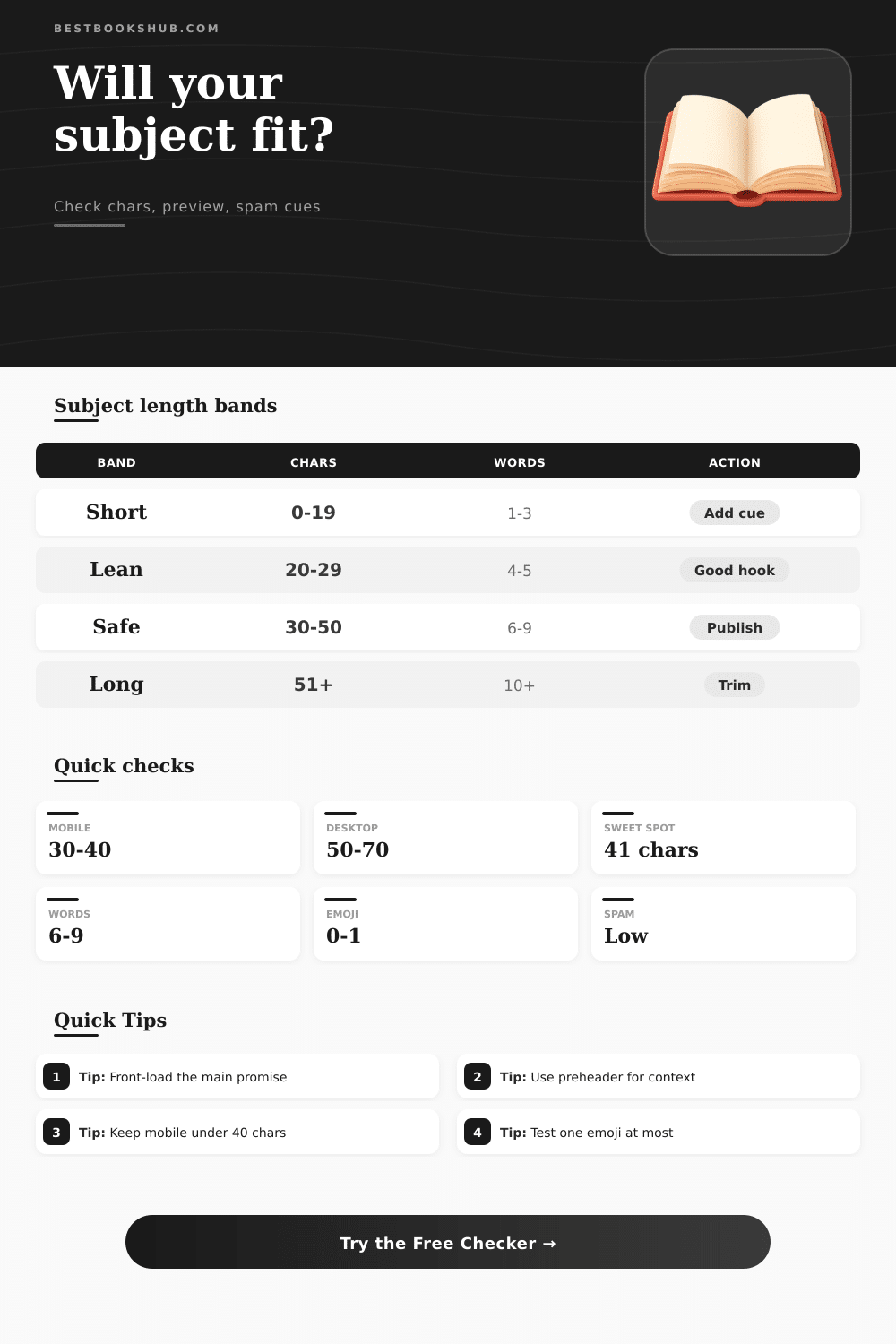
| Band | Characters | Typical words | Best use | Checker action |
|---|---|---|---|---|
| Ultra short | 0-19 | 1-3 | Strong brand or transactional alerts | Add a promise if vague |
| Lean hook | 20-29 | 4-5 | Mobile-first campaigns and reminders | Check clarity and preheader support |
| Mobile safe | 30-40 | 5-7 | Phone inboxes with limited visible space | Keep the keyword near the front |
| Common safe | 41-50 | 7-9 | Balanced newsletter or promo subjects | Review mobile truncation |
| Desktop stretch | 51-70 | 9-12 | Specific updates or transactional detail | Move context into preheader |
| Long risk | 71+ | 12+ | Rare, niche, or highly segmented sends | Trim before sending |
| Inbox surface | Subject visibility | Preheader role | Risk pattern |
|---|---|---|---|
| Compact phone list | About 30-40 chars | Often visible but squeezed | Late keywords disappear |
| Gmail mobile style | About 33-45 chars | Supports or repeats subject | Long sender names reduce room |
| Desktop webmail | About 50-70 chars | Can show a full second phrase | Long subjects still feel dense |
| Desktop mail app | About 60-80 chars | Useful for details and deadline | Preview pane width varies |
| Signal | Low risk | Watch level | Why it matters |
|---|---|---|---|
| Spammy words | 0-1 | 2+ | Words like free, guarantee, winner, urgent, or cash can look promotional. |
| Emoji count | 0-1 | 2+ | Emoji can stand out, but too many reduce clarity and render unevenly. |
| Uppercase share | Under 20% | Over 35% | Heavy caps feel shouty and can look like spam. |
| Exclamation marks | 0-1 | 2+ | Urgency punctuation is easy to overuse in promotions. |
| Email type | Suggested subject | Preheader job | Example direction |
|---|---|---|---|
| Newsletter | 35-55 chars | Tease the strongest story | Name the theme, then add detail after the subject. |
| Promotion | 28-45 chars | Explain deadline or terms | Lead with the offer, not every condition. |
| Event invite | 32-50 chars | Add date, time, or speaker | Keep the event value visible on mobile. |
| Welcome series | 30-50 chars | Set the next expectation | Make the first promise feel personal and clear. |
| Transactional | 35-65 chars | Clarify the next step | Prioritize accuracy over cleverness. |
DISCLOSURE: This post may contain affiliate links, meaning when you click the links and make a purchase, I receive a commission. As an Amazon Associate I earn from qualifying purchases.
Preview how it fits in your inbox: Check its length in the subject line for both desktops and mobile device. See if it support a preheader well. Identify any risky wording before you send it.
Maybe you write a great-sounding subject line and get fewer people opening up. Maybe you don’t know why, but only find out after the fact. Maybe it’s because it got filtered. Or because it was over-run by your sender name. Or because it got cut off on mobile phone screen.
How to Check Your Email Subject Line
More than they will ever tell you, length does matter. It is not some moddern magical number. It is about how your clients and their devices interacts with those words. Most opens are from mobile inboxes. And they display extremely little of your text. What reads fine on a laptop appear as a fragment on a phone. Position your best hook within the first 30 characters, that leaves wiggle room if the line cuts off.
The result? Changing the preheader text matter as well. It complements the subject line. If the subject teases, the preheader should of deliver context without repeating it. Don’t echo it in the preheader. If your subject states “Your weekend reading list is ready,” pair that with a preheader containing title names. Together, they read like a single thought. Alone, the subject might fail.
Pay attention to spam triggers. Using one spammy word won’t damage your deliverability. Multiple words in a row becomes a pattern. Phrases that scream “I’m urgent” and promise outlandish results light off spam filters, which has learned from scammy emails. The calculator flags those signals so you can spot the pattern.
Using an emoji adds personality (one is fine). Three look like a carnival barker. One size does not fit all. For example, a promotion discount should be kept lean; someone expects that email to help them make a purchase. A transaction receipt, however, can be longer because the recipient will look for it. Then there’s the newsletter sweet spot. Email marketing consultants recommends keeping newsletters around forty-one characters (or about six to nine words). Turns out, that’s the amount of information people can handle when deciding to read your email.
Across campaigns, we see a repetition of common errors. Clarity is abandoned in favor of cleverness. Keywords is buried and don’t display on mobile. Capitals are used to no good effect, adding noise where one might hope for stress. Lines that stand out as being best feels specific. Concrete. They are left unsaid enough that the preheader can pick them up and complete them.
But then, readers is different: Testing is necessary. A book club read isn’t necessarily a retail read. The day of the week matter. So does the sender. The tool provides structured feedback. The tool gives you structured feedback, but real-world inbox testing on actual devices still closes the loop.
Being concise is a gesture of respect. You recognize that your audience’s time are limited. When you write with that in mind, when you write something that honors their time, you increase your numbers. You establish the right tone from the beginning. The inbox remains one of the few private online spaces we still possess. Tend to it as such.