📑 Back matter production planner
Back Matter Page Calculator
Estimate acknowledgments, about author, notes, bibliography, index, glossary, and sample chapter pages with print parity, ebook mode, and section word-count conversion.
Use a preset as a starting point, then adjust section word counts, index density, print parity, and ebook behavior for your exact back matter plan.
DISCLOSURE: This post may contain affiliate links, meaning when you click the links and make a purchase, I receive a commission. As an Amazon Associate I earn from qualifying purchases.
Enter known word counts where you have them. For bibliography, glossary, and index, the calculator can also estimate pages from entry or term counts.
| Section | Primary input | Calculator conversion | Production note |
|---|---|---|---|
| Acknowledgments | Direct word count | Words divided by active WPP, rounded up | Often 1-3 pages and usually starts after the main text. |
| About the author | Direct word count | Words divided by active WPP, rounded up | Short bios often occupy one page even when the word count is small. |
| Notes | Words plus note count | Text words plus small numbering allowance, then WPP | Dense notes may use smaller type, but pages still need print rounding. |
| Bibliography | Typed words or entries | Typed words plus entries times selected words per entry | Annotated bibliographies expand quickly compared with compact reference lists. |
| Glossary | Typed words or terms | Typed words plus terms times definition words per term | Glossaries can stay compact if definitions are brief and alphabetized tightly. |
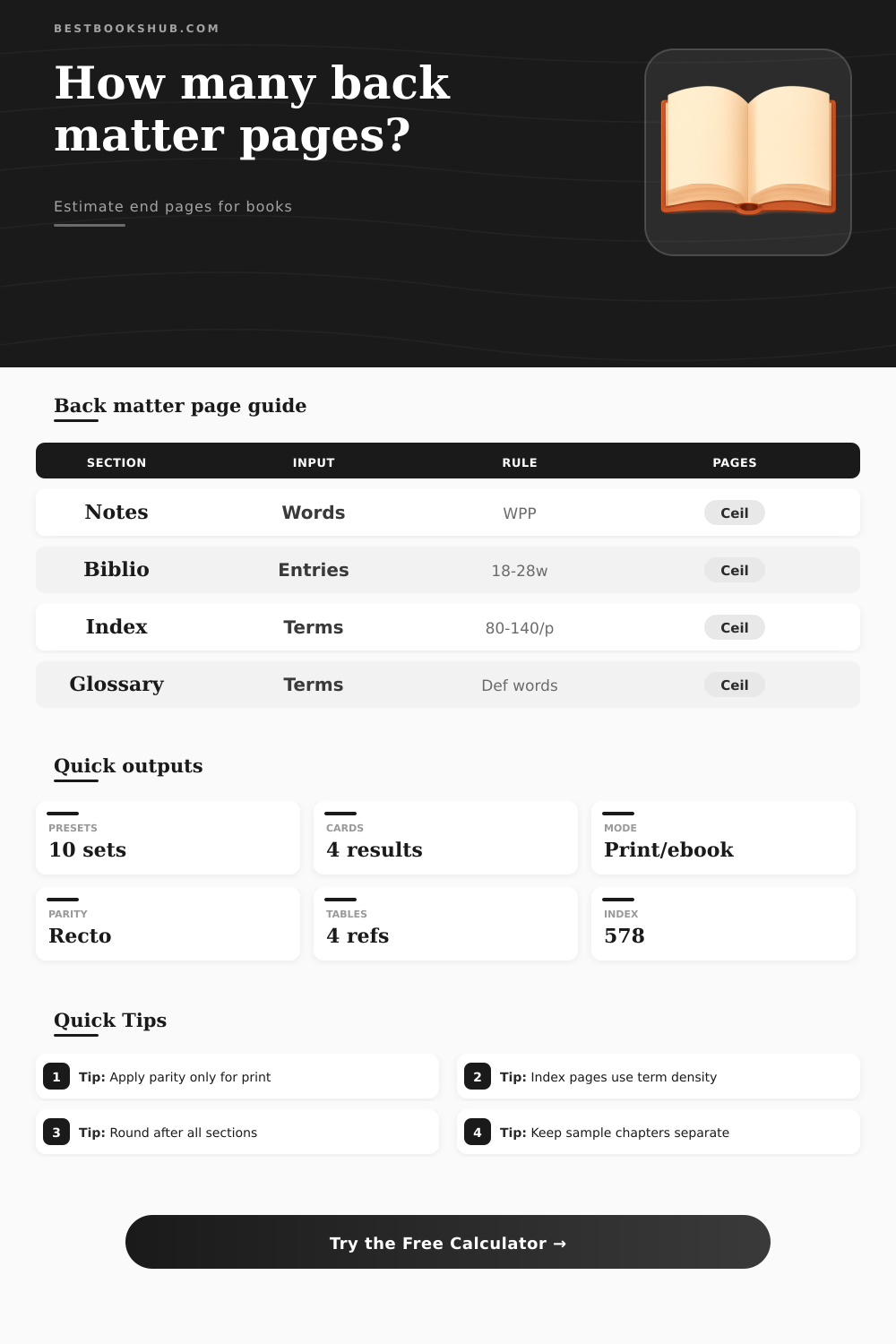
| Index | Terms and subentries | Terms divided by terms per page, plus any intro text pages | Index layout depends on columns, subentries, and cross-reference volume. |
| Sample chapter | Direct word count | Words divided by active WPP, rounded up | Keep separate if it needs its own title page or series teaser start. |
| Start rule | Print behavior | Ebook behavior | Use when |
|---|---|---|---|
| Same-flow estimate | Combines section volume with no added start blanks | Same as print because reflowable ebooks have no fixed blank pages | You need a quick content-only page estimate. |
| Each section new page | Rounds each active section to a whole page before the next starts | Ignored as a blank-page rule, but content pages still count | Common for straightforward paperback interiors. |
| Each section right-hand | Adds a blank if the next section would begin on a left-hand page | Ignored because ebook locations are not fixed pages | Used for formal print layouts with recto starts. |
| Major sections right-hand | Applies recto starts to notes, bibliography, glossary, index, and sample chapter | Ignored as print-only parity | Balanced option for nonfiction and reference books. |
| Back matter load | Typical sections | Common page range | Risk to watch |
|---|---|---|---|
| Minimal fiction | Acknowledgments, author bio, sample chapter | 4-18 pages | Sample chapter can exceed all other back matter. |
| Memoir or narrative nonfiction | Acknowledgments, notes, bibliography, author bio | 12-45 pages | Notes may need a denser WPP profile than body text. |
| Practical nonfiction | Glossary, resources, bibliography, index | 18-70 pages | Index and glossary assumptions dominate the estimate. |
| Academic or reference | Notes, bibliography, glossary, index | 40-140 pages | Right-hand starts and signature rounding can add blanks. |
| Rounding rule | Applies to | Possible added pages | Calculator behavior |
|---|---|---|---|
| No final rounding | Raw planning and ebook checks | 0 pages | Leaves the page total as calculated. |
| Even page count | Basic print interiors | 0-1 page | Rounds final back matter pages to an even count. |
| 4-page multiple | Short-run print planning | 0-3 pages | Rounds after section and parity blanks are added. |
| 8-page multiple | Some booklet or offset workflows | 0-7 pages | Shows signature blanks separately in the breakdown. |
| 16-page multiple | Larger offset signatures | 0-15 pages | Useful for conservative print production estimates. |
This back matter page calculator will help you calculate the number of end pages needed for a print parity, sample chapters, acknowledgments, author bio, glossary, index, bibliography or notes. And then there’s that thing that happens to every author: You finish writing the meat of your book and discover the back matter is going to be longer than expected. The end sections is always smaller, you think to yourself. Not so much. Turns out that the post-chapter pages often dictate your spine width, printing cost, and overall balance of the book in a reader’s hand. Knowing these numbers upfront changes your editing, inclusion, and ultimataly the landing of the final product.
Here’s where it begins to get interesting: Not all sections in the back matter operate as normal prose. Author bios and acknowledgements simply translate directly into word count. Bibliographies, glossaries, notes, and most of all, indexes. Operate according to their own rules. Some indexes is very dense (over a hundred terms on each page). Others spread them out so they’re readable. Glossary definitions work similar. To keep the section tight, use short definitions. Long explanations increase the page count at a quicker rate then most authors expect. And this is what most people don’t account for when they draw a sketch of their book on the back of a napkin.
Why You Need a Back Matter Calculator
And then there’s print, which is one more layer that most ebook-only authors don’t realize exists. Sometimes printer inserts a blank leaf here and there to maintain beauty in the layout, such as when he wants every major section to start on a right-hand page. A blank page means no content. Blanks are a reality of production. Round that last page count up to the next highest even number, or to some multiple of the printer’s signatures, and you’ll probably tack on several more unseen pages. When you do the math, it seems picky-picky, but wait till you watch four or eight additional pages jack your printing quote up.
Memoir and narrative-nonfiction authors are perennially stuck trying to trim their long endnotes: Ten or fifteen thousand words that don’t seem so bad on-screen, but, accounting for those tiny superscripted numbers and the tighter leading many designers use, become dozens of printed out pages. For academic authors, the learning curve is even higher. Bibliographies gets thick fast (particularly when there are annotations at the bottom of every entry). A relatively simple-looking reference list on someone’s laptop can, without anyone noticing, expand to occupy thirty or forty pages in print.
And then there’s the matter of the sample chapter. Do you include it, and if so, do you just plop it right behind about-the-author page, following the flow of back matter? Or do you make it a separate titled section where browsers flipping through your book in the store will get a jolt of new material at once? These decisions can affect the reader experience and also change number of pages. And you don’t realize how much of a big deal that is until you’re staring at a proof copy and that sample chapter kicks off on an ugly left-hand page.
And this is where it gets interesting: You run several scenarios, then lock in a manuscript length based off what works best for you. For example, you may want to round signatures (experiment with that). Or use a denser index (try a different number of words per page within your trim size). Or try a different words-per-page profile (play around with trim sizes). The more you play, the more you realize how the levers affects your particular book.
A reference-heavy nonfiction book might require a generous index for use. But a fast-paced novel can go light on the extra material at the end (and even use a large sample). Both books are viable options. They just cater to different budgets, and they target different readers.
The bottom line rounding decision nudges things in surprising ways that catch first-time authors off guard. A short-run offset job with sixteen-page signatures may add as many as fifteen blank pages to the tailend of the book. They will cost you ink and paper and binding. If it’s a five-thousand-copy print run, that adds up to real money. But it can also make its own kind of trouble at the bindery by leaving number odd. The calculator allows you to measure that tradeoff without having to guess.
The bottom line: The back matter is never truly the end. They’re the initial data point printers want from you, and the final impression readers get. When you nail down that page estimate at the start, you save yourself headaches. It prevents design from feeling like an afterthought and keeps costs from creeping up. It also keeps your spine from being too thin. Compare some presets, run the numbers, and instead of walking into production with crossed fingers, you’ll be confident that book already feels done. Before it even hits layout.