📖 Arabic readability lab
Osman readability calculator
Paste Arabic text to estimate sentence count, syllable-per-word proxy, long-word share, and an Osman-style difficulty score with transparent calculation steps.
Load a neutral Arabic sample, then tune diacritic handling, sentence splitting, long-word threshold, sample scope, calibration, and right-to-left display.
| Step | Value | Substitution | Effect |
|---|---|---|---|
| Load a preset or paste Arabic text to show the formula steps. | |||
| Rank | Sentence preview | Words | Avg letters | Syllable proxy | Long share | Editing cue |
|---|---|---|---|---|---|---|
| Sentence rows appear after calculation. | ||||||
| Score range | Band | Typical signal | Calculation cue |
|---|---|---|---|
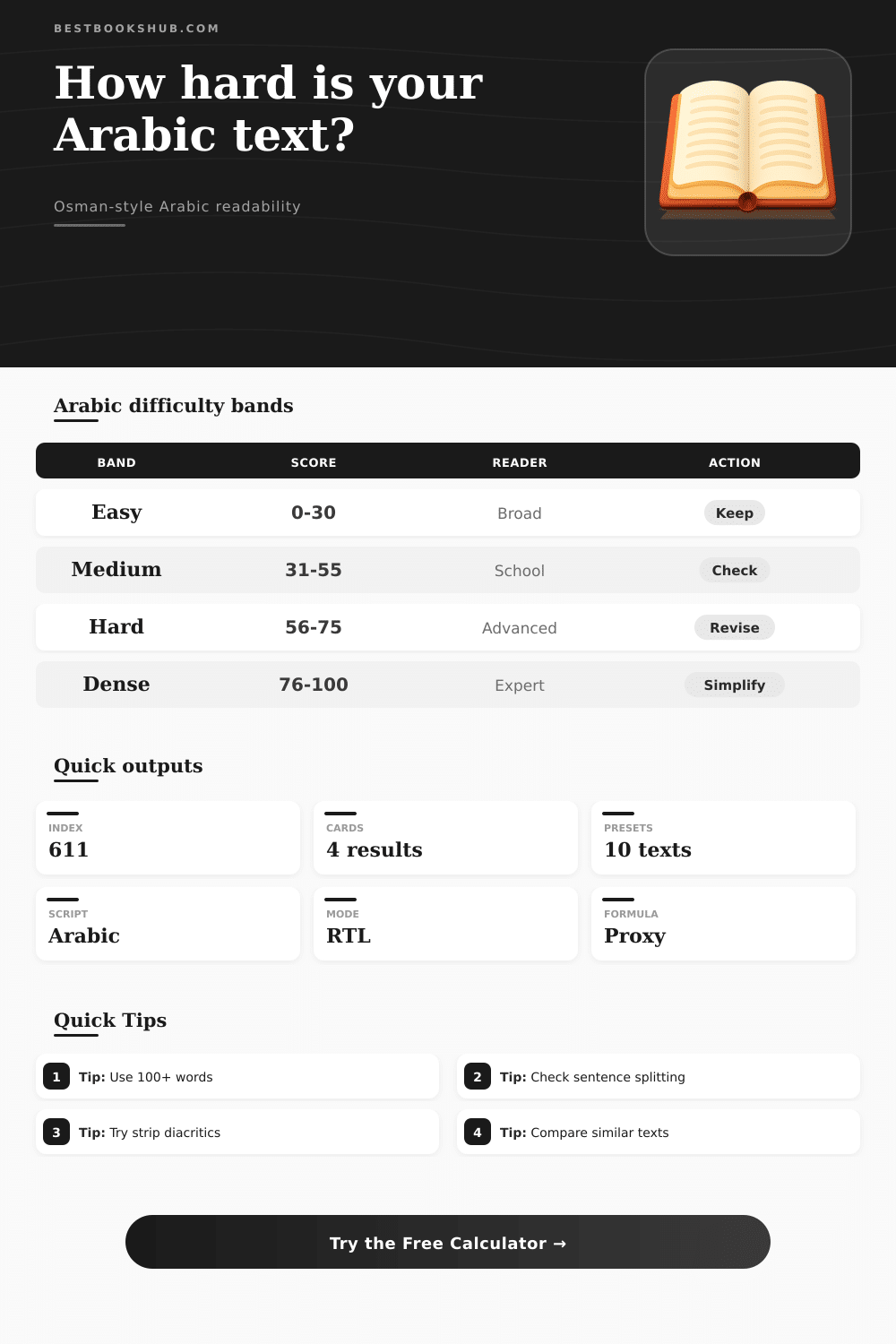
| 0-30 | Easy | Short sentences, shorter words, low long-word share. | Usually stable for broad informational text. |
| 31-55 | Medium | Moderate sentence load or several longer Arabic words. | Check the hardest sentence rows. |
| 56-75 | Hard | Longer sentences, dense vocabulary, or high syllable proxy. | Compare with a simpler preset. |
| 76-100 | Dense | Specialized wording and extended sentence units dominate. | Use a larger sample before deciding. |
| Setting | Best for | What changes | Risk to watch |
|---|---|---|---|
| Strip diacritics | Modern web text | Removes short vowel marks before token counts. | May understate vocalized teaching samples. |
| Use marks | Fully vocalized text | Uses fatha, damma, kasra, sukun, and shadda to refine the syllable proxy. | Mixed marking can create uneven estimates. |
| Line sentences | Lists and captions | Counts each non-empty line as one sentence unit. | Long lines can hide complex punctuation. |
| Manual count | Edited samples | Uses your sentence number in the formula. | Keep the manual count consistent. |
DISCLOSURE: This post may contain affiliate links, meaning when you click the links and make a purchase, I receive a commission. As an Amazon Associate I earn from qualifying purchases.
Estimate the readability of Arabic texts with sentences, syllables as a proxy for difficulty, percentage of long words (4+), diacritics on or off, right-to-left display and more. The formula is explained. Formula explained.
A readability score predicts how hard you’ll have to work as a reader of Arabic. Using the Osman method, it measures mechanical signs of your writing. What’s its word structure? How long are its sentences? Do they feel dense or approachable? These factors determines the readability score. They decide if your readers will keep reading.
How to Check Arabic Reading Difficulty
It uses pattern recognition (not guessing). It also makes a huge difference if there is diacritics in the text. Diacritics help determine pronunciation, as well as how the reader would process the text. For instance, moddern news articles will typically drop the diacriticals to make it easier to read quickly whereas children’s books tend to have them. Dropping the diacritics allow the calculator to focus on skeleton of the words. Keeping the diacritics lets the score reflect how the text would sound being spoken out loud, which can shift the outcome much more dramatic than you might think.
Be mindful of quirks in how Arabic punctuation works when inputting text for counting. The program will treat bullet points as flowing prose if you choose wrong mode, and a list’s line break can function as a full stop in the reader’s mind. Sometimes, one long sentence with many clauses make the writing seem harder then it actualy is. Longer words has higher cognitive loads, because they require more working memory to read. Using longer words also affects other derived forms with affixes like prefix + suffix: they are harder to understand and need more working memory to be processed. This is why we let you set the threshold that defines which word are considered long or short in your particular context. For example, longer words may be appropriate in a text written for professional audience (a business memo) compared to a notice sent out at school. This information will feed into our calculator to adjust difficulty rating. One text might feel easier or harder to read when it has the same number of words simply due to this factor.
This is your readability band. This tells you what sort of person should be reading this piece of writing. Easy is broadly accessible, which is good for general web content and notices. Medium is most school-level work, where people will assume they need to concentrate. Dense/Harder is content aimed at experts or more advanced students. The bands is a way to get similar data about various versions of the same document, without any guesswork. But this doesn’t take into account cultural references or vocabulary knowledge. It might be a hard text despite a good score simply because of its layout, or use of obscure words.
Writers experienced in using such calculators will read the text aloud. They will also compare different windows in the samples to judge if it suit their target audience. The maths is done by the calculator; the decision on how it fits in with the rhythm of your audience is left to you. Think of readability as your way of talking to the people who will be reading what you write.
Do an initial draft. Run it through the calculation process. Determine how to keep the pieces that work and how to clean up those that don’t. It is better to have a slightly lower score and still hold someone’s attention than to have a perfect score and lose them before they finish reading. This is where the tool could of help you make a more informed decision.