$ Text and symbol analyzer
Dollar sign counter
Paste manuscript notes, metadata, Markdown, LaTeX, shell snippets, or catalog text to count dollar signs, double-dollar runs, escaped symbols, template variables, and density.
The scan walks each character, groups adjacent dollar signs into runs, labels likely contexts, and flags suspicious pairs or line clusters.
| Band | Signs per 1,000 characters | Typical text | Review cue |
|---|---|---|---|
| Sparse | 0-4 | Plain prose or reading notes | No symbol cleanup usually needed |
| Marked | 5-14 | Catalog copy, examples, or metadata | Check whether each symbol has a clear role |
| Dense | 15-29 | Math notes, command snippets, or repeated labels | Inspect line clusters and double signs |
| Heavy | 30+ | Code, templates, or delimiter-heavy pasted text | Separate literal symbols from syntax |
| Context | Example pattern | Counted as | Why it matters |
|---|---|---|---|
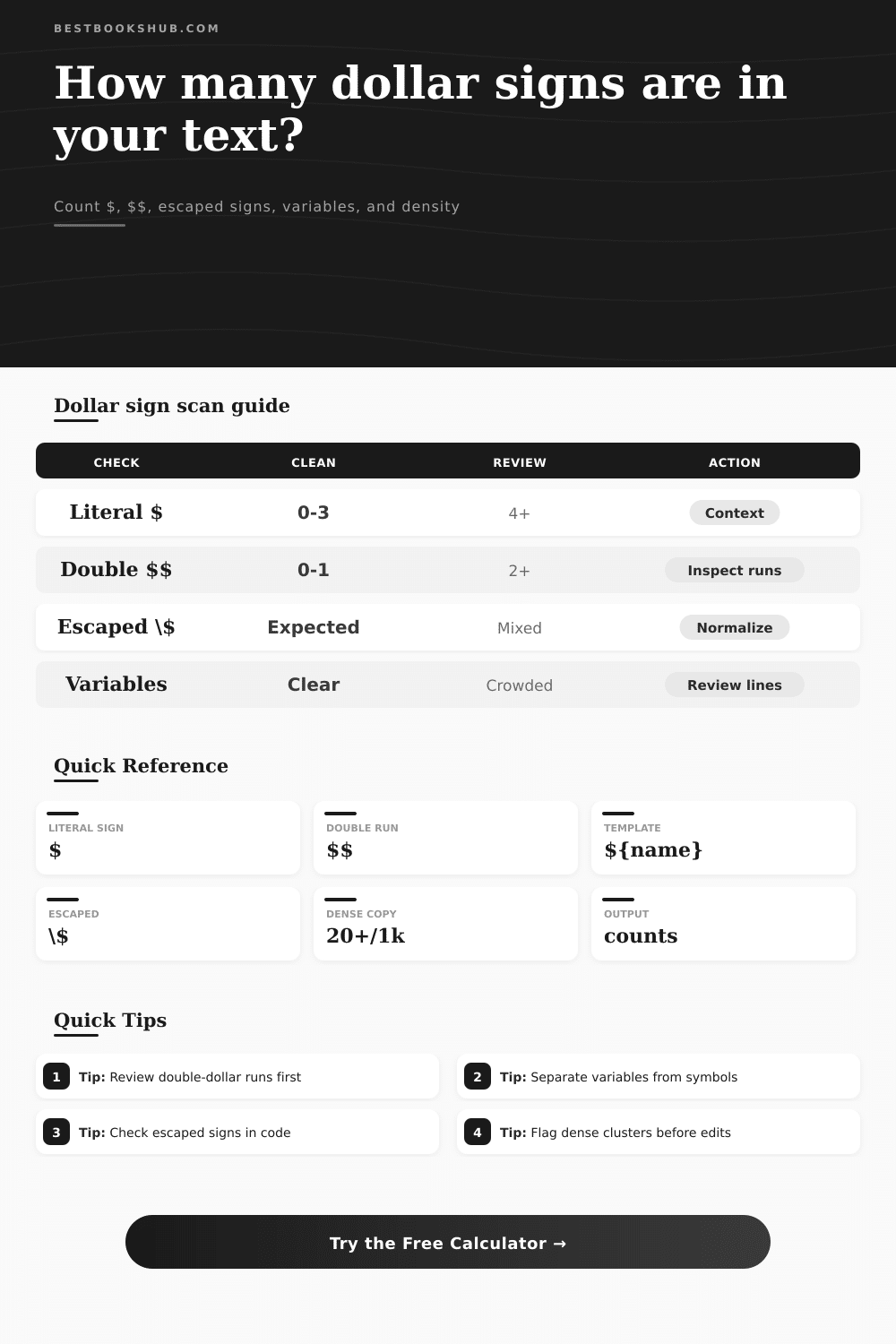
| Literal sign | $ before or after text | General symbol | Useful for manuscript and metadata cleanup |
| Double run | $$ | Run and possible delimiter | Often marks display math or accidental duplication |
| Template opening | ${field} | Variable/template | Should usually be preserved exactly |
| Escaped sign | \$ | Escaped symbol | Can be intentional Markdown or regex syntax |
| Input type | Recommended profile | Pair setting | Best first check |
|---|---|---|---|
| Book blurb or annotation | Manuscript and editorial text | Do not pair signs | Look for isolated or repeated symbols |
| LaTeX paragraph | LaTeX math notes | Inline or display math pairs | Confirm every opener has a closer |
| Shell notes | Code and shell snippets | Template openings | Separate $HOME and ${name} references |
| Catalog export | Catalog metadata | Do not pair signs | Scan lines with multiple signs |
DISCLOSURE: This post may contain affiliate links, meaning when you click the links and make a purchase, I receive a commission. As an Amazon Associate I earn from qualifying purchases.
The dollar sign is such a harmless character: a delimiter for math; code variable; and of course, money. Until it breaks.
Then you notice it. And you notice that it are missing. You copy a snippet off a blog to paste it into your manuscript editor. But the dollars has vanished! The dollar sign might render as a math equation! Your financial figure might look like nothing at all.
How to Count and Fix Dollar Signs
The problem isn’t with your text, but the context you placed it in. What works on one platform will break another. Paste something written using LaTeX into a Markdown renderer, and the dollar sign could be anything now.
This uncertainty gives the task of counting the signs meaning. It scans whatever you paste into it and then classifies each occurrence. It identify escaped characters, template variables, and actual currency sign. It also tells them apart.
Why? Because while a sign at the end of a number has one function, a sign that opens up a variable in a script have another. You don’t want to mistake a formatting command for a typo if you’re working on someone’s manuscript; you want to know whether a series of signs is doing work or not.
The calculator will break these down so you can see where it land on the density scale. A text that’s sparse (fewer than four signs per thousand characters) probably doesn’t have any problems. Get into the dense band (fifteen to twenty-nine signs per thousand characters), though, and you should of look more closely. That’s when those clusters tend to signal that code and prose has collided, and they require careful attention to untangle.
A frequent error is the double-dollar-sign. When it appears in math notation, this pair of symbols encloses a display equation and sets it off from surrounding inline text. In informal copy, however, it’s typically just somebody accidently hitting the key twice. The scan flags these runs where you may choose to remove them as clutter or treat them as intentional markers.
Another type of mark-up you’ll encounter is an escaped sign, preceded by a backslash. This is meant as a placeholder; for example, in shell script or regex, it keeps the system from interpreting the character as a variable. Remove the backslash, and your code break. Leave it as is in plain text, and it look like error. Don’t fix what isn’t broken.
Symbol cleanup is all about context. On one line of a catalog entry, you’ll have a book’s title, a currency code, its price, and another metadata tag. It makes sense to a human eye. But it’s complicated to a parser.
The calculator profiles can be tweaked to fit whatever kind of content you’re looking at. Want to work on a piece of code? Ignore the inline spans so you can concentrate on the structural signs. Are you editing prose? Flag ’em all, so you know they’ll all get treated consistently. It frees you from searching through page after page of text with a find-and-replace function that will delete the good ones too.
Another element is visual noise. A dense page with lots of symbols make it more difficult to read. That’s where the density measurements come into play. You can guess how readable your page is based off how dense it is. So even if your text has narrative content, a lot of symbols could make it feel technical (especially if you have a high number of signs). That doesn’t mean it’s necessarily bad; technical documents are meant to be technical. For general reading, though, if your density is high then perhaps you should simplify some of your examples and put complicated code snippets in their own blocks?
The reference tables gives you a sense of what’s normal across various kinds of writing. Do a quick check to see if your draft sounds about right.
But it’s all about control. Each choice you make determines how human beings or computers reads your words. Taking that extra second to add up and identify those symbols helps keep you from banging your head against the wall because something didn’t get copied over correctly. It may not feel like much of an editing task, but it avoids a big headache down the road.
Maybe you’re trying to make sure your blog post is polished, debugging some code, or prepping a manuscript for print, you’ve got more confidence to push that send button when you know exactly what’s in your text. A dollar sign is only a symbol but knowing what to do with one take skill.