🔍 Unicode cleanup analyzer
Non-ASCII character detector
Paste text to locate every character outside plain ASCII, classify Unicode ranges, flag invisible marks, and review line-level cleanup clues.
Load realistic text samples with accents, smart punctuation, multilingual names, invisible separators, emoji, copied PDF artifacts, and catalog metadata.
DISCLOSURE: This post may contain affiliate links, meaning when you click the links and make a purchase, I receive a commission. As an Amazon Associate I earn from qualifying purchases.
The detail table lists the character, code point, Unicode range, count, first line, and suggested cleanup. The line table shows where clusters appear in the text.
| # | Character | Code point | Range | Count | First line | Suggestion |
|---|---|---|---|---|---|---|
| No character data yet. | ||||||
| Line | Non-ASCII | Unique | Hidden | Density | Preview |
|---|---|---|---|---|---|
| No line data yet. | |||||
| Category | Common code points | Typical source | Review note |
|---|---|---|---|
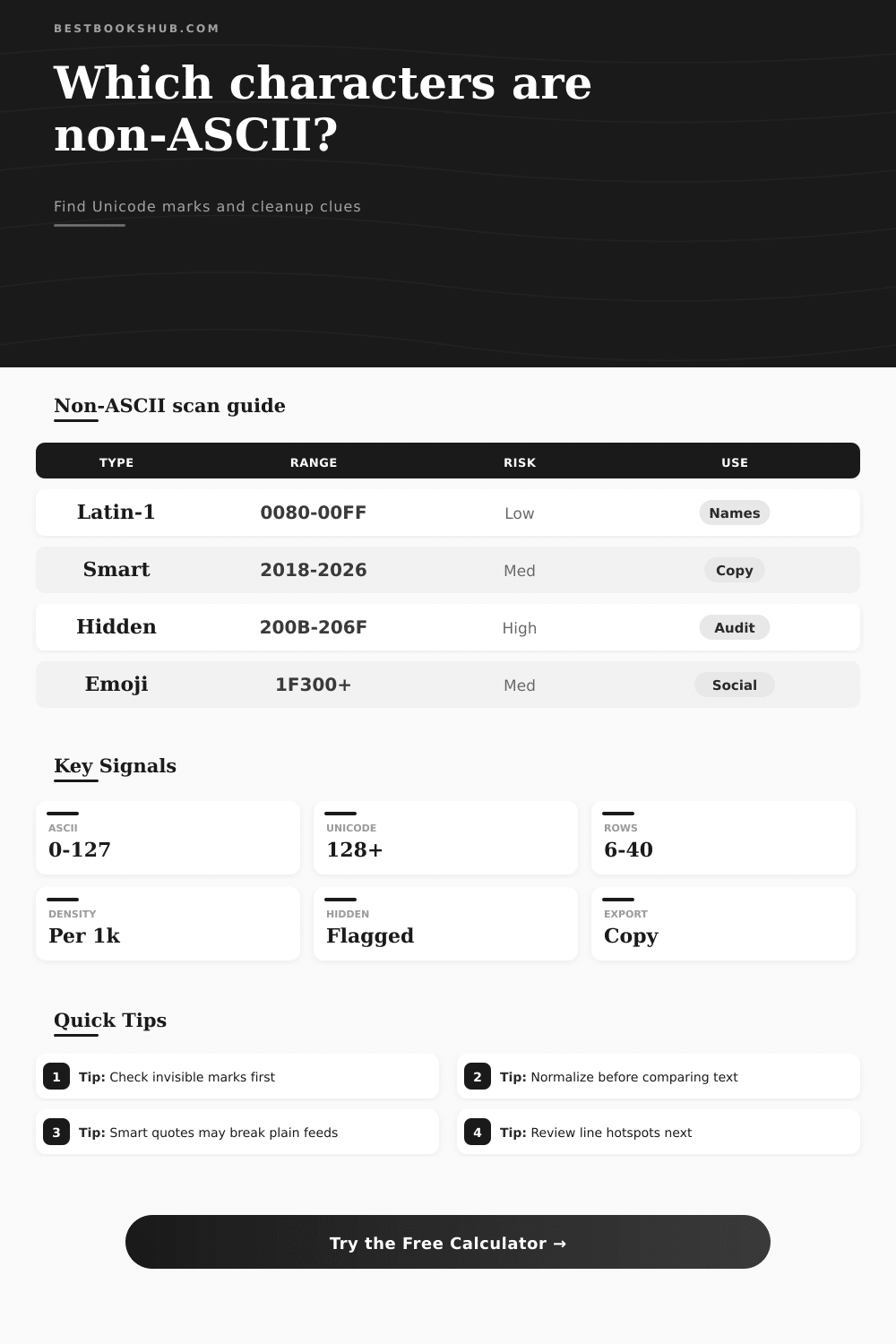
| Smart punctuation | U+2018 to U+2026 | Word processors and PDFs | Replace for plain-text feeds when required |
| Latin accents | U+00C0 to U+024F | Names, titles, and loanwords | Usually preserve unless system needs ASCII |
| Invisible marks | U+200B to U+206F | Copy paste, bidirectional text, soft breaks | Inspect before publishing metadata |
| Emoji and symbols | U+2600 and U+1F300+ | Captions, comments, social copy | Check byte limits and platform support |
| Detector mode | Best for | Strong signal | Watch point |
|---|---|---|---|
| All non-ASCII | Full inventory before import | Every code point above U+007F | May include valid names |
| Smart punctuation | CMS fields and CSV exports | Quotes, dashes, ellipsis | Does not catch accents |
| Invisible marks | Debugging odd search or sort behavior | Zero-width and control-like marks | Needs careful context review |
| Range grouping | Large manuscript or catalog samples | Shows dominant script families | Hides exact repeat positions |
Copy some text out of a PDF. Paste it into a code editor. The search function doesn’t work. Sort order gets scrambled. The database throw an error. What’s happening? You’re confused. But you’re not crazy. Your text have invisible characters hidden inside. These are non-ASCII markers that break digital workflows. Nothing to see here, except walls.
Above is a tool to find these invisible marker before they break your workflow. To most folks, ASCII is just a technical standard. In reality, it’s the basis of plain text. There is only one hundred and twenty-eight characters covered by it. It include numbers, the alphabet, some basic punctuation, and control codes. Why? Because it was created for reliability. If you keep your stuff inside these bounds, then any computer reading the file will read it identically. Whether the file moves through a Linux server or Windows laptop doesn’t matter. The data stay the same. This simplicity make it the foundation of legacy systems. They don’t care about accents. They care that the string match what’s in the database.
What Are Hidden Characters?
Except it’s the wrong kind of copying, and this is where we run into trouble: Smart quotes are the love of word processors. Straight apostrophes becomes curvy ones. Three dots become an ellipsis character. On paper or screen, they look gorgeous; in a CSV import, they look garbage. With the calculator above, all you have to do is plug in some text, and it does math for you. No more guessing about which code points will be a source of friction. You don’t even have to remember what Unicode table looks like. You only need to know one thing: Curly quotes ain’t ASCII.
And then, of course, there’s the hidden stuff: the things that no human eye will ever see. The actual troublemaker. Soft hyphens. Zero-width spaces. They’re invisible. They’re for wrapping your text for the eyes of formatting engines. But put those same two string in a slug and guess what? Noise. You’ve got two strings that look the same on screen but isn’t the same length. One might have a zero-width space in it. And that’s where most folks gets tripped up. Because they think what equals visually also equals digitally. It doesn’t.
This is where it get clear in the reference table on the page. You see that strict identifiers has a higher risk of Latin accents while names has a lower risk. Pictographs and emoji are in their own bucket altogether. They’re multi-byte characters which mean they can double (or triple) your storage size. If you’re building an API with strict byte limits, then emoji is expensive. If you’re writing a blog post, then they’re free. The context determine the cleanup strategy.
Another idea that catches developers off guard is normalization. The same character may has many representations, and Unicode supports all of them. For example, an accented A may be written as one character, or it could be the A character plus the accent mark character. These appear identical. But they hash different. Normalization will fix those variants so they’re considered the same for comparison purposes. That’s a little thing, but if you’re deduplicating records, it matter.
Before you begin cleaning up, make sure that you know what kind of cleanup style you’re going for. You might want to wipe it all clean and just go with pure ASCII? These include legacy feeds, slugs, and other items. Or do you want to leave the Unicode readable? It would of better if you need accurate titles and names in user facing stuff. There’s no correct choice. You must make only the correct choice for your own system. The tool gives you toggles to switch between them and shows you the effect immediately.
First look for any hidden characters. That’s usually where the strange behavior come from. Your text might be completely clean and yet weird things happens to it. It has hidden characters. This is easy to fix by getting rid of them and then figuring out what to do with the remaining non-ASCII parts that becomes visible. Keep the name accents. Swap out the smart quotes in your code. Delete those hidden problems everywhere. That’s a complex solution that cleans up your data while keeping its meaning.
Words aren’t just words. They’re containers of intent, history, and formatting. A find-and-replace can’t clean them. Words needs to be understood by what each character represents. Taking the time to look at what’s being entered puts an end to fighting the ghosts. It helps you find your workflow again. Sure, the words are still there. But now you know exactly where they hide.