⌨ Whitespace text scanner
Tab character counter
Paste text, TSV rows, notes, code-like snippets, or manuscript copy to count literal tab characters, leading indentation, uneven columns, dense tab lines, and conversion impact.
Choose how tab notation should be interpreted, how indentation is measured, and which line-level rows should be surfaced for review.
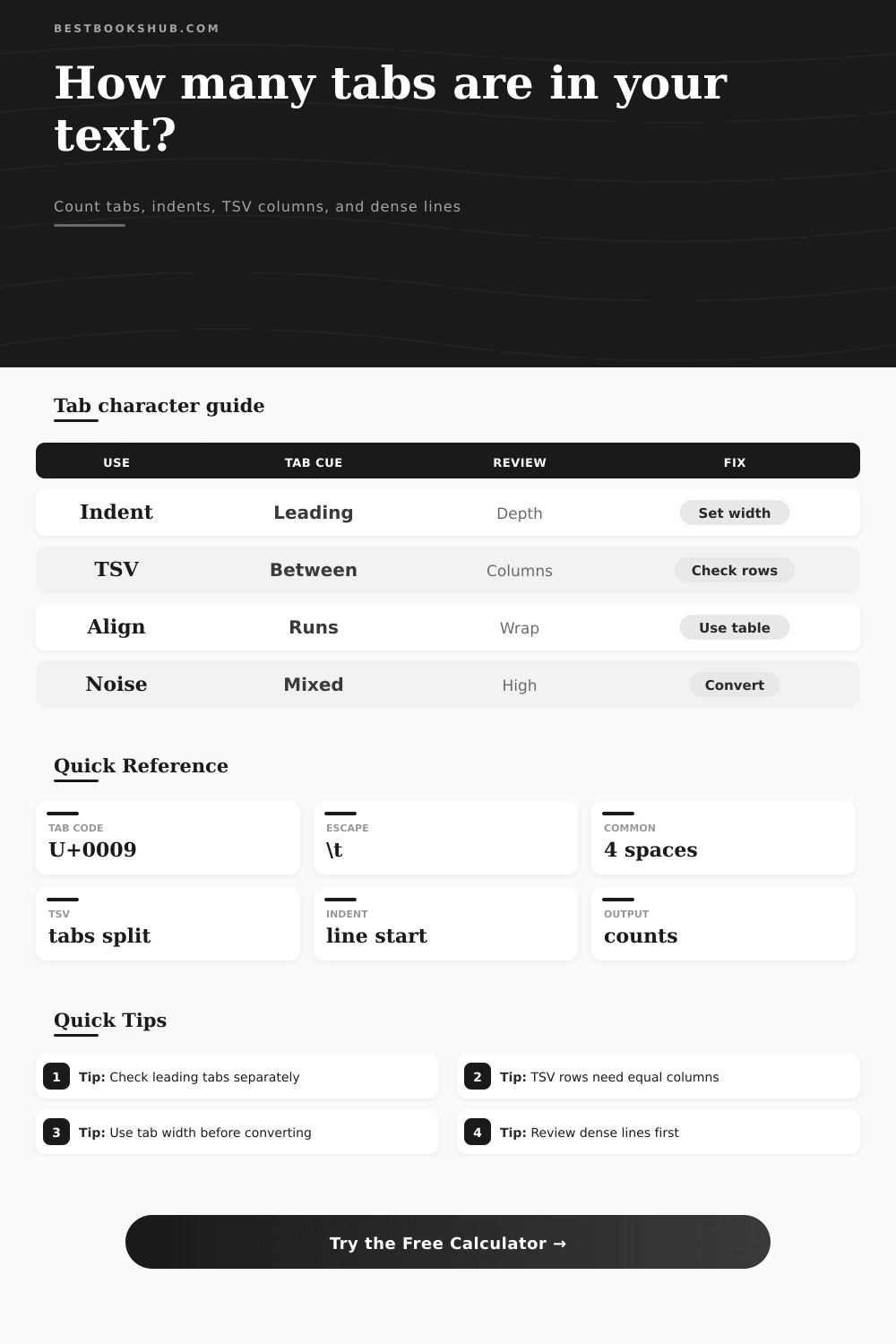
| Tab use | Typical location | Helpful count | Review signal |
|---|---|---|---|
| Indentation | Start of line | Leading tabs and max depth | Mixed tabs and spaces can shift outlines. |
| TSV data | Between fields | Fields per row | Uneven columns usually mean missing or extra tabs. |
| Alignment | Inside prose or notes | Mid-line tab runs | Wrapped text may break when tabs become spaces. |
| Imported copy | Anywhere in pasted text | Density per basis | High tab density often means table data, not prose. |
| Density band | Tabs per 1k chars | Common source | Best next check |
|---|---|---|---|
| Clean | 0 | Plain prose | No tab cleanup needed. |
| Light | 1 to 10 | Small outline or copied note | Inspect leading tabs. |
| Structured | 11 to 60 | TSV, index, or list data | Compare columns by line. |
| Dense | 61+ | Table export or layout copy | Convert only after choosing tab width. |
| Tab width | Spaces from 5 tabs | Best for | Watch point |
|---|---|---|---|
| 2 spaces | 10 spaces | Compact code notes | May understate wide editor tabs. |
| 4 spaces | 20 spaces | Common manuscript cleanup | Good default for conversion previews. |
| 5 spaces | 25 spaces | Legacy text columns | Rare in modern editors. |
| 8 spaces | 40 spaces | Terminal or old plain text | Can greatly expand line length. |
| Input mode | Converts before scan | Use when | Example token |
|---|---|---|---|
| Literal tabs | Nothing | Text was pasted with real tabs | U+0009 |
| Escapes | \t, \n, \r | Text came from code or logs | \t |
| Markers | [tab], <tab> | Tabs were made visible by another tool | [tab] |
| All notation | Escapes and markers | Mixed audits or copied reports | <tab> |
DISCLOSURE: This post may contain affiliate links, meaning when you click the links and make a purchase, I receive a commission. As an Amazon Associate I earn from qualifying purchases.
The word jumps over to the left. Lists run together. Paragraph structure evaporate. It’s the bane of every moddern writer: the horizontal tab character.
An invisible character sabotages your formatting when you copy text out of a PDF and paste it in. It appear as nothing but acts as if it were a bunch of space. Very few people copy pure letters when they cut and paste from one place to another. They’re copying layout decisions, decisions made by other software, decisions which usually don’t align with yours.
Fix Your Messy Text Tabs
To avoid guessing what’s hidden inside of your text, the tool (above) do the detective work for you. It looks for literal tabs, separate from spaces… And it count with precision. Humans tend to lump all whitespace together into one category, but computers don’t. While a space is a fixed increment, a tab are a command to go to next stop. Mixing up the two causes alignment nightmares. The calculator tells the difference between these signals, showing exactly how many there are and where they is grouped.
To understand what to do, we must ask why they exist. How can we fix them? A lot of times tabs are created as a result of storing table-like information in a format called tab-separated values, or TSV. Text that’s very dense with tabs probably has some sort of data stored in it; not prose. A quick glance at the reference tables on the page explain this in detail, illustrating that higher levels of density connect to different types of content.
Scripts and outlines has tabs. Prose does not. Before you accidentally delete any data, get used to seeing the pattern first. It may be that you believe you’re removing a messy bit of formatting. Instead, you’re destroying a dataset.
Most people aren’t aware that input mode settings is important here. For instance, if your text use escape sequences (like backslash-t) instead of actual tab characters, it’ll say “0” tabs because it’s looking for literal tabs rather than the textual notation. This is a false negative. You can have this calculator interpret these markers so what you see is what gets counted… Which makes all the difference if you’re dealing with log files and code snippets as developer or otherwise. It’s a small yet critical difference between a literal control character and its textual representation.
Depth of indentation matters too. It does this by measuring indentations on the left (leading) tab. The deeper the indentation, the more likely your structure is nested and complex. When that gets translated into spaces it can break easily. Without knowing how deeply it’s nested, converting tabs to spaces can blow up otherwise short lines in giant chunks of text.
This tool lets you see what will happen by showing you longest lines and those lines that could potentially get much longer after conversion. Seeing this ahead of time makes it easier to decide whether to go through with the change. Most editors default to four spaces for each tab, though some old systems still use eight. If you pick the wrong number when you clean up, it will move your text around in a major way. Use this to try out various widths and visualize what it looks like. Then you’ll know if using a narrow or wide tab is better for preserving your intent, and it’ll save you time doing trial-and-error.
Column spread is another diagnostic feature; the TSV version spreads out the columns to show you if something is wrong with the data’s integrity. Do some of your row contain different numbers of tabs? That means your data is probably messed up. This tool makes it simple to see what the max and min number of fields per row are. You can immediately know if you’ve got too many or not enough delimiters. Any unevenness here should of raise a red flag that something went wrong during the import process. Catch it upstream before you get headaches downstream in your database or spreadsheet. A little check brings big gains in reliability.
To clean up a text isn’t so much erasing as it is translation. It’s translating layout directions from one system into another. That’s where the calc comes in; it gives you enough measurements to safely translate what’s going on. You start to get control of invisible formatting, like tabs, indentations and columns.
When your paste makes your text go wonky again, find the tabs. Usually they’re the culprit. And when you do spot those tabs, you know how to deal with ’em comfortabley.