␣ Unicode spacing scanner
Non-breaking space counter
Find classic NBSP, narrow no-break spaces, word joiners, byte order marks, and HTML space entities before publishing, indexing, or comparing text.
| Code point | Name | Count | Share | First index | Context |
|---|---|---|---|---|---|
| No scan has been run yet. | |||||
| Character | Code point | Width behavior | Common source |
|---|---|---|---|
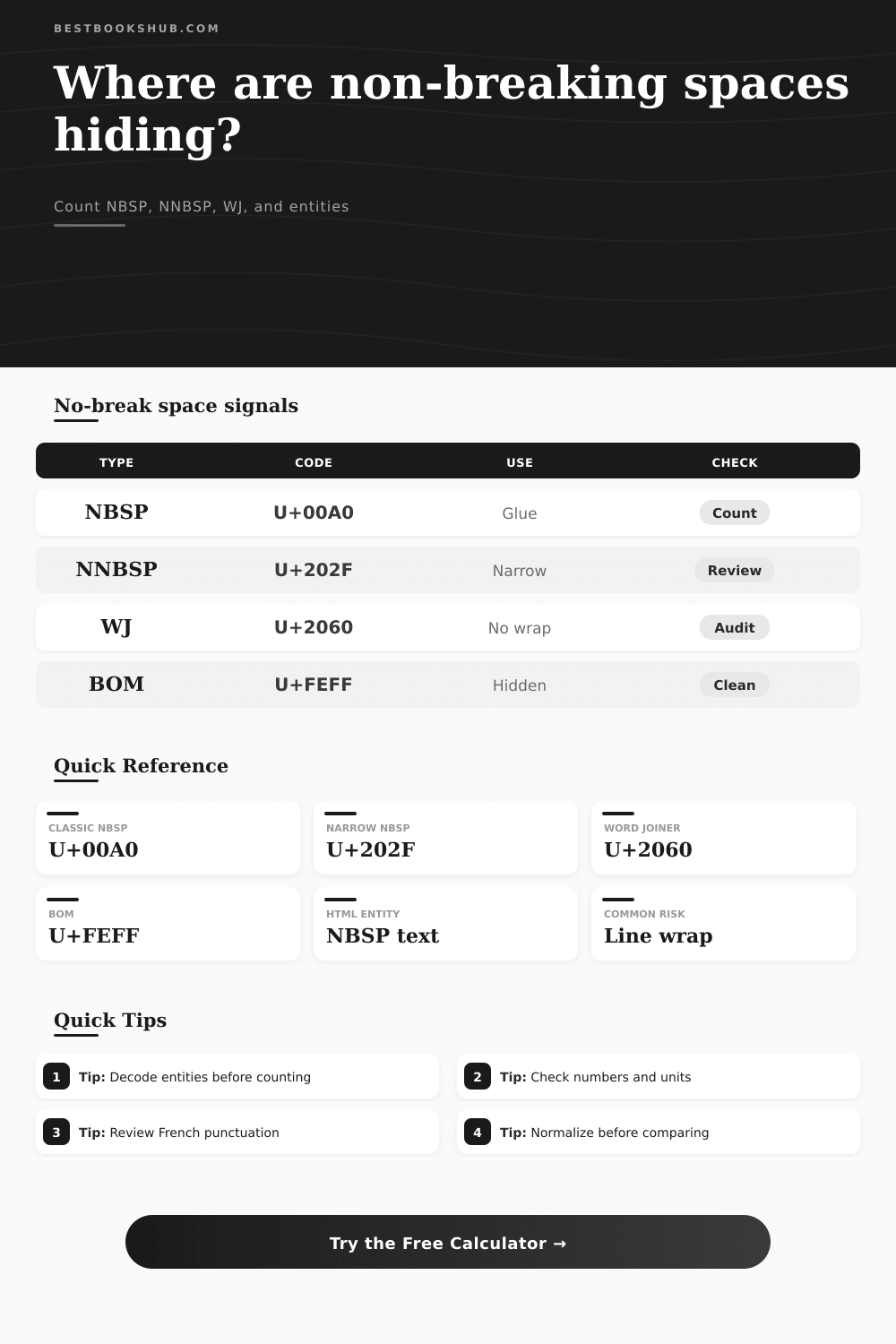
| NBSP | U+00A0 | Same width as regular space, but prevents line break | HTML , word processors, pasted web copy |
| NNBSP | U+202F | Narrow no-break space for compact typography | French punctuation, units, thousands grouping |
| FIG | U+2007 | Digit-width no-break space for aligned numbers | Tables, accounting exports, numeric layouts |
| WJ | U+2060 | Zero-width word joiner, no visible spacing | Line-break control, copied rich text, PDF extraction |
| BOM | U+FEFF | Zero-width no-break mark, often invisible | File encoding marker, legacy text conversion |
| Space type | Break allowed | Visible width | Best scan setting |
|---|---|---|---|
| Regular space U+0020 | Yes | Normal | Compare with normal spaces |
| Non-breaking space U+00A0 | No | Normal | Classic NBSP only |
| Narrow no-break space U+202F | No | Narrow | NBSP plus narrow NBSP |
| Word joiner U+2060 | No | Zero | No-break plus zero-width marks |
| Zero-width no-break U+FEFF | No | Zero | No-break plus zero-width marks |
| Text source | Likely no-break mark | Why it appears | Review focus |
|---|---|---|---|
| HTML article body | U+00A0 or | Manual spacing, CMS paste, fixed phrase glue | Decode HTML entities |
| French copy | U+202F | Thin no-break before colon, semicolon, question mark, exclamation mark | Punctuation and symbols |
| Scientific units | U+00A0 or U+202F | Keeps values with units, degrees, and percentages | Numbers and units |
| PDF extraction | U+2060 or U+FEFF | Invisible line-break control added by layout conversion | Extended family |
| Spreadsheet export | U+2007 or U+00A0 | Aligned numeric fields and copied formatted cells | All no-break spacing marks |
| Preview mode | Transformation | Character count effect | Typical use |
|---|---|---|---|
| Replace with regular space | U+00A0, U+202F, U+2007 become U+0020 | Usually unchanged | Search, diff, and plain-text import |
| Keep no-break characters | No text changes | Unchanged | Typography-preserving copy review |
| Remove no-break characters | No-break marks are deleted | Shorter by hit count | Cleaning accidental hidden spacing |
| Mark as [NBSP] | Each no-break mark becomes a visible token | Longer preview | Proofing and handoff notes |
DISCLOSURE: This post may contain affiliate links, meaning when you click the links and make a purchase, I receive a commission. As an Amazon Associate I earn from qualifying purchases.
This means when a database tries to import your file, it break. This happens because the system sees a number and then suddeny notices a word break. It is seeing two word instead of one.
I know I’m not the only person who has encounter this problem. Almost certainly, the culprit are a non-breaking space. On your screen, it will look just like any other space; but it have a different Unicode signature: It tells software “this is a solid wall” instead of “this is a breakable gap.”
What Are Non-Breaking Spaces?
For data analysts, developers, and editors working to get clean text into an index or process it, this invisible character can be a huge pain. Why? Because there’s no way to find it with the naked eye, which make finding it feel more like hunting for a ghost inside your manuscrit.
That’s because of the interaction between software and typography. Typesetters designed these characters to avoid breaking up numbers, units, or an author’s first and last name. This keeps related word together on one line so the text look neater without awkward gaps. This is perfectly sensible if you’re laying out a print brochure where everything stay exactly as-is. But once you shove that text into a search engine (or a spreadsheet), then those exact same characters creates parsing errors. The system assume it will see a space at the end of every token, but now there’s this glued-together thing instead.
And that’s what people get wrong: they assume all whitespace is alike, but code draws a sharp distinction between a rigid vs a breakable space.
The calculator above scans your pasted text for a variety of different kinds of non-breaking spacing, including those hidden characters. It doesn’t just look for the classic U+00A0 character. It finds byte order marks, narrow no-break spaces, word joiners, and other sneaky little things that tend to gets into copy-pasted text when copying from word processor and PDFs.
By choosing the input interpretation mode, you’re instructing the scanner whether to treat HTML entities (e.g., ) or escaped characters as such. For example, these show up as text strings in raw HTML source code but as single character on rendered pages. Enabling this setting has the calculator decode any entities present so that you end up with an accurat picture of what exactly is in your text buffer.
Think about where your text comes from. For example, if you’re extracting data from a document written in French, it’s probably using thin no-break spaces instead of regular space around punctuation (such as after question marks or colons). That’s right, it’s correct typography in French; wronger for your software running in English. Or maybe your text came from some kind of scientific data file where you use no-break spaces between values and units to maintain formatting precision. Because otherwise, those related parts might gets split up onto different lines, and who wants that?
Maybe you’ve decided that when you normalize the data for your analysis, you want to get rid of all these variations and just have plain old space everywhere. With the calculator, you can also see what the text would look like after you strip away the special formatting. This helps you decide if the looks of the formatting are worth the risk of problems later when you put the text into another application.
One important note: There’s a crucial difference between breaking vs. Non-breaking spaces, and both is important for keeping things clean from a data perspective. Breaking space let the line break normally, which helps with responsive designs. Non-breaking spaces stops that from happening. This can lead to horizontal overflowing on small screen, which could make your content look bad on mobile. That’s why it’s good to check how many non-breaking spaces there is compared to all spaces. The higher the number, the more likely your text was meant for something fixed and not fluid, generally not ideal for digital experiences.
Instead of checking each line yourself for potential wrapping issues, the tool breaks them down so you can see the risk at a glance.
This is what cleaning your text realy means: getting it ready for its new life. That’s whether it’s a database field, a search index, or a responsive webpage. A few hidden formatting character may create needless friction. You would of never notice them if not for this step of finding and fixing them before you import or publish. You’ll be spared hours of head-scratching over data parsing errors or odd layout bugs because you caught them in advance. A little extra effort spent scanning and sanitizing your whitespace goes a long way towards smoother workflows (and less headaches).
Next time you copy-paste some text from the internet, just spend a second looking out for these sneaky glues. Your software, and your future self, will appreciate you catching them before they gets out of hand.