" Quote style analyzer
Straight quote counter
Paste book copy, dialogue, citation notes, metadata, HTML snippets, or exported text to count straight quote marks, separate apostrophe-like uses, and detect mixed quote style.
The calculator counts ASCII double quotes, ASCII single quotes, likely apostrophes, curly quote mix, unmatched double quote parity, and quote density by characters, words, lines, or sentences.
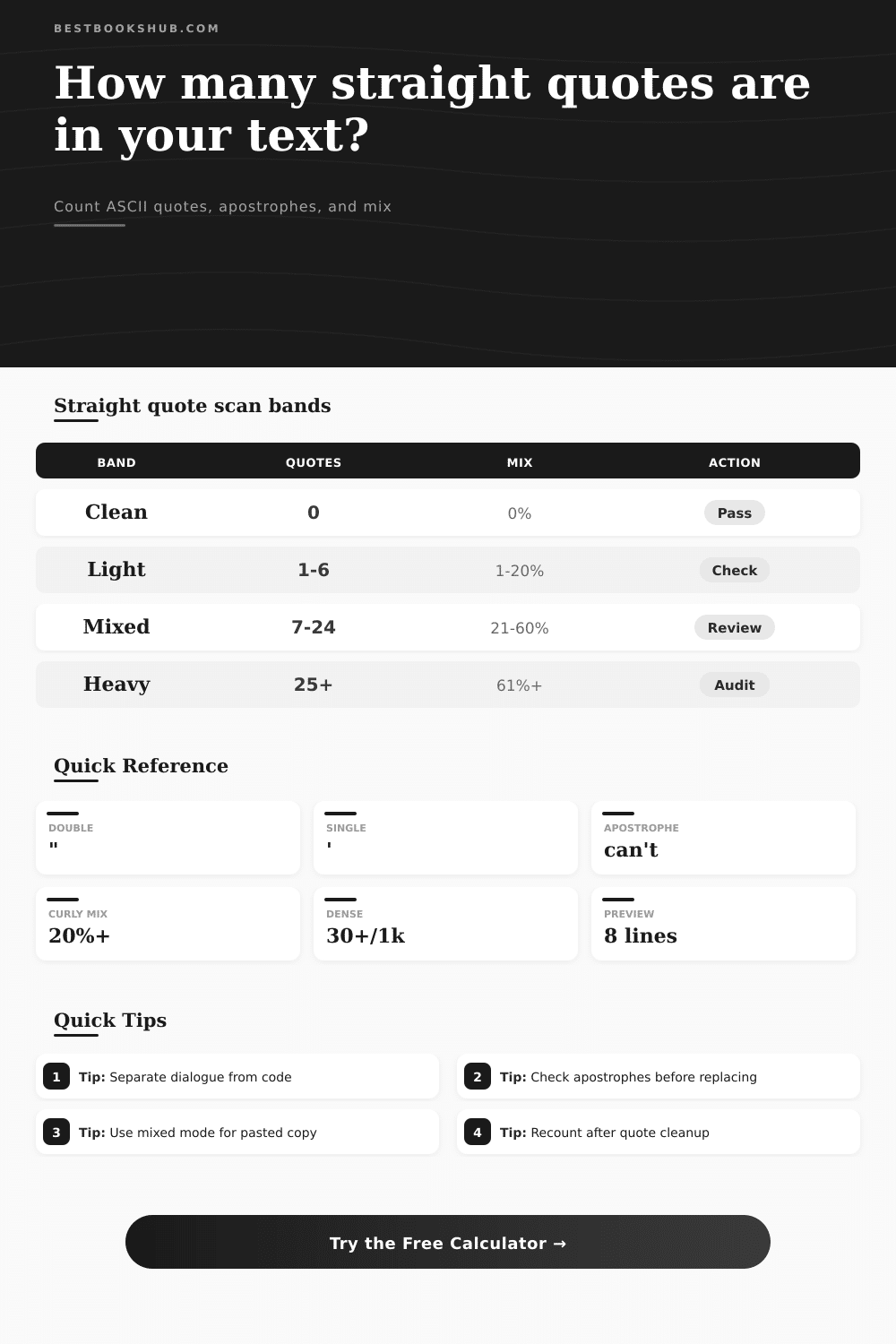
| Band | Typical range | Signal | Best use | Review action |
|---|---|---|---|---|
| Clean | 0 straight quotes or one consistent style | Low | Finished prose, plain metadata | Pass unless the source expected dialogue or attributes. |
| Light | 1-6 straight quote marks | Normal | Short blurbs, title notes, isolated citations | Check only the affected line for style consistency. |
| Mixed | Any visible curly/straight mix above 20% | Moderate | Pasted copy, OCR text, imported reviews | Choose one quote style before publishing. |
| Busy | 7-24 selected quote marks | High | Dialogue excerpts, lists, markup examples | Inspect apostrophes and opening/closing balance. |
| Heavy | 25+ selected quote marks or tight clusters | Peak | JSON exports, code, dense quotation blocks | Audit line by line and preserve code strings separately. |
| Text type | Expected quote form | What to count | Common issue | Best setting |
|---|---|---|---|---|
| Book dialogue | Usually curly in final prose | Double quote pairs and apostrophes | Odd count after editing a speech line | Dialogue or fiction draft |
| Book blurb | Usually few quotes | Short quoted phrases and title marks | Mixed straight and curly quotes from pasted reviews | Editorial prose |
| Citation note | Style-guide dependent | Article titles, quoted chapter names, apostrophes | Nested single quote marks counted as contractions | Citations and quoted titles |
| HTML attribute | Straight quotes expected | Attribute delimiters around values | Curly quotes breaking markup | HTML, XML, or attributes |
| JSON export | Straight double quotes expected | Keys, values, escaped text | Counting code quotes as prose errors | JSON, CSV, or code strings |
| OCR passage | Often inconsistent | Straight, curly, and apostrophe-like marks | Prime marks or stray single quotes | Flag mixed quote style |
| Count mode | Included marks | Strength | Limit | Best for |
|---|---|---|---|---|
| All straight quote marks | ASCII double and single quote characters | Fast inventory | Includes contractions unless separated | First-pass text cleanup |
| Double straight quotes only | ASCII quotation mark characters | Good for dialogue balance | Cannot confirm meaning alone | Speech lines and titles |
| Single straight quotes only | ASCII apostrophe or single quote characters | Finds contractions and nested quotes | Needs apostrophe context | British-style quotes, names, contractions |
| Likely apostrophes only | Single marks between letters or digits | Separates word punctuation | May miss clipped words at line edges | Contraction and possessive checks |
| Straight plus curly mix | ASCII and curly quote code points | Best for pasted copy | Still requires house style choice | OCR, CMS, and word processor imports |
| Cleanup choice | Use when | Do not use when | Check after editing |
|---|---|---|---|
| Keep straight quotes | The text is markup, code, JSON, CSV, or a literal source sample. | The passage is polished editorial prose that follows curly quote style. | Attribute delimiters and escaped quote marks. |
| Convert to curly quotes | The passage is final prose, dialogue, or book copy that uses typographic punctuation. | The text sits inside code, attributes, or machine-readable fields. | Opening/closing direction and apostrophe shape. |
| Separate apostrophes | Contractions, possessives, and names are inflating quote totals. | You are auditing single-quote dialogue or nested quotations. | Words around every apostrophe-like mark. |
| Review unmatched parity | A line has an odd number of double straight quotes. | The line is code where escaping changes visible output. | Start and end of quoted passages. |
It’s easy enough: You paste a manuscript into your editor, and there it is, the dialogue looks fine. It’s clean. Ready to ship.
And then you go to code view, or you export it as a plain text file. Every single quote mark come out straight. Your carefully crafted curly look are gone. It’s replaced by generic ASCII characters.
How to Fix Your Quotes
It happens to everyone moving text from one platform to another. It doesn’t mean that the words themselves is wrong. What’s happened is that the punctuation have lost its shape. And fixing it manually is tedious work.
You want a way of seeing what you’re dealing with before you set about replacing characters. The calculator above will do that for you. It finds all the apostrophes, single quotes, and double quotes (ASCII only). It divides up structural quotes versus contractions.
And this is where it gets tricky: What’s it measuring? After you run the calculation, don’t just see numbers; use them to help you distinguish between a style problem and a data formatting issue. See the style problem. You’re seeing a map of how messed-up the text is after it was copied and pasted.
It’s not just about counting the raw number; it’s also about context. You need straight quotes when rendering a block of HTML or JSON attributes. Curly quotes there, and your code are broken.
You need curly quotes in a book manuscript because otherwise the dialogue sounds flat and unfinished. Straight quotes there, and your prose feels like it has work yet to do. Choosing the text’s context tell the tool what it should flag.
In fiction, a high density of straight quotes signals how much cleanup is left. Too few mean you aren’t there yet. For code, the opposite is true: you want to see many straight quotes because that shows you have finished the audit. The difference between markup and editorial prose reverses meaning of the whole thing.
Should you use an apostrophe or a single quote? A lot of folks think they’re all straight single quotes which is wrong. Some are real single quotation marks, indicating quotes embedded within quotes. Others indicate words italicized in regular text: *italicized*.
The calculator tries to distinguish probable apostrophes from true single quotes based off surrounding characters. That way, it won’t convert all the single quotes into contraction marks. This prevents common error of creating a word like can‘t rather than can’t. The word can‘t looks odd and renders poorly in some fonts.
If you’d prefer to focus solely on your quote marks framing the dialogue, check apostrophe mode.
The problem with inconsistency comes from mixed styles. It is rare to find a document that is purely straight or purely curly, instead, they become a hybrid of mixed styles on their way through OCR scans, content management systems and email clients. The more of a mix there is, the more contaminated it has been. The higher the mix ratio the more likely it will be a hybrid of competing encoding styles. It is also less likely that a simple find and replace will work.
There’s one character code for the opening quote, another for the closing quote. The tool will flag these mixes for you as something you may want to unify, or not.
Another silent mistake is unmatched quotes. An uneven number of double quotes mean something isn’t right with that line. A missing close quote is an old editor’s nightmare. The parity check points out those mismatches. It’s not big stuff, but it counts. Catching it then will save hours of searching for dropped punctuation down the line.
The spread of the problems (line spread) shows where the problems lie. Are they all on one line? Easy-peasy to correct. They is spread over dozens of pages. Time to get methodical. The page breaks the results into bands. It includes a reference table that explains what each band means.
A clean score is fine typographically, but a heavy score need to be audited. You still have to read through the highlighted lines (which is why I say automated tools can count but don’t always understand intent). In a technical doc, a stray straight quote could be part of a variable name. It isn’t a formatting error.
In the end, it’s about getting back to what was originally envisioned by writer. Sometimes that’s the beauty of a published piece; sometimes it’s the precision of the code itself. Knowing how your punctuations is shaping up is half the battle.
Paste, scan, fix. Quotes match. Text feels complete.