₂ Unicode text analysis tool
Subscript counter
Paste formulas, catalog notes, OCR text, manuscript markup, or Unicode-heavy copy to count subscript digits, letters, clusters, and normalization clues.
| Subscript group | Characters | Typical use | Cleanup note |
|---|---|---|---|
| Digits | ₀₁₂₃₄₅₆₇₈₉ | Chemical formulas, indexed variables, edition notes | Most reliable group for automated counting. |
| Signs | ₊₋₌ | Compact math expressions and symbolic labels | Review beside variables to avoid isolated signs. |
| Parentheses | ₍₎ | Grouped terms in technical notation | Rare enough to inspect manually. |
| Letters | ₐₑₕᵢⱼₖₗₘₙₒₚᵣₛₜᵤᵥₓ | Variables, phonetics, language notes, indexes | Mixed coverage means some letters have no subscript form. |
| Density band | Subscripts per 1,000 chars | Likely text type | Suggested review |
|---|---|---|---|
| Light | 1-5 | Occasional formula or note | Spot-check only. |
| Moderate | 6-11 | Science paragraph or catalog field | Check consistency of baseline digits. |
| Dense | 12-23 | Formula list or equation-heavy excerpt | Review clusters and line concentration. |
| Very dense | 24+ | Table, OCR artifact, or notation block | Normalize format before publishing. |
| Pattern | Example | Counted marks | Interpretation |
|---|---|---|---|
| Chemical formula | Al₂(SO₄)₃ | 3 | Subscripts identify atom groups and quantities. |
| Indexed variable | x₁, x₂, xₙ | 3 | Digits and letters distinguish sequence members. |
| Markup sub tag | <sub>2</sub> | 0 Unicode | Only counted in markup-inclusive scan mode. |
| Baseline near miss | CO2 and H2O | 0 Unicode | Flagged as a possible cleanup target. |
| Review target | Best scan mode | Primary card to watch | When to normalize |
|---|---|---|---|
| Chemistry copy | Formula-like subscripts | Total subscripts | When formulas mix CO₂ and CO2. |
| Math notes | Unicode subscripts only | Formula clusters | When variable indexes are inconsistent. |
| HTML migration | Unicode plus HTML sub tags | Markup signals | When web text needs semantic sub tags. |
| OCR proofreading | Cleanup scan with near misses | Line hits | When stray tiny digits appear in body text. |
If you’ve ever taken notes from a PDF and then tried to enter a chemical formula, but only gotten little boxes instead of those tiny numbers on your document, you’re not alone. Technical writing is full of this problem. Subscript character are a pain. They reside in special unicode blocks which most systems consider non-essential. When you cut/paste them the encoding falls apart and all you get is H2O (instead of H₂O). Or worse, you get gibberish.
Counting isn’t just about counting; it’s about ensuring the data are correct. If you’re maintaining a database of chemicals, for example, having consistent entries will help keep things under control. What’s in the text? That’s where the calculator comes into play. Rather than simply counting characters, it examine patterns.
How to Fix Subscript Errors in Your Text
For example, there may be fifty subscript digits in your text, but because of OCR errors they may be scattered around. The tool will distinguish real formulas from OCR error. It looks for subscripts that appear clustered together. Al₂(SO₄)₃ is a tight cluster. A stray subscript zero in the middle of a footnote isn’t. These distinctions is important. They tell you whether or not your text need to be cleaned up.
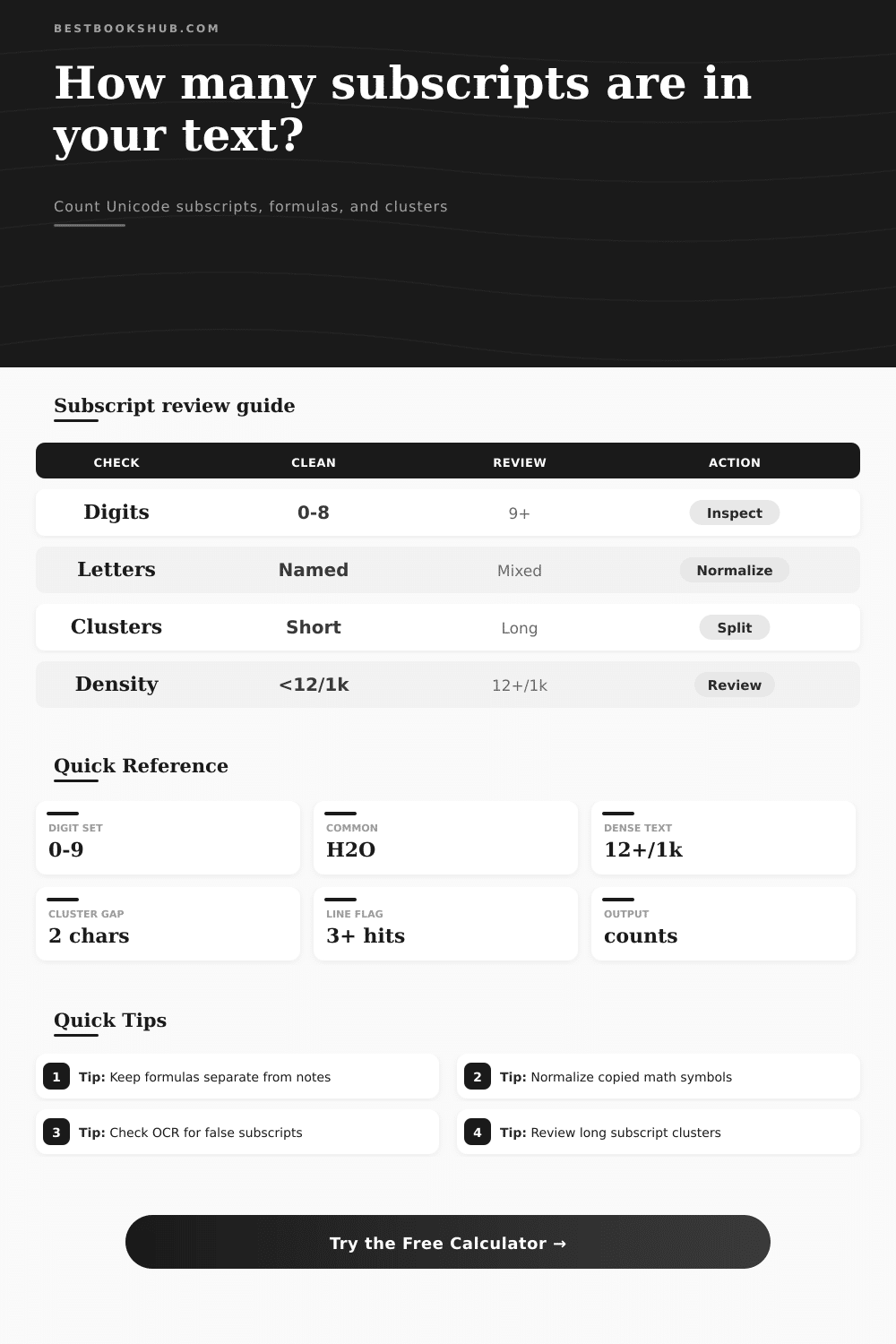
Is the total subscript count high and the cluster count low? Odds are, your data has some noise in it. Density is another helpful measure. This measures number of subscripts per thousand characters in the tool’s calculation. Normal scientific prose include an occasional subscript, so a low score indicates light density. If the value climbs however, you’re probably seeing a badly formatted table or block of equations. Text copied from a source with mixed formatting also tend to produce high density scores. This might happen if the original writer used plain Unicode for some formulas but HTML tags for other. The calculator shows these differences.
Should you normalize everything to plain text or convert it all to semantic HTML tags? Or should you normalize everything and use semantic HTML tags? That depends on where the text will live. If it’s going into a database, plain Unicode tend to be simpler to search. If it’s going onto a web page then HTML tags are safer for screen readers.
Subscripts aren’t all numbers; most of us considers them as such, but there is also subscripted letters, parentheses, etc. They are built into Unicode. The tool breaks these down for you. If there’s a lot of subscript letters, that could be either indexed math variables or some kind of phonetic notation. Subscript parentheses are unusual enough to be checked by hand. Often they’re remnants of poorly converted material. When you know what the blend is, you can adjust how you want to clean things up.
If it turns out that your document contains mainly run-of-the-mill digits, don’t bother checking each and every character. Concentrate on oddball stuff. That’s where OCR artifacts can be problematic. Even if the original document didn’t have subscripted numbers, the scanner might read it that way because it interprets small print as subscripts. This is one area where cleanup scan mode has come in handy. In this mode, the tool search for variable names followed by a digit on the same line (e.g., CO2). These are flagged as possible subscripts. That way, you don’t have to go looking manually through all your pages of text. The tool will do the work and point out the places where it think something should of changed. The human being has to make the ultimate call, but at least we’re pointed in the right direction.
It’s about control. Technical writing is full of little things called subscripts. They’re tiny, but they count. Take out a single one and meaning of the whole formula changes. The counter turns guesswork into known fact. It gives you a clear view off the underlying structure of your text. It allows you to identify mistakes before anyone else see them. This is just a small thing, but it makes a huge difference to the quality of your writing.
When that fiddly equation lands on your clipboard, you’ll know exactly what you’ve got. And that’s worth more then all those pesky characters put together.