& Symbol punctuation tool
Ampersand counter
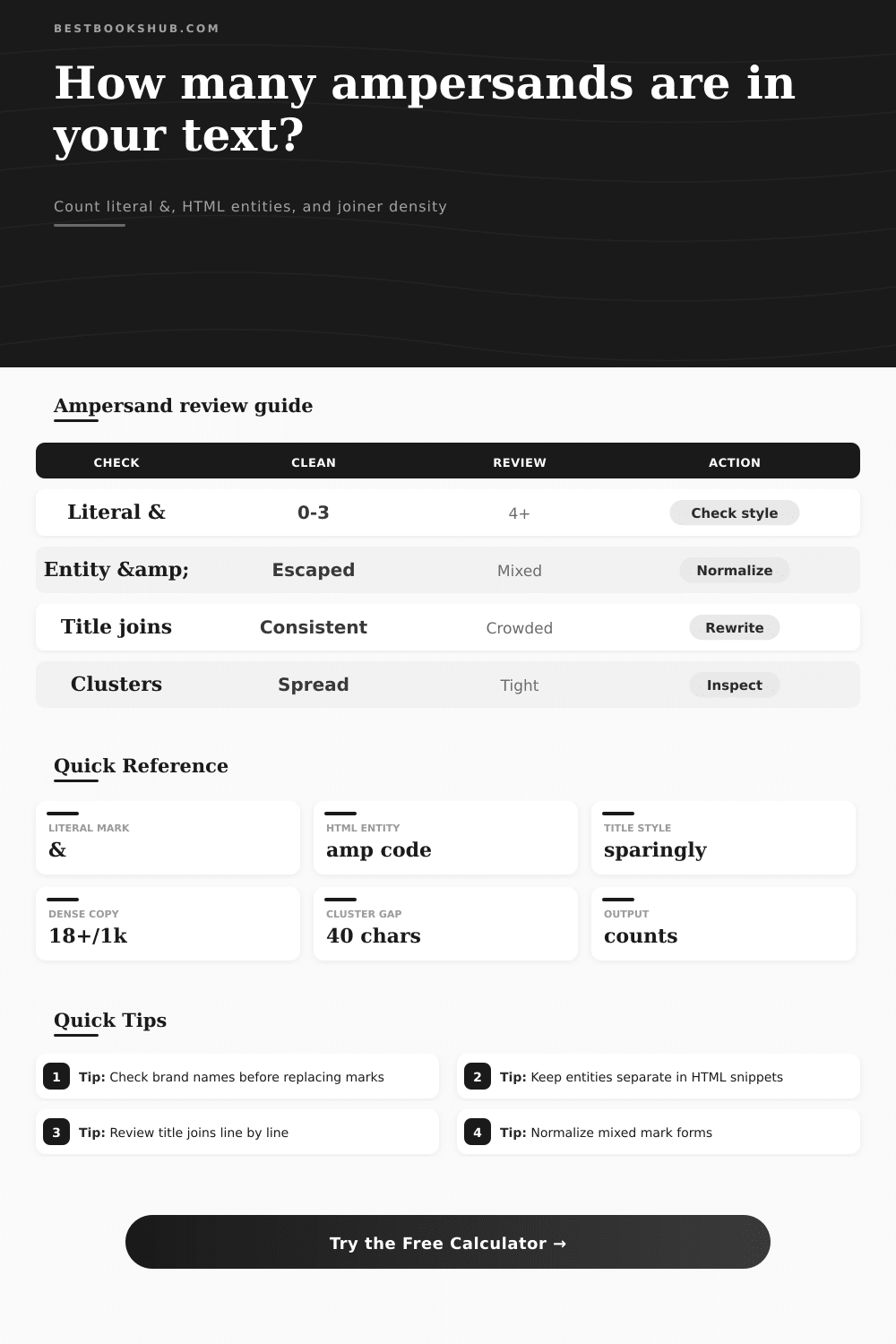
Paste book titles, author notes, metadata, HTML snippets, or copy edits to count ampersands, separate escaped entities, and spot crowded joiner patterns.
| Band | Typical range | Signal | Best use | Review action |
|---|---|---|---|---|
| Clean | 0-3 literal marks | Low | Formal prose, reviews, essays | Leave alone unless a house style forbids the mark. |
| Light | 4-8 marks per short passage | Moderate | Book lists, title runs, author pairs | Check whether repeated joins would read better as words. |
| Busy | 9-16 marks or 12+ per 1,000 chars | High | Catalog rows, tags, metadata | Inspect dense lines and mixed literal/entity usage. |
| Crowded | 17+ marks or tight clusters | Peak | Imported feeds or copied markup | Normalize escaping and split overloaded fields. |
| Text type | Ampersand role | Count separately? | Common issue | Useful setting |
|---|---|---|---|---|
| Book title | Styled joiner | Yes | Replacing an official title mark | Titles and headings |
| Author pair | Name connector | Yes | Mixing and with & in one list | Joiner ampersands |
| HTML snippet | Entity starter | Yes | Counting & as a visible mark | Entities and escapes |
| Metadata field | Compact separator | Yes | Overloaded tag lines | Metadata or tag fields |
| Editorial prose | Informal shortcut | Usually | Casual tone in formal copy | Prefer and in formal prose |
| Catalog import | Data delimiter | Yes | Loose marks near spaces or semicolons | Loose or suspicious ampersands |
| Rule option | What it checks | Strength | Limit | Best for |
|---|---|---|---|---|
| All literal & marks | Every raw ampersand character | Fast full inventory | Includes entity starters | First-pass copy audit |
| Joiner ampersands between words | Marks with word text on both sides | Style-sensitive | Misses symbol-heavy fields | Titles, authors, headings |
| HTML entities and escapes | &, , and similar starts | Markup-aware | Needs human context | Imported web text |
| Loose or suspicious ampersands | Marks without balanced word context | Cleanup-focused | May flag valid data | Paste cleanup and metadata |
| Cleanup choice | Use when | Do not use when | Check after editing |
|---|---|---|---|
| Keep & | The mark is part of an official title, imprint, brand, or controlled vocabulary. | The passage is formal prose and the mark is only a shortcut. | Title capitalization and spacing. |
| Replace with and | The mark joins ordinary words in a sentence. | The phrase is a literal book title or author display name. | Sentence rhythm and duplicate spaces. |
| Escape as & | The text will be inserted into HTML where the ampersand must be encoded. | You are editing plain visible copy. | Rendered preview and entity count. |
| Split the field | One line carries many title, tag, or catalog joins. | The ampersands are intentionally part of a compact index line. | Line hit count and cluster runs. |
DISCLOSURE: This post may contain affiliate links, meaning when you click the links and make a purchase, I receive a commission. As an Amazon Associate I earn from qualifying purchases.
The ampersand shows up most notably in logos. In a brand mark, it’s nice and sharp. It provides some sort of visual shorthand for heritage and partnership.
Put it into a line of plain text, though? Often times it sticks out like a sore thumb. The thing is: unless you’ve seen it used both ways, you probably won’t see any difference between them…until you’re trying to clean up a document.
Why the Ampersand Matters in Writing
And at this point, the counting comes in handy. This way, the tool will separate HTML entities from literal characters. This means you won’t have to make another pass through your document to fix things. Otherwise, it might flatten a proper title or break your code.
The ampersand has many uses, none of them mutually exclusive. For example, it is a raw character within a string of HTML entities. It can connect two author names. Or, it can represent a styled joiner as part of a book title. Replace all ampersands with the word and and you’ll obliterate Lyle & Erik’s title. Leave them all intact and your otherwise formal prose look casual.
Once you’ve pasted your text into the box, the calculator figures out the rest. Which ones are joining words? Which ones are escaped? Which ones are literal? That’s important for someone who imports web content or manages metadata.
Style guides tend to be clear-cut on this: use in a sentence; only use an ampersand in a title. But life’s not that tidy in real texts. You’ll frequently encounter some combination of both styles. This happens particularly if the text was scraped off of other sites or even exported out of a database field.
Then it’s less about how many ampersands you have, but how close together they’re clustered. One or two ampersand within a longer chapter amount to noise. There are five ampersands on one line of metadata. That implies there might be something wrong with the structure here. The tool finds such clumps and alerts you to places where text becomes overly crowded.
The tricky bit for most users is how it handles entities. An ampersand in HTML is a special character used to begin an instruction. For example, if you have & on your page, then what you’re seeing is an escaped entity which displays a literal mark. That string of characters are garbage if you’re viewing plain text. The scanner will let you either ignore the string and preserve structure of your HTML or decode it to show you the visible mark. This is important because getting this wrong results in visible code on your page or broken links. It is a small thing, but it matters.
But know where your input came from first before you choose how you want to clean up. Is it an author pair? Is it a title? Then the ampersand may well have been included in actual name. Changing that changes the name. Is it a piece of editorial prose? In this case, the symbol is typically a shortcut for the word and.
To guide you to only those instances, there are different types of scans available in the tool. For example, you can search for just joiners; this way you avoid changing a stray mark used as part of some other data field. This enables more focused editing, rather than doing a global change that then messes up proper nouns.
• Density warnings help you see patterns that you might not notice if you just read through the words. For example, when there are many ampersands on a page, it is likely not a piece of narrative prose. It is more likely a catalog view or a list.
• The calculator tells you how many times per thousand characters. This is a standard metric which allows you to compare one section with another. When you see a big spike, you’re probably looking at a different type of content. Knowing that will allow you to apply the appropriate set of style rules to that section.
But there are also the reference tables that get laid out in the tool itself. These range from dense metadata to clean prose. They provide examples for common scenarios, and guide you on whether or not you should of normalize your text. For example, if there is a mixture of escaped and literal forms, they’ll tell you to preview the rendered text first instead of changing it, so you do not add errors to your markup.
It’s about consistency. A sentence reads like a sentence, and a title reads like a title. A lot about editing is subtractive, not additive. And sometimes the smart thing is to rewrite a sentence so you don’t have to use a joiner at all; other times, splitting a crowded field will be better.
The tool flags lines for consideration, but doesn’t tell you what to do. It’s up to you to judge that. After all, you’re the one who knows what this project is about. The calculator just puts some data in plain sight. When you spot those places where the marks are lurking, you’ll be able to find out if they help or hinder the text you want to get across.
When used with intention, the ampersand is an immensely strong symbol; when used without thought, it’s merely clutter.