📚 APA to Chicago Citation Converter
Convert APA 7th edition citations to Chicago 17th edition (Notes-Bibliography & Author-Date) instantly
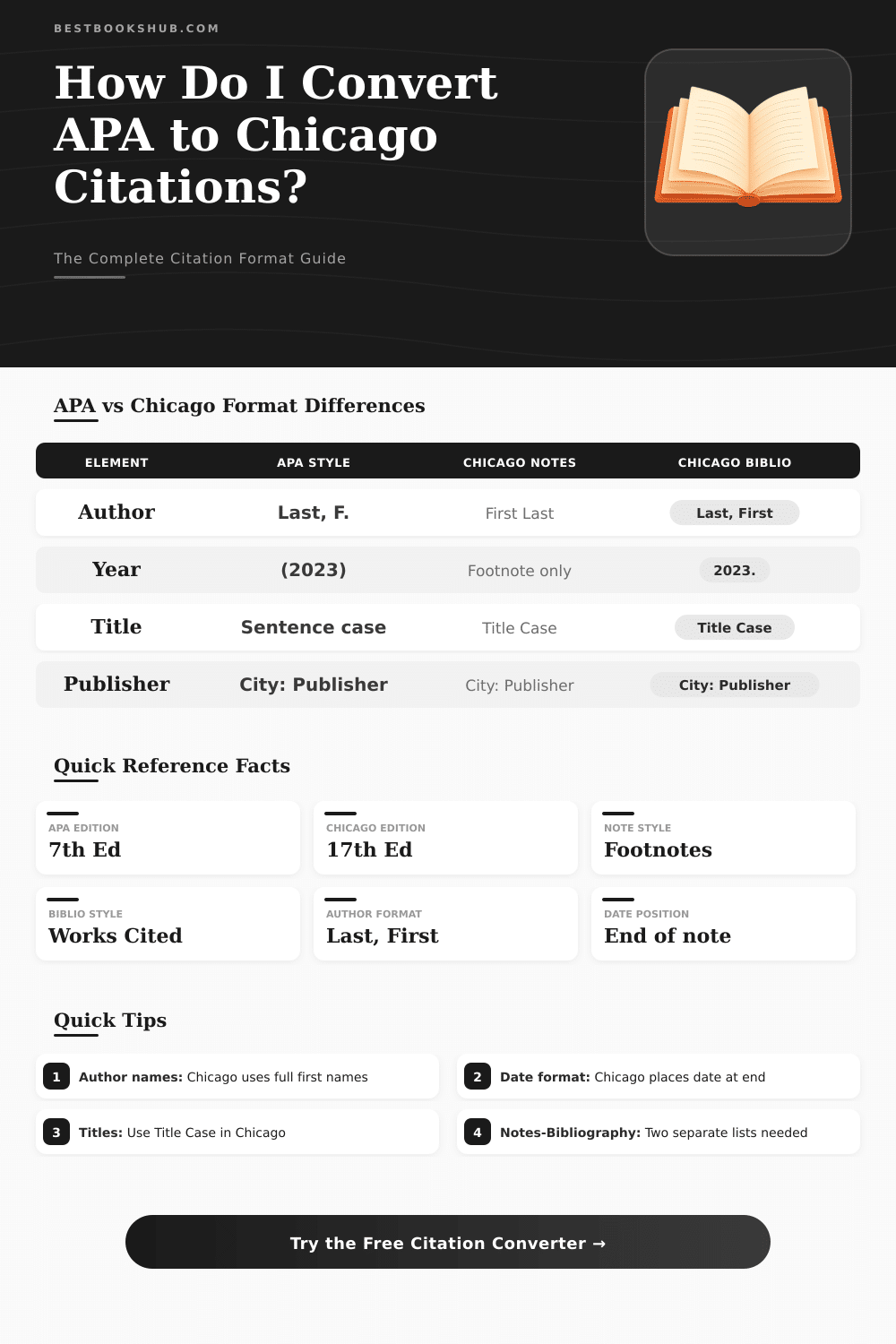
| Source Type | APA Format | Chicago N-B (Note) | Chicago N-B (Biblio) |
|---|---|---|---|
| Single Author Book | Smith, J. (2021). | John Smith, | Smith, John. |
| Two Authors | Smith, J., & Jones, M. (2021). | John Smith and Mary Jones, | Smith, John, and Mary Jones. |
| 3+ Authors | Smith, J., et al. (2021). | John Smith et al., | Smith, John, et al. |
| Edited Book | Doe, J. (Ed.). (2021). | Jane Doe, ed., | Doe, Jane, ed. |
| Organization | CDC. (2021). | CDC, | CDC. |
| No Author | Title of work. (2021). | Title of Work, | Title of Work. |
| Element | APA 7th | Chicago N-B | Chicago A-D |
|---|---|---|---|
| Year position | After author in parentheses | Near end of note | After author in parentheses |
| Book title format | Italics, Sentence case | Italics, Title Case | Italics, Title Case |
| Journal title | Italics | Italics | Italics |
| Article title | No quotes, Sentence case | "Quotes," Title Case | "Quotes," Title Case |
| Publisher location | Omitted (7th ed.) | City: Publisher | City: Publisher |
| DOI / URL | https://doi.org/... | https://doi.org/... | https://doi.org/... |
| In-text citation | (Smith, 2021, p. 45) | Footnote number1 | (Smith 2021, 45) |
| Bibliography list | References (hanging indent) | Bibliography | References |
| Source | Chicago Footnote / Endnote | Chicago Bibliography Entry |
|---|---|---|
| Book | First Last, Title (City: Publisher, Year), page. | Last, First. Title. City: Publisher, Year. |
| Journal | First Last, "Article," Journal vol, no. issue (Year): pages. | Last, First. "Article." Journal vol, no. issue (Year): pages. |
| Website | First Last, "Title," Site, Month Day, Year, URL. | Last, First. "Title." Site. Month Day, Year. URL. |
| Chapter | First Last, "Chapter," in Book, ed. Editor (City: Publisher, Year), pages. | Last, First. "Chapter." In Book, edited by Editor, pages. City: Publisher, Year. |
Citing tools are made up of programs that change references from one style to another. For instance, they can convert quotes from APA format to MLA or even change codes like PMIDs to a form fit for Excel. Such programs help to save time especially when one must change writings to fit a separate style rule.
DISCLOSURE: This post may contain affiliate links, meaning when you click the links and make a purchase, I receive a commission. As an Amazon Associate I earn from qualifying purchases.
Many free citing tools are found online. Some work as add-ons for browsers, that grab the title, author name, date of publication and extra info from a page with simply one click. Like this the hard part happens on its own, so that you do not need to enter everything yourself by keyboard.
Free Online Citation Tools
MyBib belongs to those programs that make precise quotes for books, newspapers, web pages and video materials. It works by search according to title or code like URL or ISBN. Citation Machine ranks among other popular options that help create reliabel info according to rules.
It accepts styles APA, MLA, Chicago, Turabian and Harvard for free. Beyond that, it makes quotes in thousands of variants and lists for export right away.
Some tools are fully free, without ads, without need of downloads and without need to make an account. They include APA, Chicago Citation, Harvard, MLA and more than ten thousand extra variants. Here the amount of possible changes is huge.
Grammarly offers also an ad-free tool for quotes, made by writing specialists. It produces well-made quotes according too the freshest versions of APA, MLA and the Chicago style guide. Wordvice owns its tool, that covers APA 6 and 7, MLA 7 and 8, Chicago 17th and Vancouver styles.
A big point to recall is that such tools sometimes get something wrong. When a user does not know the right ways to cite, they can miss the mistakes. So it stays useful to learn the basics of citation format.
Citefast ranks among other free options for APA, MLA and APA Chicago Citation quotes. It creates references, lists, quotes inside text and title pages in fast time. Some programs give preview looks in real time and can deal with several authors or several quotes together.
One of them allows you to cite many sources at once andenclose quotes inside text directly in the writing.
Zotero belongs to a more feature-full program. It works to save and sort references well. There is a more basic version called ZoteroBib, that serves as a fast tool for single quotes for those that do not want the extra options.
Zotero is based on the Language for Citation Styles, which helps to easily export info in useful forms.
Programs like Scribbr apply technology of artificial intelligence or human specialists to check quotes inside text and references against mistakes and errors. Some tools also back the IEEE style, used in engineering fields. Even Word has a built-in menu for quotes and lists on the tab of references, where one can choose a style like IEEE from a dropdown list.