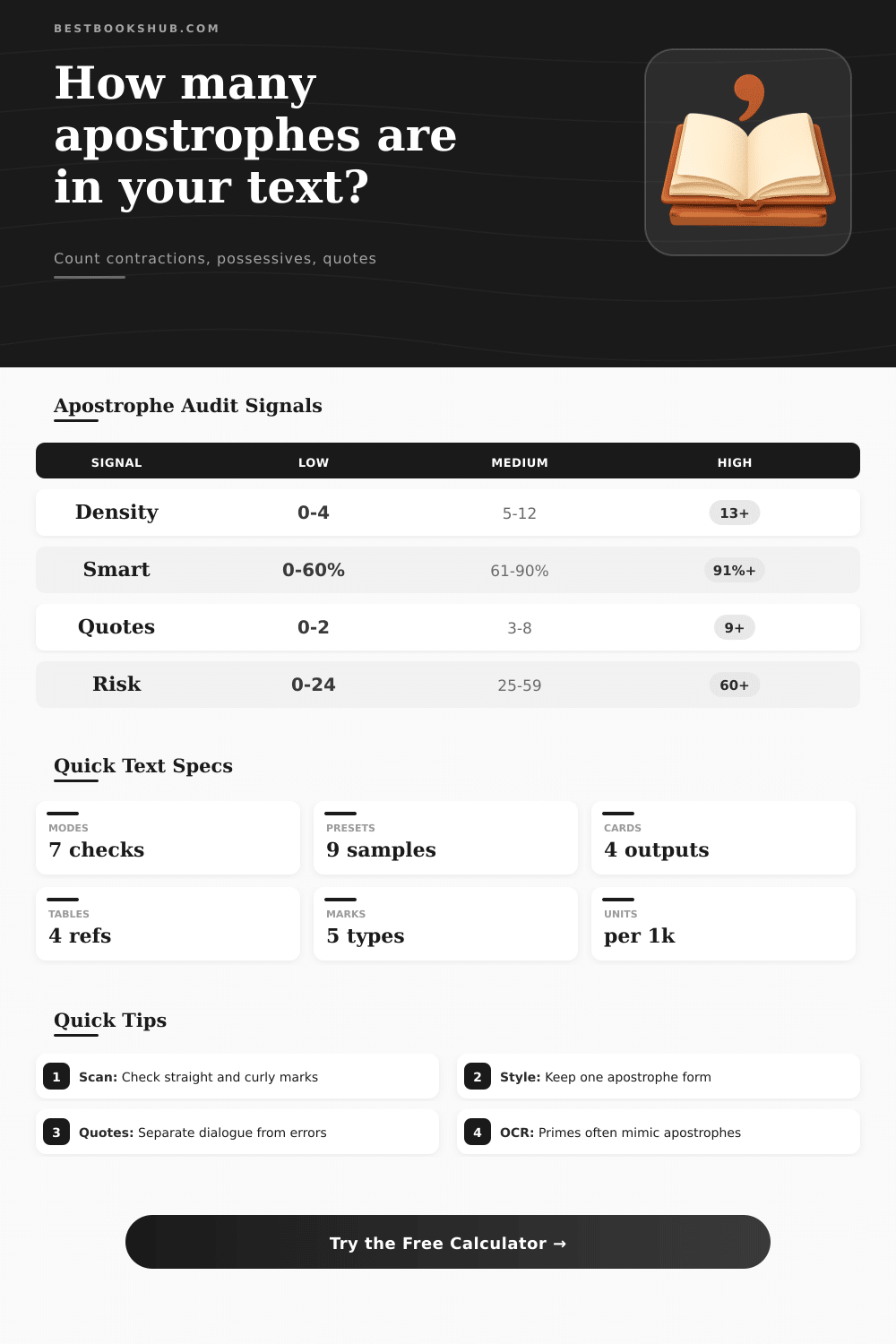
Apostrophe Counter and Usage Checker
Paste manuscript, metadata, dialogue, or study text to count apostrophes, classify usage, and spot style inconsistencies.
⚙ Named Text Presets
🔎 Apostrophe Audit Controls
📊 Live Classification Grid
🖊 Highlighted Text View
📘 Apostrophe Mark Reference
| Mark | Technical role | Common source | Checker treatment |
|---|---|---|---|
| Straight ' | ASCII apostrophe or quote | Plain text, CMS fields, code-safe copy | Counts as apostrophe inside words; risk when paired as a quote |
| Curly ’ | Typographic apostrophe or closing single quote | Word processors, edited manuscripts | Counts as preferred apostrophe when style target is curly |
| Opening ‘ | Opening single quotation mark | British dialogue, nested quotations | Separated from apostrophes unless quote inclusion is selected |
| Prime ′ | Feet, minutes, or OCR lookalike | Scans, measurements, copied PDFs | Flagged when it appears inside a word or title string |
| Grave ` | Code tick, not apostrophe | Markdown, source snippets | Ignored by default and reported as code-adjacent noise |
🧮 Usage Classification Table
| Class | Pattern examples | Why it matters | Audit signal |
|---|---|---|---|
| Contraction | don’t, it’s, we’re | Raises conversational tone and dialogue speed | Compare share against document profile |
| Singular possessive | editor’s, reader’s | Common in reviews, blurbs, and narration | High count may indicate dense noun phrasing |
| Plural possessive | readers’, authors’ | Easy to miss during copyediting | Strict mode gives extra weight to final apostrophes |
| Elision | ’tis, rock ’n’ roll | Style-dependent and genre-sensitive | Tracked separately from contractions |
| Decade form | ’90s, ’20s | Often mistaken for opening quotes | Checked only when decade classification is active |
📏 Document Profile Density Guide
| Profile | Low density | Typical band | Review when above |
|---|---|---|---|
| Academic prose | 0-2 per 1k words | 3-6 per 1k words | 7 per 1k words |
| Fiction manuscript | 0-5 per 1k words | 6-18 per 1k words | 24 per 1k words |
| Dialogue-heavy scene | 4-12 per 1k words | 13-34 per 1k words | 42 per 1k words |
| Book metadata | 0-3 per 1k words | 4-12 per 1k words | 18 per 1k words |
| Children’s copy | 1-6 per 1k words | 7-20 per 1k words | 28 per 1k words |
🗂 Style Comparison and Spec Grid
| Style target | Preferred mark | Best for | Risk to watch |
|---|---|---|---|
| Curly typography | ’ inside words | Finished manuscripts and essays | Opening quote substituted for decade apostrophe |
| Straight ASCII | ' inside words | Metadata, databases, technical exports | Quote marks and apostrophes look identical |
| British dialogue | ‘ opening, ’ closing | Single-quote dialogue systems | Closing quotes counted as apostrophes unless separated |
| OCR cleanup | Normalize to chosen target | Scanned books and PDFs | Prime marks and grave ticks hidden in words |
💡 Copyediting Tip Boxes
Even one careless mark can transform a pro’s work into what looks like high-school draft. Yes, it’s a small mistake, but it makes you look more like an amateur than anything else.
DISCLOSURE: This post may contain affiliate links, meaning when you click the links and make a purchase, I receive a commission. As an Amazon Associate I earn from qualifying purchases.
And yet writers spends hours agonizing about character arcs or pacing, without noticing how those little punctuation marks keeps their syntax glued in place. Most times, they’re not even ignorant of the rule. Rather, there’s just to much to parse and they don’t notice their consistent slip-ups because…they read what they’ve written. And so they skate past error right alongside text.
Why Punctuation Matters
This is when an auto-audit stops being about numbers and starts being about protecting your good name. But this tool doesn’t stop at counting the number of times it see a mark. It also categorizes how the mark is used in your document. It understands whether it is an apostrophe or a quotation mark, and knows when it is a possessive (like “the author’s book”) versus a contraction (such as “don’t”).
This distinction are important because each tone signals something different: contractions make speech feel faster and more intimate to the reader, while possessives explain ownership. Which helps with technical or academic writing where multiple authors’ name might pile up. Separating these out gives you insight into whether your marks is really needed, or if there’s some underlying clutter. Having a large number of them might not indicate anything useful if only half of them are proper used, such as apostrophes instead of incorrectly formatted single quotes.
Luckily, the above calculator takes care of all the sorting logic for you, sifting through basic ASCII marks, fancy type symbols, and even the occasional sneaky prime character copied over from a PDF paste. An apostrophe is the silent killer of clean text. True apostrophes gets swapped out by feet and minutes symbols when copying text from a poorly formatted web page or scanned document. At a glance they look identical, yet they fail validation checks and display inconsistently on different devices. This is one of the risks flagged in the audit so you can go back and sanitize it before publishing.
You may even discover that you’re mixing styles, using both the typographic curve as well as the straight vertical line in certain words. Most style guides calls for uniformity throughout a given document. It’s quicker than scrolling through hundreds of pages to spot any visual anomalies.
Good is relative to context. For example: because a child’s book is read aloud, it’ll contain more elision and contraction to reflect its conversational delivery. Conversely, academic writing use fewer casual words and more carefully selected language. These ‘expected’ ranges are charted in the reference tables (on the page), and they give you a guide, not a hard-and-fast rule. You might write a chapter of dialogue that leans toward high-end of those limits; that’s probably OK. But you might write a table of contents with similarly informal contractions and quotation marks; then you’re probably overdoing it.
Knowing your doc’s profile can save you from editing out perfectly reasonable stylistic decisions. You should of checked earlier. In short: Punctuation is all about clarity and trust. A reader who finds her formatting shifting erratically trips over it. Her brain says “huh?!” The story stops. She doesn’t read. She notices an error. You don’t want her noticing your type. You want her lost in it, not examining it.
A quick pre-submit punctuation check will catch those kinds of distracting mind-trips going on in the background. You’re confident they won’t interfere with your voice coming through clean and clear. After all, why would you go to all this trouble with words if not? Make certain the marks surrounding them is doing their job right and quietly. Let the writing do its thing. That’s what you want, isn’t it? Clean punctuation allows it.