• Package and config key studio
Dot case converter
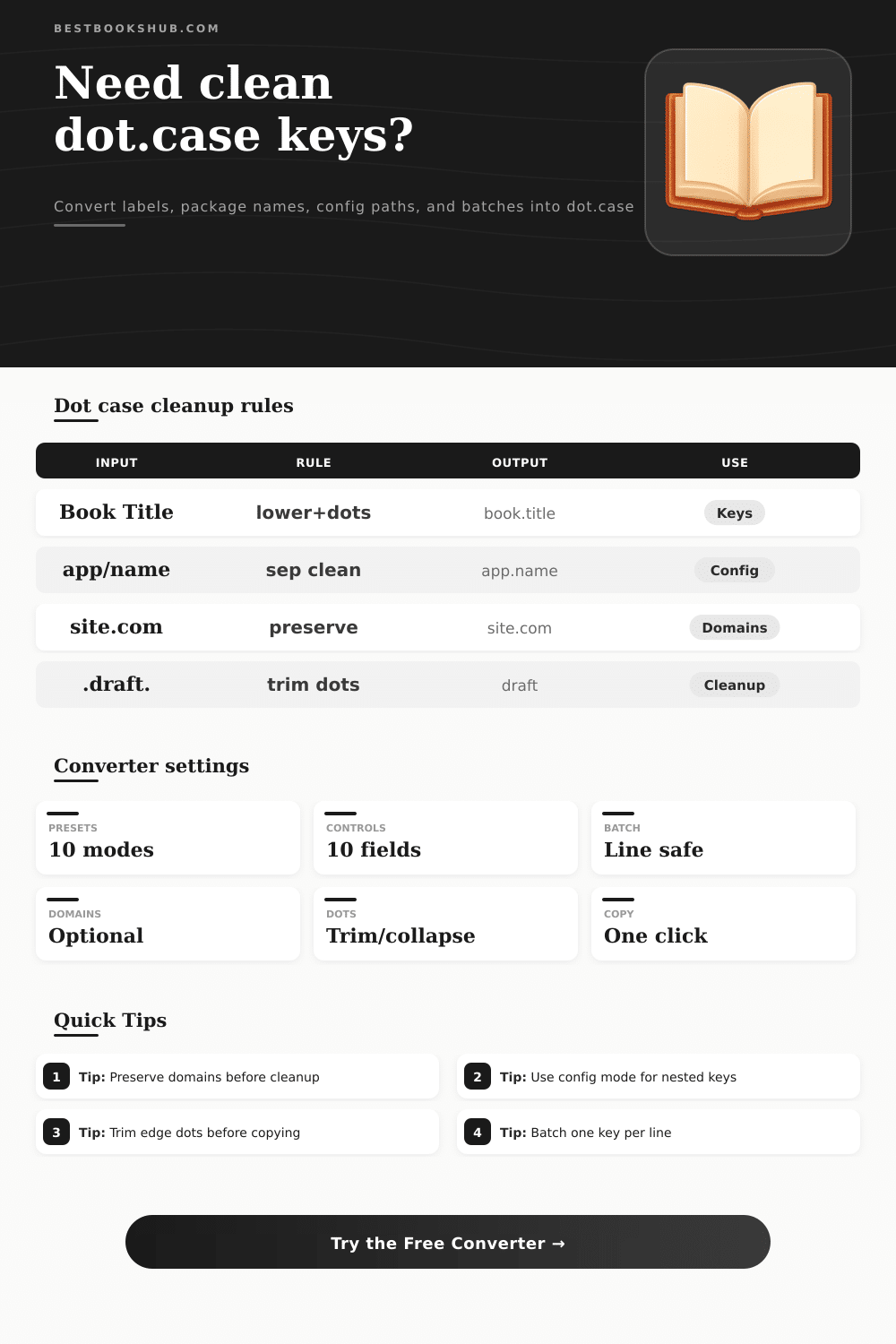
Convert book metadata labels, package scopes, config paths, domain-like text, and batch keys into clean dot.case with separator normalization and leading or trailing dot cleanup.
Choose a dot-specific naming task. These presets focus on nested config keys, package labels, domain-safe strings, and batch key cleanup rather than snake_case or kebab-case output.
DISCLOSURE: This post may contain affiliate links, meaning when you click the links and make a purchase, I receive a commission. As an Amazon Associate I earn from qualifying purchases.
Paste one phrase or many keys. The converter can split mixed separators, preserve domains, keep package scopes, trim edge dots, and validate dot.case segment quality.
| Source shape | Example input | Dot output | Best use |
|---|---|---|---|
| Plain label | Reader Display Name | reader.display.name | UI text to config key. |
| Config path | book/cache/max-age | book.cache.max.age | Nested settings. |
| Package label | @books/reader-tools | books.reader.tools | Package-style keys. |
| Existing dots | .draft..status. | draft.status | Cleanup and import. |
| Mode | Preserves | Changes | Use when |
|---|---|---|---|
| Standard dot.case | Words and numbers | Most punctuation | You need generic dot keys. |
| Package/config | Scope-like groups | Slash and dash paths | You map nested settings. |
| Domain-safe | Hosts or URLs | Other labels | Mixed copy includes domains. |
| Compact segments | Segment order | Small connector words | Shorter key names. |
| Cleanup check | Pass signal | Warning signal | Fix |
|---|---|---|---|
| Repeated dots | one.dot.only | one..dot | Enable dot collapse. |
| Edge dots | clean.key | .clean.key. | Trim edge dots. |
| Empty segment | book.title | book..title | Normalize separators. |
| Domain text | example.com kept | example.com changed unexpectedly | Use preserve domains. |
| Batch source | Input style | Output style | Copy format |
|---|---|---|---|
| Metadata fields | One field per line | one.key per line | Line mode. |
| CSV headers | Comma separated | comma, separated | CSV mode. |
| Config paths | slash/path/list | slash.path.list | Line mode. |
| Domains mixed in | host plus labels | host preserved | Domain-safe mode. |
Dot Case Converter: Normalize case on dot separators, use this tool to create batch key lists, normalize domain-safe strings, or create nice looking package labels and keys in a dot.case format. Dot.case is the standard way to name packages and nested setting. Even if naming things in code looks easy sometimes it is not. A single messed up key pollutes a config file and break an environment map. Dot case is the way it should of been done as dots makes it readable at first glance yet machine friendly.
Because the raw input seldom comes in tidy form, a column in your spreadsheet labeled “Reader Display Name,” perhaps? Or a folder of underscored-and-slashy JavaScript variable, or a jumble of underscore-and-slashes and dashes and dots from multiple teams? The secret to getting there is translation: The converter transform these various dialects into a single common language. A slash generally means it’s a directory structure; an underscore say it’s probably a legacy database column; CamelCase indicates that someone was thinking about objects.
Why Dot Case is Good for Naming Keys
Dot case is realy handy because it’s not too verbose (like snake_case is when used in nested JSON) and doesn’t break like kebab-case does in many programming language, but has just the right amount of length (dots are in a sweet spot), and they also happen to read naturaly as hierarchy: book.title.chapter feels natural to navigate through. Reader.settings.theme.mode tells you exactly how deep into something you’re going. The format can go from simple flags to complex configuration trees without being noisy.
I say domains matter more than most developers realize. There are certain patterns they need to keep in mind, especially how to preserve them. Take domain names: if you set the correct protection mode for bestbookshub.com, then you get bestbookshub.com back when you turn it on, leaving everything else unchanged. But if you turn on the wrong switch, now bestbookshub.com gets broken up into four random pieces. People do that one wrong all the time. And it’s why package scope carry meaning, too (that leading @ symbol in an npm package name isn’t just decoration). If you strip it out carelessly, you will miss something important later on.
The way numbers are formatted can change based off what you need: sometimes you want your chapters to be “chapter.1” instead of “chapter.01,” and other times a leading zero is needed for sorting. Some systems choke if a key begins with a number, which explains why this isn’t just decoration. It’s there because actualy configuration parsers are surprisingly opinionated.
Working on batches is another game changer. Processing each line separately is no longer convenient. It is necessary if you want to do anything with hundreds or thousands of records. All of a sudden you need to think about max lengths, edge trimming and collapse rule. A single wrong key will bring your entire deployment pipeline crashing down. Whether you remember to trim the leading dots will be what makes the difference between a successful run and hours spent manually fixing stuff.
Drop common connector words and you can make your keys even shorter without losing readability. This reveals another level of compactness when in compact mode. Small things compound. It is not a lot of money saved until we are sending thousands and thousands of these strings down the wire or cramming them into tight index spaces on our databases.
Dot.case is cool because it dissapears; that’s really the whole thing. Good keys are like good stairs: they disappears. The best naming decision is the one where you don’t think “I wonder if it needs to be in all caps,” but instead think, “Six months from now, at 2 a.m., I’m going to get an outage call from Joe. How will he understand this key?” Protect what matters, trim what doesn’t, get the separator correct and move along, because the hierarchy will remain. It’ll be just cleaner.