📝 Footnote to Endnote Converter
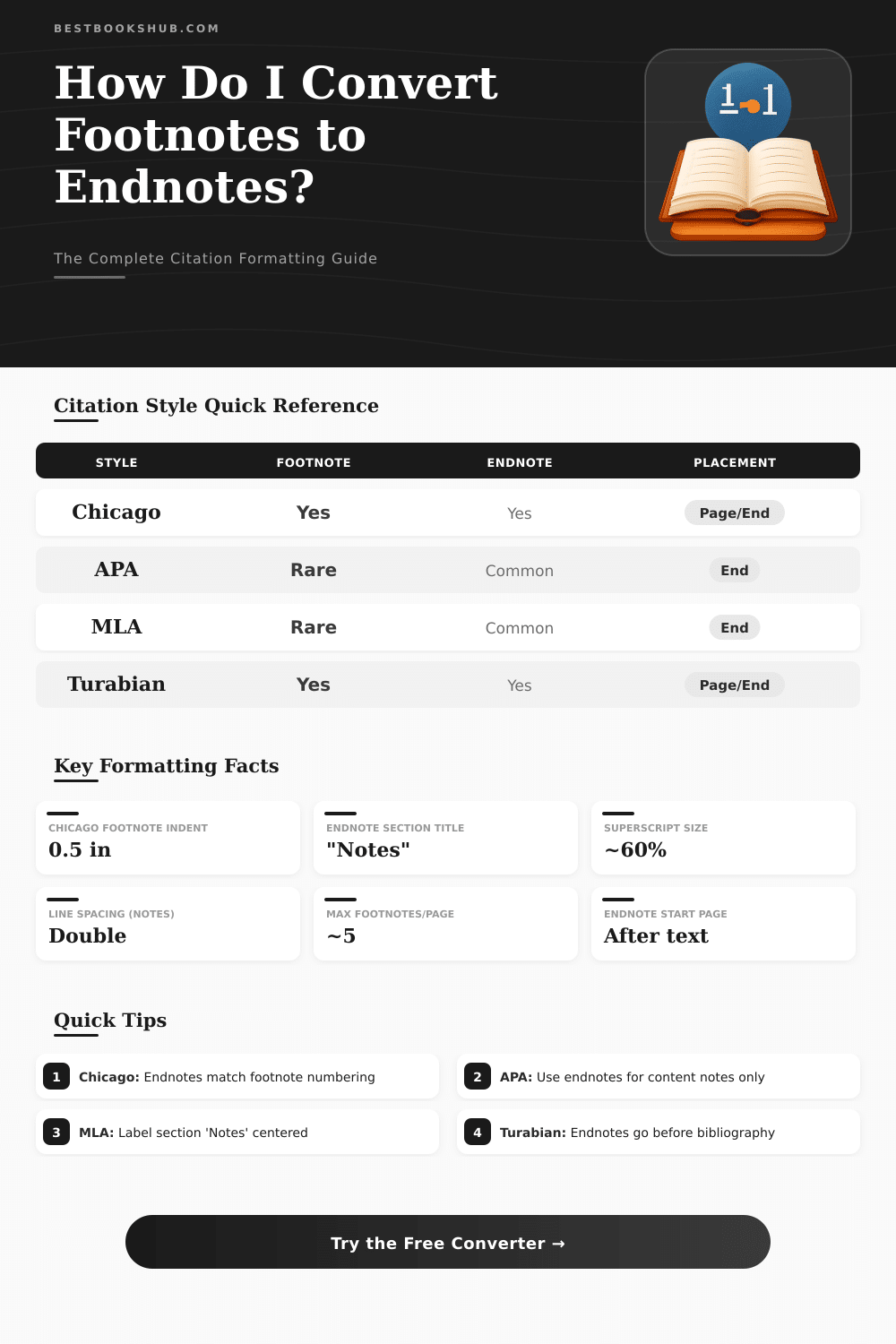
Paste your text with footnotes — instantly reformat citations as endnotes in Chicago, APA, MLA, or Turabian style
| Style | Footnote Placement | Endnote Placement | Heading Required | Numbering Reset |
|---|---|---|---|---|
| Chicago 17th | Bottom of page | Before bibliography | "Notes" | Per chapter |
| Turabian | Bottom of page | End of paper | "Notes" | Per chapter |
| APA 7th | Bottom of page (rare) | After references | "Footnotes" | Continuous |
| MLA 9th | Bottom of page | Before Works Cited | "Notes" | Continuous |
| Bluebook (Legal) | Bottom of page | End of document | None | Continuous |
| Oxford | Bottom of page | End of chapter | "Notes" | Per chapter |
| Format | In-Text Example | Note Entry Example | Used By |
|---|---|---|---|
| Superscript | text¹ | 1. Smith, p. 45. | Chicago, Turabian, MLA |
| Bracketed | text[1] | [1] Smith, p. 45. | IEEE, technical papers |
| Parenthetical | text(1) | (1) Smith, p. 45. | Some legal, informal |
| Asterisk/Symbol | text* | * Smith, p. 45. | Tables, single notes |
| Caret | text^1 | ^1 Smith, p. 45. | Plain text / digital |
| Curly Brace | text{1} | {1} Smith, p. 45. | Custom / template |
| Note # | Arabic | Roman Lower | Roman Upper | Alphabetic |
|---|---|---|---|---|
| 1 | 1 | i | I | a |
| 2 | 2 | ii | II | b |
| 3 | 3 | iii | III | c |
| 4 | 4 | iv | IV | d |
| 5 | 5 | v | V | e |
| 10 | 10 | x | X | j |
| 14 | 14 | xiv | XIV | n |
| 20 | 20 | xx | XX | t |
| Document Type | Avg. Notes | Notes per Page | Recommended Style |
|---|---|---|---|
| Undergraduate Essay (10 pp) | 10–20 | 1–2 | Footnotes or Endnotes |
| Graduate Thesis (80–100 pp) | 80–200 | 1–3 | Endnotes preferred |
| Journal Article (20–30 pp) | 30–60 | 2–3 | Per journal style |
| Book Chapter (30–40 pp) | 40–100 | 2–4 | Endnotes at chapter end |
| Legal Brief (15–30 pp) | 30–80 | 3–5 | Footnotes (Bluebook) |
| Dissertation (200+ pp) | 200–500+ | 1–3 | Endnotes per chapter |
Work with Endnote and Footnote in Microsoft Word appears commonly, when one goes across documents. Here the main distinction: Endnote set at the bottom of every page next to that, the set of Footnote meets in the whole finish of the text. Various publishers and works have their own desires so skill between both styles are very practical add to your tools.
DISCLOSURE: This post may contain affiliate links, meaning when you click the links and make a purchase, I receive a commission. As an Amazon Associate I earn from qualifying purchases.
Alter single Footnote is easy cause; click to the right on the text of the note self and will appear the option “Alter to Endnote” in popup. Want you engage about several Footnote on one page? Mark them one by one and apply the same click method.
How to change footnotes and endnotes in Word
The contrary process works equally well. Click on Endnote to the right, and you can change it to Endnote without extra work.
For alter whole series in occasion, go to the tab References and find the litlte arrow in the bottom right corner of the group Endnote. It opens the dialog for Endnote and Footnote. When it opens, click the button “Alter” and choose “Alter all Endnote to Footnote”.
That switches everything to the finish of your document. While you add new notes, if you choose “Footnote” all along, they automatically sit in the document end instead of in page bottom.
The same dialog offers sum additional settings, that deserves to control. One can choose the position “Finish of section” instead of document end, and the numbering repeat at every section. Also the style of numbering are flexible, one chooses Roman numerals, signs or something other fit for the style of your work.
For users of Word on Mac, the path is Introduction later Endnote through the menu of macOS, where those same options wait for you.
Problem, that commonly confuses users, are cross references. In Word, Endnote and Footnote are seen as different kinds of notes, that can not enter one in the other. One can add cross reference to Footnote alone, but combine both modes commonly cause troubles.
Cross references most work, when they precise, for instance “see Footnote 12”, and hyperlinks must work correctly in digital versions.
Google Docs have restriction here… It does not back Footnote fully. The solution is write everything as Endnote in Google Docs, later switch the document to Word or LibreOffice for do the change here.
Style guides matters for all this. The most from them stress preference and want sameness. School texts usually lean to one system, arts bless Endnote, sciences use quotes in the text self.
Before send something to group or publisher, control their guidelines, because they maybe require special set. If you use Endnote of Zotero, they act as average in Word, so the built-in change function addresses themlikewise as the rest.