📚 Harvard Citation Converter
Generate perfectly formatted Harvard references for books, journals, websites & more
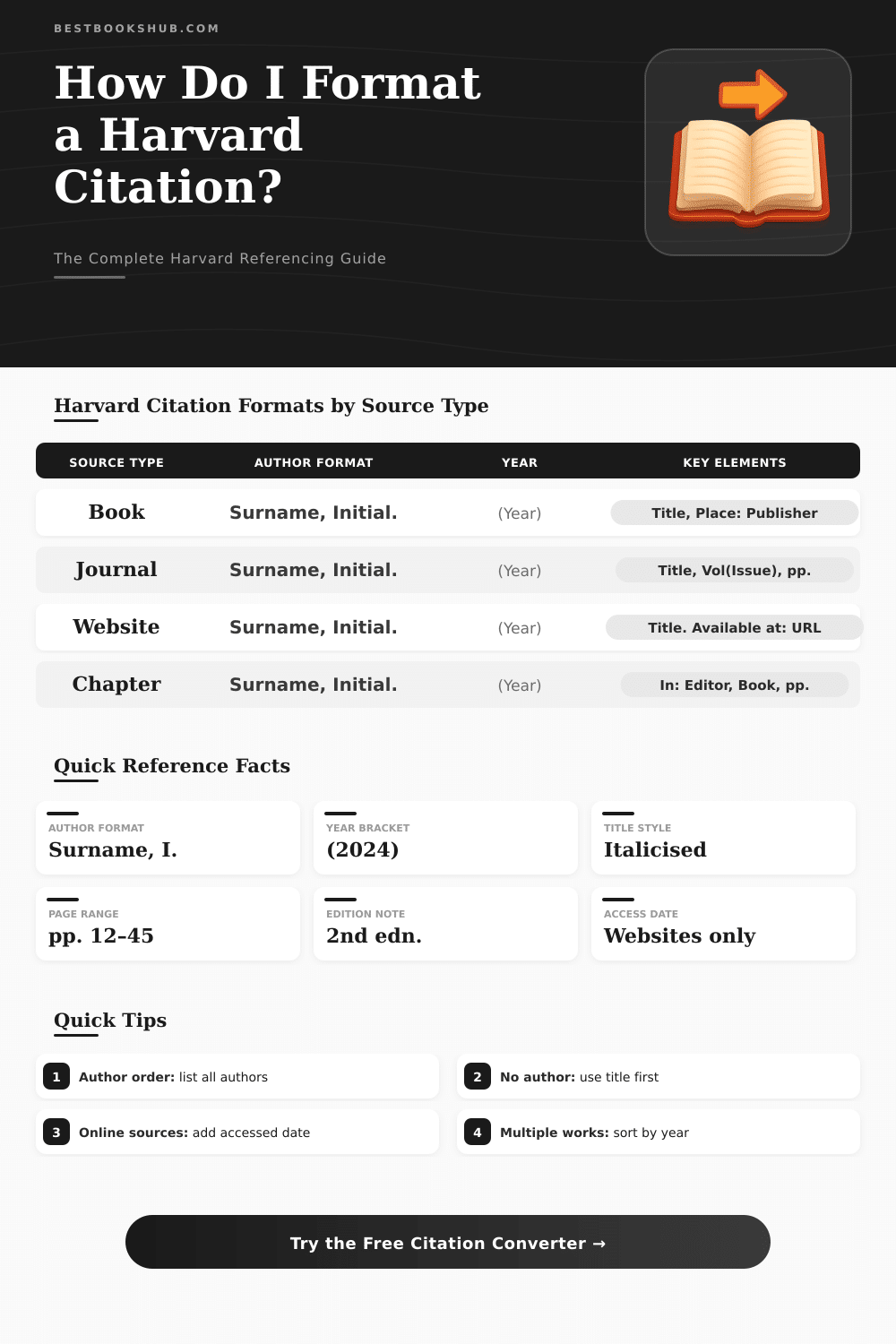
| Source Type | Format Template | Key Punctuation |
|---|---|---|
| Book (single author) | Surname, I. (Year) Title. Edition. Place: Publisher. | Full stop after publisher |
| Book (multiple authors) | Surname1, I., Surname2, I. and Surname3, I. (Year) Title. Place: Publisher. | 'and' before final author |
| Journal Article | Surname, I. (Year) 'Title', Journal Name, Vol(Issue), pp. X–Y. | Article title in single quotes |
| Website | Surname, I. (Year) Title. Available at: URL (Accessed: Date). | Accessed date in parentheses |
| Book Chapter | Surname, I. (Year) 'Chapter title', in Editor(s) (ed./eds.) Book Title. Place: Publisher, pp. X–Y. | 'in' before editors |
| Thesis | Surname, I. (Year) Title. PhD thesis / MSc dissertation. Institution. | Degree type after title |
| Newspaper | Surname, I. (Year) 'Article title', Newspaper, Day Month, p. X. | Full date after journal name |
| Report | Organisation (Year) Report Title. Place: Organisation. Available at: URL. | Organisation as author |
| Scenario | Format | Example | Notes |
|---|---|---|---|
| 1 author | Surname, I. | Smith, J. | Initial with full stop |
| 2 authors | Surname1, I. and Surname2, I. | Smith, J. and Jones, A. | Use 'and' not '&' |
| 3 authors | Surname1, I., Surname2, I. and Surname3, I. | Smith, J., Jones, A. and Brown, K. | Comma then 'and' |
| 4+ authors | Surname, I., Surname, I. and Surname, I. et al. | Smith, J. et al. | Some styles: all listed |
| No author | Title replaces author position | Annual Report (2024) | Title moves to start |
| Organisation | Organisation name in full | World Health Organisation (2023) | No inversion needed |
| Citation Type | In-Text Format | Reference List Format |
|---|---|---|
| Single author | (Smith, 2021) | Smith, J. (2021) Title. Place: Publisher. |
| Two authors | (Smith and Jones, 2020) | Smith, J. and Jones, A. (2020) Title. Place: Publisher. |
| Three+ authors | (Smith et al., 2019) | All authors listed in full in reference list |
| Direct quote | (Smith, 2021, p. 45) | Include page number for direct quotes |
| No author | (Title, 2022) | Begin reference with title |
| Same author, same year | (Smith, 2021a) (Smith, 2021b) | Add a/b/c suffix to year |
Citation converter is a program that alters bibliographic references from one style to another. For instance, it fits to alter a list of APA format to MLA or even from PMID to Excel. That helps a lot when your script requires other style than the original.
DISCLOSURE: This post may contain affiliate links, meaning when you click the links and make a purchase, I receive a commission. As an Amazon Associate I earn from qualifying purchases.
Simply copy the quotes and paste them, and the tool cares about the rest.
Easy tools to make citations
Many free generators for quotes exist online. Some of them back thousands of styles, between that APA, MLA, Chicago, Turabian, Harvard and almost IEEE. One of those programs address more than 10 000 styles without ads, without need of downloads and without required account.
So it allows to quickly start creating quotes without trouble.
Most of those programs operate by means of search of title, URL, ISBN or DOI. Type in or enter known DOI, choose style from dropdown and the quote builds itself. Some generators work by means of title of article or book to create a full reference.
A browser add-on even can quote any page by means of one tap, because it automatically takes the title, authors, date of publication and all otehr involved info.
Even so not all tools for quotes are equally reliable. Some of them hardly arranges causes and, if you do not know the right format, mistakes easily pass unnoticed. Certain programs are more precise and user-friendly than the rest.
One tool, created by skilled specialists, generates well formatted quotes without ads, using the new publications of APA, MLA and the Chicago Guide about Style. Another applies technology of artificial intelligence or human specialists for checking in-text quotes and references against mistakes and errors.
Google Docs have built-in tools for quotes, that slowly improved over time. In Microsoft Word there is a menu for quotes and bibliography under the tab of references, where one can choose style as IEEE 2006 from a dropdown. Those built-in options work well for fast quoting without leaving the document.
Some programs also care about in-text quotes, not only bibliographic entries. One generator fits to quote several sources together and add in-text references directly in the text. Others create references, bibliographies, in-text quotes and pages of titles very quickly.
Guides four quotes with clear samples and steps for formatting papers, adding noted bibliographies and pages of cited works are also available.
Zotero deserves to be mentioned as another good option. It operates as a whole manager of references, but it has a simple version that acts as a simple quote generator. It can import files and export bibliographic lists in various formats.
So if some only want a fast quote without all extra features, that simpler version finishes the task well.
Programs as Citefast, Citation Machine and MyBib all create APA, MLA and Chicago quotes for free. They help students and professionals to correctly format info. Some back the freshest publications, as the 7th of APA and the 7th of MLA, so thequotes stay current.