Hyphen Counter for Manuscripts and Book Text
Count hyphens, separate true dashes from line-break artifacts, and spot style issues before copyediting, layout, or ebook conversion.
📌Named Text Presets
📝Hyphen Checker Controls
Full Breakdown
📊Live Spec Grid
📘Hyphen and Dash Reference
| Mark | Typical Book Use | Checker Treatment | Common Review Note |
|---|---|---|---|
| Hyphen-minus (-) | Compounds, prefixes, ISBNs, line artifacts | Counted as main hyphen total | Review when density exceeds style target |
| Soft hyphen | Hidden discretionary breaks in ebook text | Counted as hidden layout signal | Remove before plain-text editorial exchange |
| En dash | Ranges, spans, scores, page references | Counted separately from hyphens | Use for 12–15 style ranges when required |
| Em dash | Interruptions, dialogue breaks, parenthetical turns | Counted as dash punctuation | Check spacing style before layout |
| Minus sign | Negative numbers or equations | Counted as math symbol | Do not convert it to a word hyphen |
🔍Checker Threshold Table
| Text Type | Expected Hyphen Density | Line-Break Concern | Best Review Focus |
|---|---|---|---|
| Novel chapter | 2 to 6 per 1,000 words | Low unless copied from PDF | Dialogue dashes and invented compounds |
| Academic nonfiction | 5 to 12 per 1,000 words | Medium in reference sections | Prefixes, terms, citations, page ranges |
| Cookbook or craft book | 6 to 15 per 1,000 words | Medium around numeric ranges | Time ranges, fractions, ingredient modifiers |
| OCR backlist scan | 8 to 24 per 1,000 words | High at line ends | Broken words and repeated hyphen runs |
| Ebook export | 3 to 10 per 1,000 words | High if soft hyphens remain | Hidden characters and converted dashes |
⚖Comparison and Spec Grid
| Pattern | Example | Count Category | Style Decision |
|---|---|---|---|
| Word-join compound | long-term | Compound hyphen | Usually keep if dictionary or house style supports it |
| Line-end break | end- then newline | Repair candidate | Usually join if copied from proof or scan |
| Numeric range | 12-15 | Range hyphen | Convert to en dash for many book styles |
| ISBN or code | 978-1-4028 | Protected code | Do not normalize blindly |
| Hyphen run | --- | Repeated mark | Review as possible em dash placeholder |
📋Common Book Text Scenarios
| Scenario | Typical Source | Hyphen Pattern | Checker Setup |
|---|---|---|---|
| First-pass manuscript | Word processor export | Mostly compounds and a few ranges | Book copyedit balanced, typed manuscript |
| Proof text copied from PDF | Laid-out pages | Line-end breaks mixed with real compounds | PDF export copy, repair line breaks |
| Backlist scan | OCR extraction | Broken words, missing dashes, code noise | OCR repair review, strict line handling |
| Bibliography and index | Reference section | Dates, page ranges, ISBNs, author names | Protect ISBN, ranges, dates |
| Ebook conversion | HTML or EPUB text | Soft hyphens and entity-converted dashes | Ebook conversion QA, hidden mark review |
💡Tip Boxes
Hyphen: “Hyphens? They’re those little dashes that join words.” You might paste text from a formatted document into your manuscript, at which point you discover why the text is filled with invisible problems. Punctuation so tiny it’s hard to spot are the difference between readable prose and gunked-up copy.
DISCLOSURE: This post may contain affiliate links, meaning when you click the links and make a purchase, I receive a commission. As an Amazon Associate I earn from qualifying purchases.
Consider common problem of line breaks turning into random hyphens that split words in two. Suddenly you’ve got lines such as “high- speed” or “long- term” instead, which make for clunky reading and leave your audience scratching their heads. It is ugly stuff.
How to Fix Hyphen Mistakes Automatically
Nobody want to do it by hand. It counts them automatically, helping you separate the wheat from the chaff. Simply copy and paste a section of notes or an excerpt from a chapter right into the text box. Then the system scan until it finds all the hyphen minus characters present.
It doesn’t simply produce a total, either: it also categorizes those marks according to your desired target editorial style. Why? Because rules differ depending on the type of writing: a novel has different rules than an academic piece of writing. A cookbook might contain lots of measurements and ranges. A mystery novel should contains much fewer.
By setting proper context, you’re telling the calculator what’s normal and what’s an error waiting to happen. I find how it handles hyphenated patterns, like ISBNs and catalog codes, to be most valuable thing in this regard. Hyphens separate parts of numbers. A cleanup script could change this: It turns into something else entirely. And you don’t ever want to do that.
The calculator has options for marking certain numeric strings as “protected,” meaning they remain untouched while the rest of text gets reviewed. It’s an easy setting that prevents hours of headaches down the road.
There’s also an option for what to do with line-end hyphens. If you’re dealing with OCR’d book scans, then maybe everything that marks a line break deserves extra scrutiny. Or if you’re dealing with typed manuscripts, then perhaps you just don’t care about them at all.
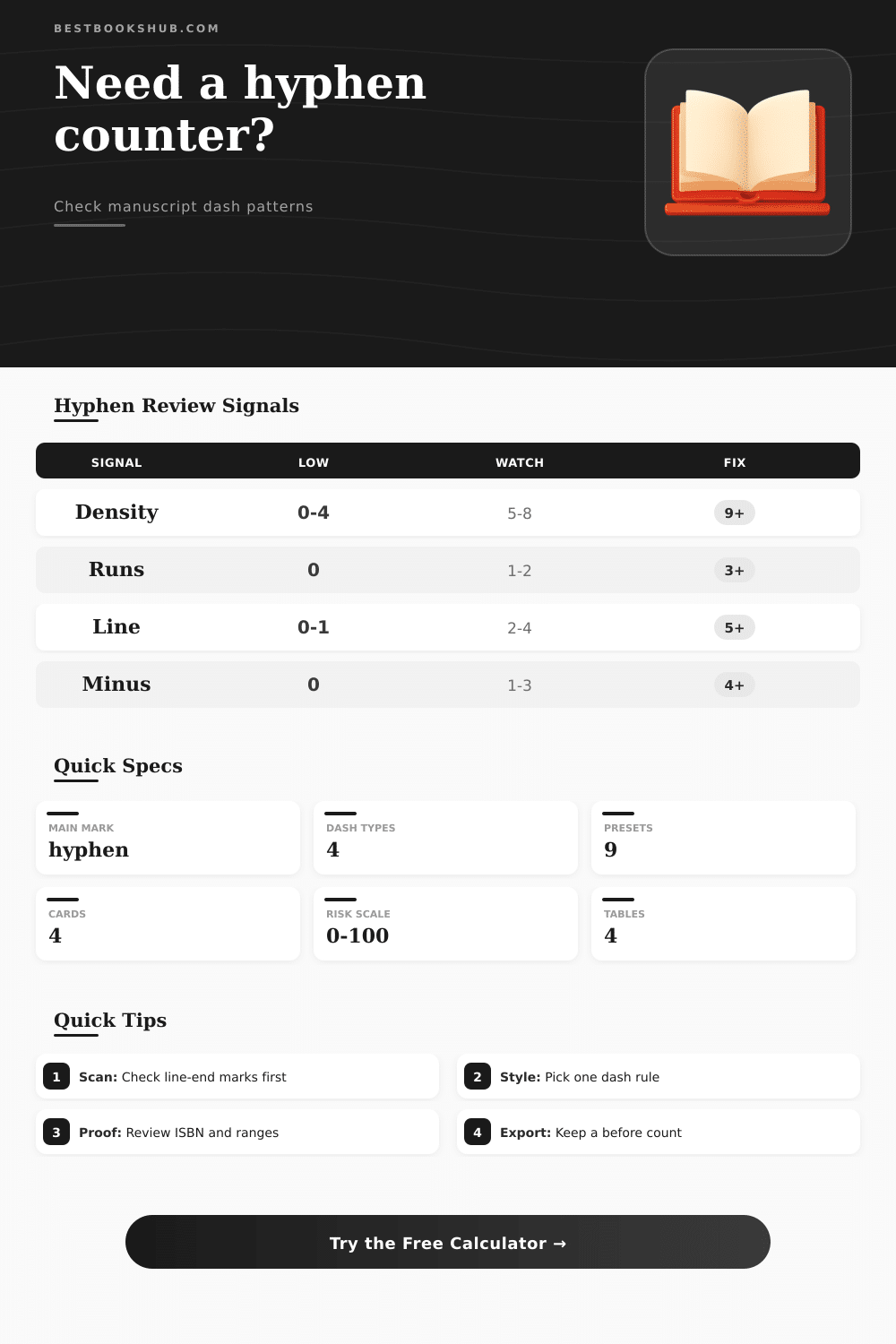
You get back a density score, i.e., how many hyphenated words per thousand. Why this? Because the raw number doesn’t tell you much; if you have five hyphens in a 10-word blurb, that’s okay! But if you have five hyphens in a 1000-word chapter, that’s actualy quite normal for a novel.
It’ll be more clear from the reference tables on the page. Novels tend to cluster around two to six marks/tpw. Academic non-fiction tends to run high (citations + complex terminology). Anything over about twelve, you probably have some compounds that could be simplified (or perhaps line-break artifacts). Excessive density doesn’t show quality prose, generally speaking… but it does usually shows dirty data.
Dash normalization is another frequent misstep. A lot of writers simply mash on the hyphen key whenever they want a dash. Two sets of space becomes an en dash; three become em dashes. It’s distracting visualy. The calculator will flag long runs and recommend changing to true typographic characters. You’re not required to go back through hundreds of pages and make that change manually, which is why it flags places where you’d want the conversion.
It will even find soft hyphens that get inserted by ebook converters to allow for flexible layouts. Those aren’t visible in your regular editor, but cause trouble when exporting to plain text formats. Spotting them now saves you head-scratching about formatting issues later on.
The thing with proofreading is it’s a game of pattern recognition. If you don’t know what your text normally looks like, how can you notice when something doesn’t look right? When there’s a sudden uptick of hyphens in a passage full of dialogue, maybe the proofreader copied and pasted the line breaks from the original manuscript? When there’s a group of range errors in a bibliography, perhaps the OCR software choke on the numbers?
These things become routine once you start recognizing patterns. You are not only fixing it now, but you’re also following clues that lead straight back to the cause of the problem, with no guessing required. It’s not glamorous work, but cleaning up punctuation requires attention to detail and a certain amount of patience.
It also helps your book look professional. Even though readers may not be able to pinpoint exactly what’s wrong with sloppy formatting, they notice it and it distracts them from whatever story or argument you’re trying to make. With a dedicated counter, you eliminate guesswork and enter the world of precise editing. Every mark has a job to do, and you make sure it does.
Always aim for clarity. When the punctuation fades into the background, then your words finally take center stage. Then, the text realy shines.