📋 Text structure tool
List item counter
Count bullets, numbered items, checkboxes, outline entries, nested rows, and repeated list text from pasted notes or manuscript planning blocks.
| # | Level | Type | Item text |
|---|---|---|---|
| List item rows appear here after counting. | |||
| Marker style | Examples | Counted as | Typical use |
|---|---|---|---|
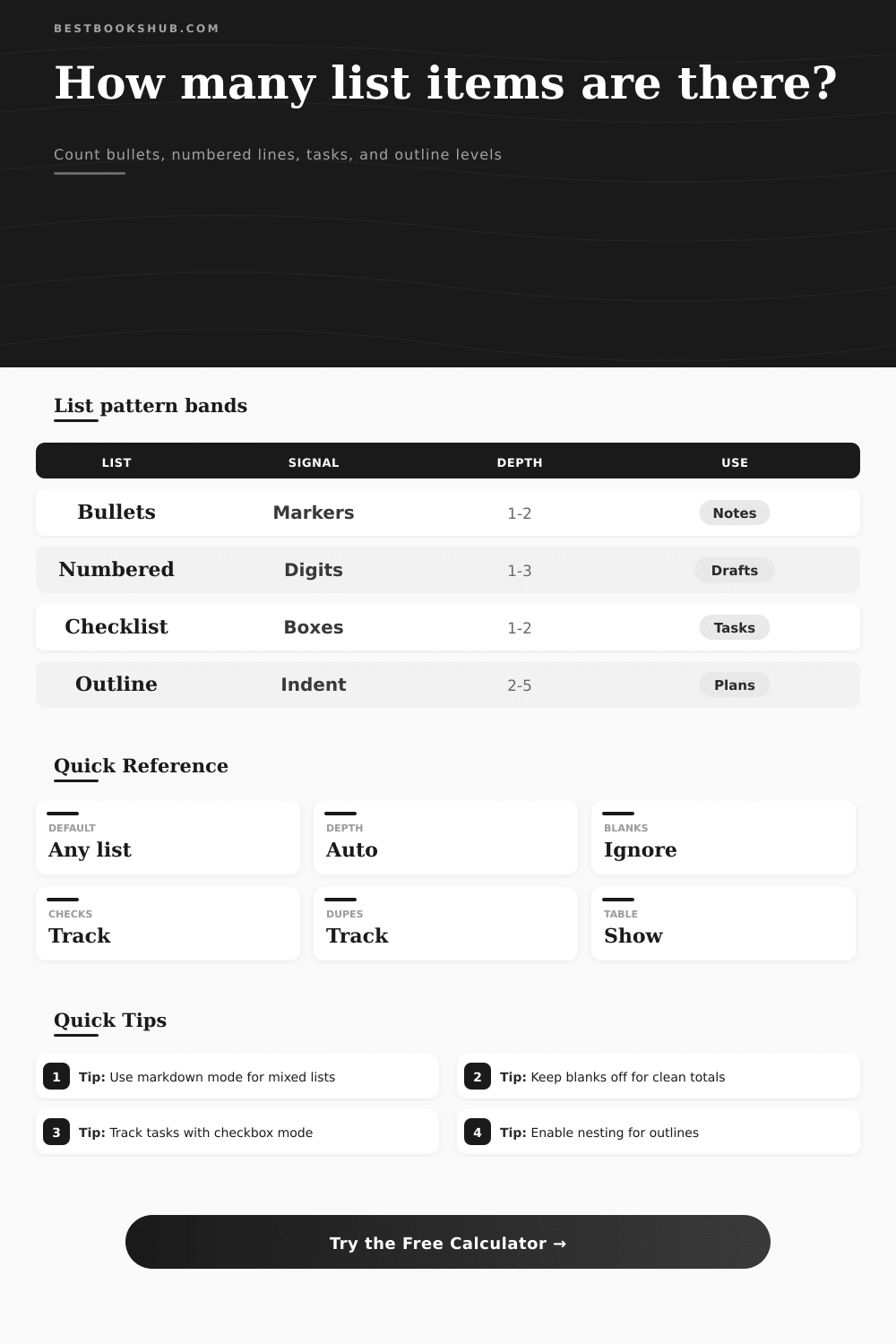
| Bullets | -, *, +, dot | Bullet | Quick notes |
| Numbers | 1. or 1) | Numbered | Sequences |
| Letters | A. or b) | Numbered | Subpoints |
| Roman | IV. or vi) | Numbered | Outlines |
| Checkbox | [ ] or [x] | Task | Progress lists |
| Depth band | Indent range | Read as | Watch for |
|---|---|---|---|
| Flat | 0 spaces | Single level | Long runs |
| Light nested | 2-4 spaces | Subpoints | Mixed tabs |
| Structured | 4-8 spaces | Outline | Skipped levels |
| Deep | 8+ spaces | Dense tree | Hard scanning |
| Checklist signal | Example | Status | Meaning |
|---|---|---|---|
| Open | [ ] | Open | Not complete |
| Checked | [x] | Done | Complete |
| Dash check | - [ ] | Open | Markdown task |
| Plus check | + [x] | Done | Alt marker |
| List profile | Best mode | Main output | Extra signal |
|---|---|---|---|
| Draft outline | Auto | Total items | Max depth |
| Task list | Markdown | Open tasks | Done rate |
| Bibliography notes | Plain | Line count | Duplicates |
| Custom export | Custom | Pattern hits | Sections |
DISCLOSURE: This post may contain affiliate links, meaning when you click the links and make a purchase, I receive a commission. As an Amazon Associate I earn from qualifying purchases.
Sometimes you write a lot and wonder whether what you’re doing is thinking out loud or organizing those thoughts. That’s for note-taking app users like students, writers, and project managers. They want to dump out a half-baked outline, a messy block of data, or a haphazard grocery list, and then scan it to make sure nothing are missed.
The thing is human eyes stink at counting things within blocks of text. We gloss over duplicate entries. We fail to spot nested sub-points. And we mistake a loud list for one that covers all bases. So being able to read the structure objectively become important.
Why You Should Count Your List Items
Lists are typically thought of as something fixed. It is something written down once and left alone. But a list. A good list, anyhow, is actualy a representation of where you’re going.
The number generated by the calculator (above) isn’t simply a number. It’s a diagnosis of the structure of your thinking. The parser in that tool can be configured to be very permissive. It will try to guess at numbers and bullet points. Or, it can be configured to look only at explicit markdown-style checkbox items. Or any combination thereof.
It all depends on what you are trying to demonstrate (to yourself). Are you creating a manuscript? In that case, you might care most about depth of the outline: How many sub-points beneath each main idea? Have I gone too far with this one point? Am I making my point too complicated here?
Are you tracking your progress? If so, you’ll care more about whether boxes is checked or unchecked. Most lists fall apart at indentation. Yeah, you all do this, you want to indicate that this thought is subordinate to that other thought so you hit the space bar a couple of times. And then you don’t always stick with it!
Enter the counter, which measures this nesting level for you. When your outline goes from being indented two spaces to being indented six, it does that without notice? The counter flags that as a structural mess. It helps you know if you’re creating a logical hierarchy here, or if you’re indenting things purely based off feeling like doing so. That determines how readable your finished document will be.
Flat lists is easy to scan. Deeply nested ones make us think harder. Knowing what the max depth is help you determine whether you need to break up the structure into smaller chunks, or flatten it.
But what about repeatability? People tend to circle back to the same point three times in a meeting. And they list things out in notes three times too. The duplicate tracker removes that repetition from your view. It reveals how many different thing you’ve got vs. It shows the number of times you said something. This comes in really handy when cleaning up citations or doing an editorial job.
You might believe you have fifty sources. But the counter will tell you you’ve only got thirty unique ones, with twenty duplicates. This saves you hours of manual checking. It turns a boring proofreading job into a fast data check.
And then there’s the other stuff: blank lines matter too. They can be used as natural breaks between chunks of text within a long paragraph. Or they could be ignored by the tool and treated as part of one large stream. How do we ask it to treat those? Well, we can ask it to ignore them or treat them as section breaks. That would give us a good idea about how someone has broken up their content.
This comes in handy with some documents, like a legal one, or when you are going through a table of contents to see the section breaks. The reference tables on the page will explain what the different markers mean. So if it’s a roman numeral, it means a formal outline. If it’s got a check box, it means a task. If it’s just a dash, it means a short note.
Mixing up these cues confuses the reader, and the parser flags the inconsistency.
But in the end, the whole point of the exercise of counting the list items is control. When you go to organize things, it’s nice to know how many of them you have. Whether you’re exporting a mess for cleanup, or going through a project on the fly while planning out a chapter, the numbers provides a starting place that takes the guesswork out of your revision process.
You no longer wonder if you left anything off the list; now you can look at it and know exactly what’s on there. The goal is never just to have a count; it is to have clarity. It’s always having the next step obvious once you’ve seen it laid out right in front of you. Then you can trim out the duplicates, fix the indentations, check off the boxes, and turn the list back into a tool instead of a wall of text.