📘 Identifier naming studio
Pascal case converter
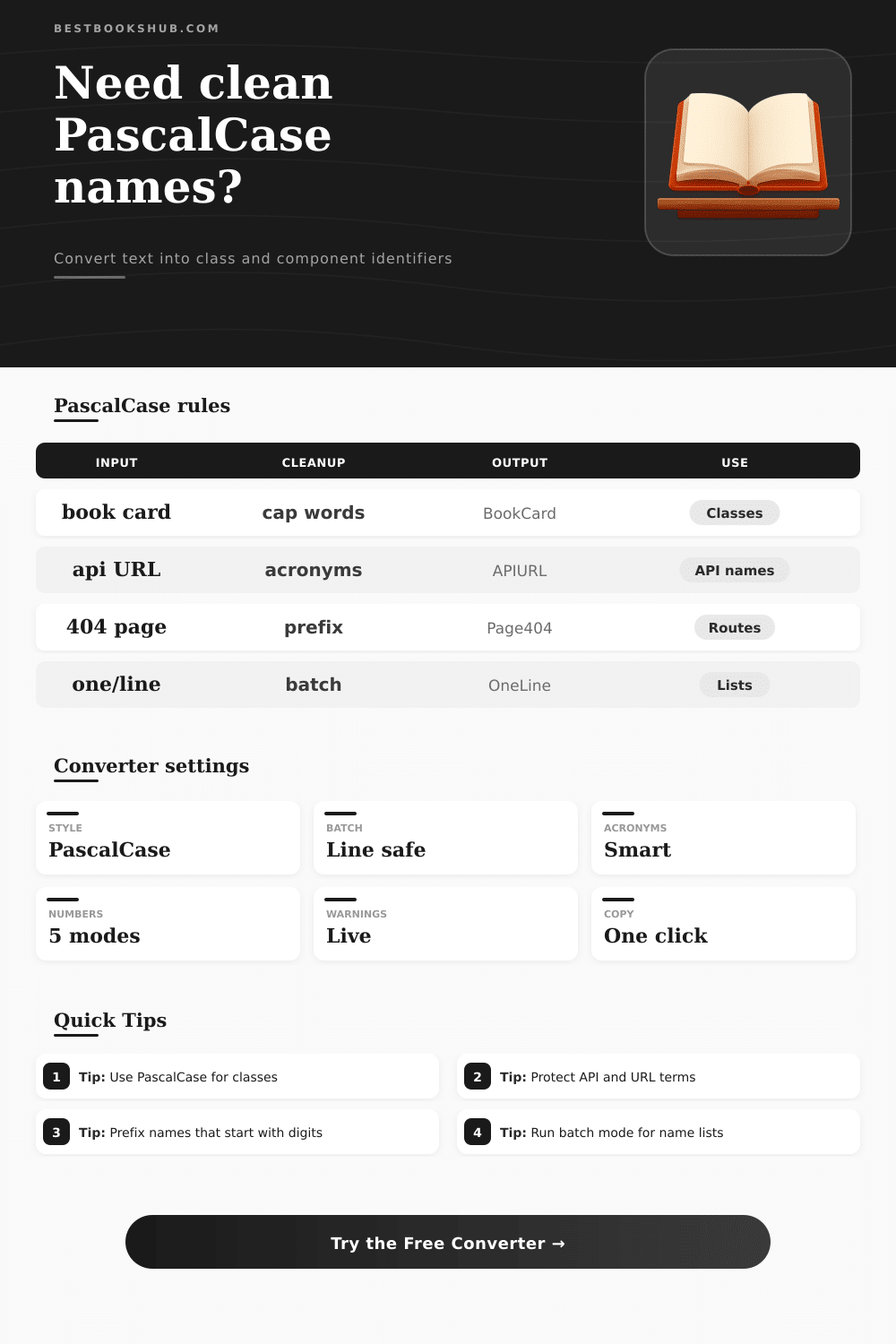
Convert titles, headings, labels, route names, and batch lists into clean PascalCase identifiers with acronym handling, number repair, separator cleanup, class naming presets, and invalid identifier warnings.
Load a realistic naming scenario, then fine-tune acronym, number, prefix, suffix, and batch settings before copying the final identifiers.
DISCLOSURE: This post may contain affiliate links, meaning when you click the links and make a purchase, I receive a commission. As an Amazon Associate I earn from qualifying purchases.
Paste one phrase or one name per line. The converter splits spaces, underscores, dashes, dots, slashes, punctuation, and existing camel humps before rebuilding PascalCase.
Classes and components.
Variables and methods.
Database fields.
Routes and slugs.
Constants and enums.
| PascalCase target | Example input | Recommended output | Why it fits |
|---|---|---|---|
| Class name | reading progress tracker | ReadingProgressTracker | Upper-first noun phrase works well for constructors. |
| Component | book cover carousel | BookCoverCarousel | Component mode can add a Component suffix if needed. |
| DTO or model | author API response | AuthorAPIResponseDto | Model mode makes data object names explicit. |
| Page route | /library/new arrivals | LibraryNewArrivalsPage | Route separators become readable class-like page names. |
| Acronym rule | Source | Output style | Best use |
|---|---|---|---|
| Title acronyms | api url checker | ApiUrlChecker | Teams that prefer readable word-like casing. |
| Preserve uppercase | API URL checker | APIURLChecker | Existing codebases with all-caps acronym policy. |
| Protected list | isbn xml parser | ISBNXMLParser | Only approved technical terms stay uppercase. |
| Lower then cap | HTTP JSON ID | HttpJsonId | Consistent names when acronym noise is high. |
| Number rule | Source | Output behavior | Warning to watch |
|---|---|---|---|
| Keep | chapter 12 summary | Chapter12Summary | Usually valid if the name starts with a word. |
| Split | ISBN13 parser | ISBN13Parser | Cleaner when digits touch acronyms. |
| Prefix | 404 error page | Value404ErrorPage | Repairs identifiers that start with a digit. |
| Move to end | 2026 reading list | ReadingList2026 | Preserves year while keeping a safe start. |
| Warning type | Pass signal | Warning signal | Fix |
|---|---|---|---|
| Start character | BookCard | 404BookCard | Use prefix repair or move numbers to end. |
| Separator cleanup | BookCard | Book-Card | Add that symbol to extra separators. |
| Blank output | At least one token | Only punctuation | Loosen cleanup or add words. |
| Reserved shape | ClassModel | Class | Add a suffix such as Name, Type, or Model. |
Use this PascalCase converter to turn text, headings, routes, and field lists into clean class, component, model, enum, and page identifiers with live warnings. Here’s how the PascalCase converter work. The tool provides a real-time warning as you go.
Consistent naming make code more readable, so consistency across all your code elements matter. Different projects choose different conventions, but mixing them inside the same codebase make names harder to find and wastes time. Inconsistent casing turn every search into a scavenger hunt.
Make Names Consistent with the PascalCase Converter
Having a standardized system for large chunks of code and type definition, such as PascalCase, helps bring everything together. It can even work across other programming languages. According to PascalCase, all separators should be removed and every word must start with an uppercase character.
Before the clean capitals appear, the converter must handle inconsistent capitalization, dashes, underscores, numbers, and acronyms. While one-off mistakes arent a big deal, when it happens over and over again throughout various files, it become a formatting issue. The converter applies the rules you choose to your raw input and shows you the cleaned-up names so you can verify they match your project’s style.
That being said, many languages forbid identifiers that starts with a digit. The tool therefore lets you move the number to the end or automatically add a leading letter for safety. The converter supports whichever rule your team prefers.
Choose the number-handling option before you process the list. This will help avoid syntax errors in the destination environment. Furthermore, there is inconsistency in the formatting caused by acronyms.
Different developers might use different capitalization rules for the same acronyms. Some teams might keep all letters in uppercase, while others capitalize just the first one. There’s also a protected acronym list that allows you to define the capitalization of any technical word(s) that you want.
Add those words to the list, and the converter will remember them, keeping the formatting intact throughout the rest of the conversion process. It saves time on manual edits and ensures consistency across the code base. Batch conversion is even more powerful.
Paste an entire list of column names, route segments, or raw database fields and receive perfectly formatted identifiers in seconds. Once youve got the new names, you can confirm they convey what you want them to say. This saves the effort of typing each letter by yourself, freeing up time for getting the structure right.
The repair options catch syntax violations: names that starts with invalid characters are flagged with warnings. You can have the tool automatically prefix offending names, or simply review the warnings. These alerts tell you when a name may cause problems in certain frameworks or minifiers.
Catch formatting problems before they reach production and create downstream errors in frameworks or minifiers. Last but not least, compared with snake_case or kebab-case, PascalCase creates distinct visual blocks that most IDEs parse more easily. When the editor knows what to look for in terms of casing, youll notice that it lets you navigate quicker, and auto-import features and tree-shaking tools is more effective at resolving references as they count on names being consistently formatted.
Expect your refactorings to go smoother if there names have a common capitalization rule. It’s all about visual structure, minimizing the need to manualy scan around, and helping automated tooling do its job. Over time, project terminology evolves; its good practice to revisit naming conventions.
As needs arise, change the rules for number placement and the protected acronym list, then let the converter apply them to subsequent runs to keep its output consistent with your standards. It can also be run on a refactor cycle to fix up old names. Regularly applying the rules you have chosen keeps every new identifier consistent with the rest of the codebase.