✂ Text cleanup studio
Strip punctuation tool
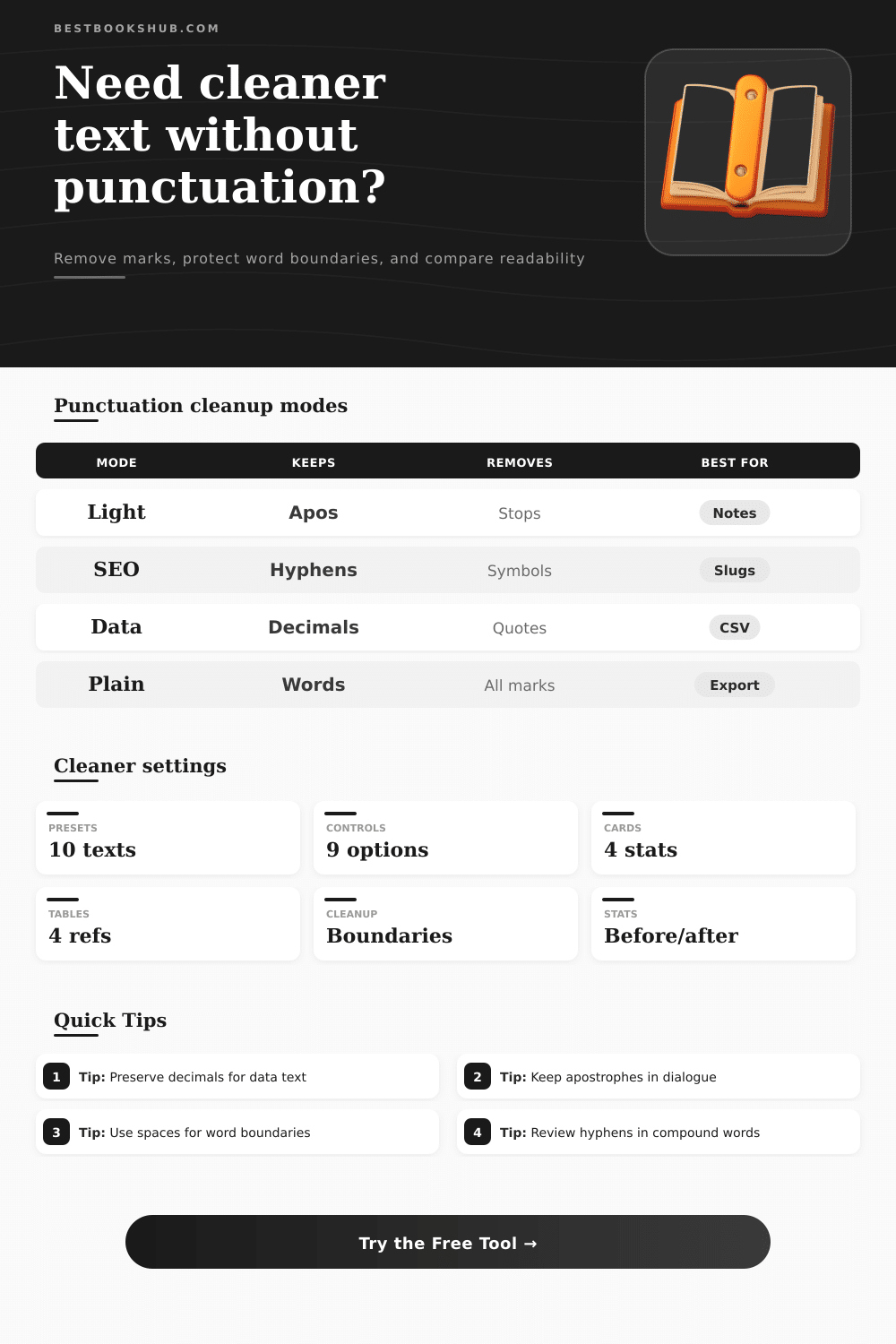
Remove punctuation by category while preserving apostrophes, hyphens, decimal points, and word boundaries, then compare before and after readability stats.
Start with a realistic sample, then adjust which punctuation families should be removed, protected, spaced, or counted.
DISCLOSURE: This post may contain affiliate links, meaning when you click the links and make a purchase, I receive a commission. As an Amazon Associate I earn from qualifying purchases.
Use the category selector for broad cleanup, then protect punctuation that carries meaning inside words, compounds, or numeric data.
These tables explain punctuation families, preservation choices, boundary cleanup behavior, and how before/after readability stats should be interpreted.
| Category | Typical marks | Remove when | Preserve when |
|---|---|---|---|
| Sentence marks | Periods, question marks, exclamation points | Creating word-only lists, tags, or normalized text. | Sentence boundaries still matter for reading flow. |
| Pause marks | Commas, semicolons, colons | Cleaning imported notes or generating keyword strings. | Clauses need visual separation for readers. |
| Quotes | Single, double, and smart quote marks | Removing dialogue wrappers or copied citation marks. | Apostrophes belong inside contractions or possessives. |
| Dashes | Hyphen, en dash, em dash, minus | Flattening prose or removing separators. | Compound words or ranges need a visible link. |
| Preserve option | Example input | Protected output | Why it matters |
|---|---|---|---|
| Apostrophes | reader's notes don't lie | reader's notes don't lie | Contractions and possessives stay readable. |
| Hyphens | well-read long-form essay | well-read long-form essay | Compound terms keep their intended shape. |
| Decimals | rating 4.7 from 19.99 list | rating 4.7 from 19.99 list | Numbers keep numeric meaning after cleanup. |
| Possessives | 'editor's copy' | editor's copy | Outer quotes drop while word apostrophes stay. |
| Boundary mode | Behavior | Best use | Watch for |
|---|---|---|---|
| Replace with spaces | Every removed mark becomes a space. | Safe plain-text cleanup and word lists. | May create extra spaces before collapse. |
| Smart spaces | Adds spaces only between word-like neighbors. | General prose cleanup with fewer gaps. | Highly structured data may need review. |
| Tight delete | Removes punctuation without replacement. | IDs, compact labels, and code-like tokens. | Can join words that were separated by marks. |
| One-line output | Turns line breaks into single spaces. | Titles, metadata, and tag descriptions. | Poetry or line-sensitive text loses breaks. |
| Readability stat | Before value | After value | Interpretation |
|---|---|---|---|
| Word count | Raw word tokens | Clean word tokens | Large drops mean punctuation split or removed tokens. |
| Sentence count | Detected stops | Line or fallback count | Removing stops can lower sentence detection. |
| Average word length | Letters per word | Letters per word | Stable values mean words were preserved well. |
| Grade estimate | Approximate grade | Approximate grade | Use as a cleanup signal, not a formal score. |
When removing punctuation from a text, a person can use a strip punctuation tool to choose which punctuation marks to remove and which to keep. Some punctuation marks is used to separate ideas in a text, other marks are contained within the words themselfs, and others represent numbers. If a person removes all punctuation marks from a text without choosing which to remove, the text may lose its numeric meaning and the structure of it words.
A strip punctuation tool allow a person to choose settings to control the punctuation removal process. The settings for a strip punctuation tool determine how a text will be used after the punctuation is removed. A person may want to remove commas and periods from a text when creating keyword lists for a search index, but a person may want to keep contractions and possessive marks if the text is to be used for dialogue in a media project.
How to Use a Strip Punctuation Tool
A person must also decide whether to replace punctuation marks with spaces or to keep the text with tight deletion. In addition to these choices, a person can choose to protect apostrophes, hyphens, and decimal points in their text so that the punctuation marks have not contributed to the loss of the texts original intent. A strip punctuation tool can change the way that a person measures there text.
For example, if a person removes punctuation marks from text, the word count may change and the sentence detection software will report a different number of sentence. The average word length and grade level for a text can also change after a person strips punctuation marks from the text. These text measurements cannot substitute for human judgement in many case but they can help to show if the text is significantly different than the original text.
Depending on the project for which a person intends to use their text, different rules will apply to the punctuation removal process. A strip punctuation tool allows a person to change between these modes. For instance, the rules for a research note will be different than those required for a social media caption.
A person will use each mode for a specific purpose so that a person may easy switch between modes. In processing punctuation marks, people often make mistake. For example, a person may remove all instance of hyphens in a text, but the result may be confusing for the reader.
Another example is if a person removes all apostrophes from a text that contains dialogue; the words will lose their original author voice. Furthermore, if a person deletes all decimal points in a text, the data in the text will be broken. These common mistake are avoided with the preservation of certain punctuation marks in a strip punctuation tool.
Another issue for a person to consider when using a strip punctuation tool is spacing. If a person chooses spaces instead of tight deletion, a person may have to remove extra spaces later in teh editing process. Tight deletion will remove all punctuation marks and glue words together into normal prose, but this deletion method may work well for removing punctuation marks from identification number.
Software smart spacing will only insert spaces between word that are next to each other in the text. However, this same software may not work correctly with other punctuation marks. The mode for a strip punctuation tool should match the next step that a person will take in their project.
If people will read the punctuation stripped text, the punctuation marks that remain should be protected and the resulting text may be slightly longer. However, if a person will use the text for another computer system, more punctuation marks should be removed and the system should accept that the text will lose some of it context. The goal of using a strip punctuation tool is to produce text that is more easier to read and to ensure that the newly processed text will behave the way that the person intend for the text to behave.