🎨 RGB to CMYK Converter
Convert RGB colors to CMYK, HEX & HSL instantly. Real-time color preview with accurate formulas.
| Property | RGB | CMYK | Use Case |
|---|---|---|---|
| Color Model | Additive | Subtractive | — |
| Channels | 3 (R,G,B) | 4 (C,M,Y,K) | — |
| Value Range | 0 – 255 | 0 – 100% | — |
| Primary Use | Screens | Web vs Press | |
| Black | 0, 0, 0 | 0, 0, 0, 100 | Darkest shade |
| White | 255, 255, 255 | 0, 0, 0, 0 | No ink / full light |
| Color Gamut | Wider | Narrower | Print limits colors |
| Color Name | C% | M% | Y% | K% | HEX |
|---|
| Color | HSL | RGB | CMYK |
|---|---|---|---|
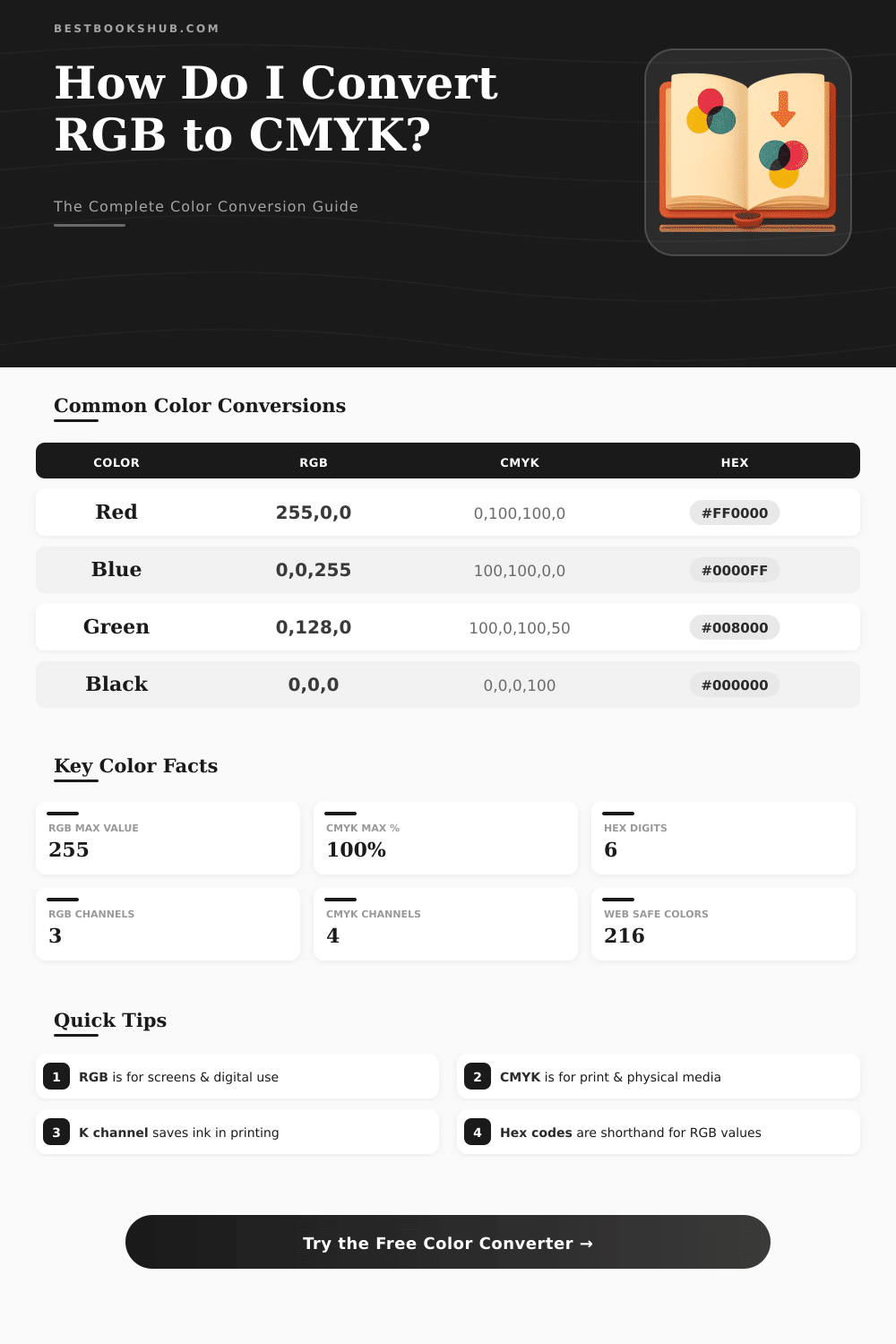
| Red | 0°, 100%, 50% | 255, 0, 0 | 0, 100, 100, 0 |
| Cyan | 180°, 100%, 50% | 0, 255, 255 | 100, 0, 0, 0 |
| Magenta | 300°, 100%, 50% | 255, 0, 255 | 0, 100, 0, 0 |
| Yellow | 60°, 100%, 50% | 255, 255, 0 | 0, 0, 100, 0 |
| Sky Blue | 210°, 100%, 56% | 30, 144, 255 | 88, 44, 0, 0 |
| Lime | 120°, 100%, 50% | 0, 255, 0 | 100, 0, 100, 0 |
| Navy | 240°, 100%, 25% | 0, 0, 128 | 100, 100, 0, 50 |
rgb and cmyk form two separate color systems. The rgb model is based on red, green and blue. It works as a added system, because mixing different amounts of red green and blue one creates all other shades.
DISCLOSURE: This post may contain affiliate links, meaning when you click the links and make a purchase, I receive a commission. As an Amazon Associate I earn from qualifying purchases.
Cmyk stands for cyan, magenta, yellow and black. This is a taken away model, because combining those colors one gets black.
RGB and CMYK: A Simple Guide
rgb is seen as the natural color space for each digitally created or scanned image, just as for any computer screen or monitor. So, during design of a website, banner for the net or electronic bulletin, one should set images and files to rgb. Cmyk is the mainstream color model for printing machiens with colors.
It relies on light, that reflects, and on the color of the printed surface, to determine, how the shades show.
Changing between those two formats is really important. There are free online tools, that turn rgb values into cmyk form quickly and simply. They ensure reliable color changes without need of costly programs.
One can enter various cmyk values to reach precise rgb results, and the other weigh around also. Free tools like GIMP or Argyll can handle such work.
In Photoshop one can save the file and change the color setting from rgb to cmyk. It maybe requires first to flatten the image and combine the layers. In GIMP the submenu “Separate” under “Image” allows to split the file in cmyk, using original rgb profile and target cmyk profile.
In Illustrator, going to “File”, then “Document Color Setting“, then “cmyk Colour“, one passes the document over there. After such change the colors can seem a bit darker.
Also there is simple conversion based on math. The formula method converts rgb parts without floating math. But such basic changes commonly give bad greys.
Professional cmyk changes apply gray refill, removal of too few colors, together with curves for black creation, so that neutrals seem right and to escape ink waste.
cmyk does not rely on screen for colors. Often it looks a lot different than its rgb match. The range of rgb beats that of cmyk.
Millions of colors present in rgb, that lack in cmyk, and quite also count. Some very bright rgb shades fall outside typical cmyk ranges, but many colors match only partly. A common case is, that programs turn 100% blue in rgb into a bit purple shade in cmyk.
Using for mix cmyk colors as little ink as it is possible, for instance only two or three colors instead of the four, that helps. However the result will not shine like this well in rgb. Also cmyk is not permanent, because it depends on physical conditions, like is the paper coated or not.
The best way is to delay the change as long as it is possible and use good profiles to change colors. Hand over rgb files to a printer can well work, becausethey well know, how to fit broad rgb range to little cmyk range, that looks well on their paper and machine.