📖 Reader progress lab
Scroll depth reading calculator
Estimate how far readers will move through an article, ebook excerpt, course lesson, or PDF based on text length, screen size, reading pace, friction, and engagement.
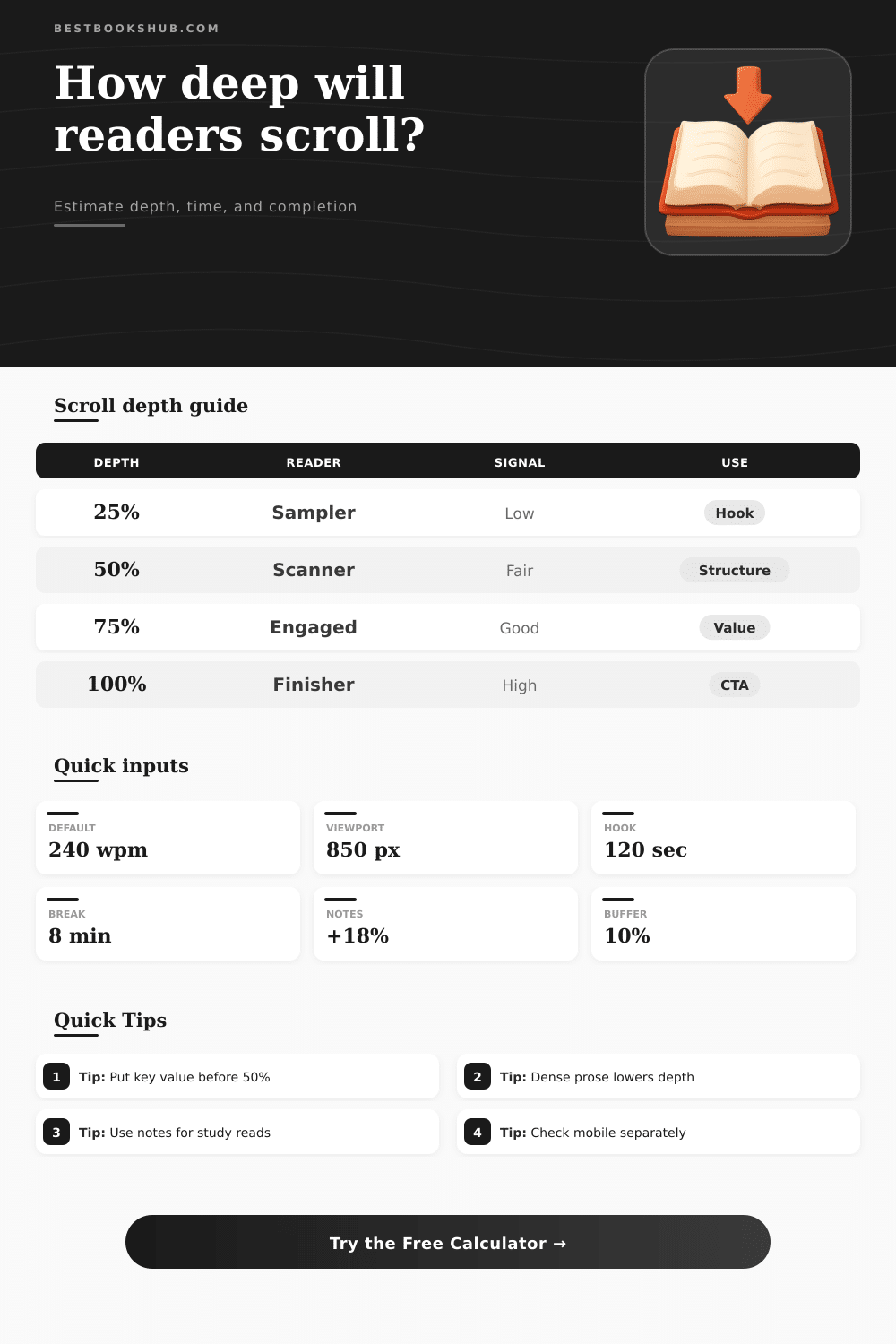
| Scroll milestone | Typical meaning | Words reached in 3,200 words | Useful placement |
|---|---|---|---|
| 10% to 25% | Opening sample and intent check | 320 to 800 | Promise, scope, key question |
| 25% to 50% | Reader is still evaluating value | 800 to 1,600 | Main framework and first proof point |
| 50% to 75% | Engaged reader zone | 1,600 to 2,400 | Examples, evidence, applied steps |
| 75% to 100% | Committed reader or study task | 2,400 to 3,200 | Summary, checklist, next action |
| Format | Words per screen | Friction factor | Depth pattern |
|---|---|---|---|
| Desktop article | 320 to 480 | Low to moderate | Fast early scan, steady middle |
| Phone article | 120 to 260 | Moderate | More swipes, more interruption risk |
| Ebook chapter | 220 to 420 | Moderate | Session driven, higher completion |
| PDF or academic text | 450 to 800 | High | Slower progress, more rereading |
| Document length | Standard read time | Scroll risk | Best checkpoint |
|---|---|---|---|
| Under 1,000 words | 3 to 5 minutes | Low | Put value by 25% |
| 1,000 to 3,000 words | 5 to 14 minutes | Moderate | Reinforce value by 50% |
| 3,000 to 7,000 words | 14 to 34 minutes | High | Add anchors every 25% |
| 7,000+ words | 34+ minutes | Very high | Plan sessions and summaries |
| Reader intent | Completion lift | Common behavior | Model note |
|---|---|---|---|
| Casual browse | Lower | Samples headings, exits early | Hook and structure matter most |
| Specific question | Mixed | Stops when answer is found | Depth may be low but useful |
| General interest | Baseline | Reads while value remains clear | Good default setting |
| Required study | Higher | Slower, more complete reading | Use notes and rereading controls |
DISCLOSURE: This post may contain affiliate links, meaning when you click the links and make a purchase, I receive a commission. As an Amazon Associate I earn from qualifying purchases.
“Traffic spikes are one thing; time on page data measures attention. When traffic jump up, but time on page plunges, that tells you readers have arrived, scanned briefly and departed. The reason is there is no instant payoff. For writers working in a digital format, knowing how far down someone scrolls before exiting is crucial knowledge. Can’t keep their attention through the opening screen or two? Your further research doesn’t exist.”
Writers intuitively guess where readers drop-off. An interesting anecdote. A good headline. It is something that keeps them going. But more often than not, this intuition isn’t right.
Why Scroll Depth Matters for Writers
Screen behavior is contextual. It is not just about the quality of what is being viewed. Just enter your device settings and word count, and calculator will do the math for you. You don’t have to guess at viewport physics and coefficients involved. Instead, you’re presented with a translation of an abstract measure of writing length into something concrete: how far along are you? How many words is visible as I scroll up and down? Is there enough here to commit to swiping again?
Three thousand words may be one thing on a desktop monitor, but they is a completely different experience on the narrow screen of a smartphone; the number of words per scroll change dramatically. And each swipe require a reader’s commitment to keep going. A big part of that is how dense the text is. Legal documents and academic papers take longer to read (and get reread) because their sentence structure require the brain to work harder. Headings and shorter sentences makes it easier to scan and move through web articles more quickly. The tool automatically set the level of friction and expected reading speed based off the type of document you choose.
Without an obvious reward early on, people who struggle more will stop reading your words sooner. Busy professionals has limited time; if they want something quick, they might only get as far as 20% before stopping once they have what they need. But that’s not failure. That’s efficient. If you’re delivering a lesson in a course where people is supposed to understand everything, getting them to 20% is a broken promise. This also makes sense when considering that there is less value in adding more of the relevant stuff.
The hook is everything up to the first quarter of the text. If you hide this then casual browsers will never get past here and you’ve lost them. You’ll need to show evidence or an example to build trust next. By the time someone gets to the halfway point you’re invested in their time and by the time they get to the three-quarter mark you’re good if you want them to complete because now they know why they should. They’re engaged enough at this point that they might be persuaded to read the last part which is your call to action (or concluding thought). People who gets all the way through are your most valuable audience group, whether you want to convert or retain them.
A second dimension often overlooked is planning for pauses. Nobody sits down with a dense 30-page book and reads it all in one go. The calculator lets you plan for buffer time and session limits. Content creators can create sections/chapters which naturaly conclude at pauseable spots. Breaking up the seemingly insurmountable wall of text into chewable pieces. Even something as simple as highlighting or adding margin notes can make progress feel slower but deepen real-world learning. In educational settings, faster isn’t necessarily better.
So all in all, scroll depth is a sign of clarity and engagement. And if you’re seeing poor completion rates on all devices, odds are good that the problem lies less with the reader than with how you’ve structured your argument. Apply these findings to make your subheads stronger, cut out any fat in your intros, etc., etc. The way readers move through your words is up to you. Make it worth their time.