ⁿ Unicode raised text scanner
Superscript counter
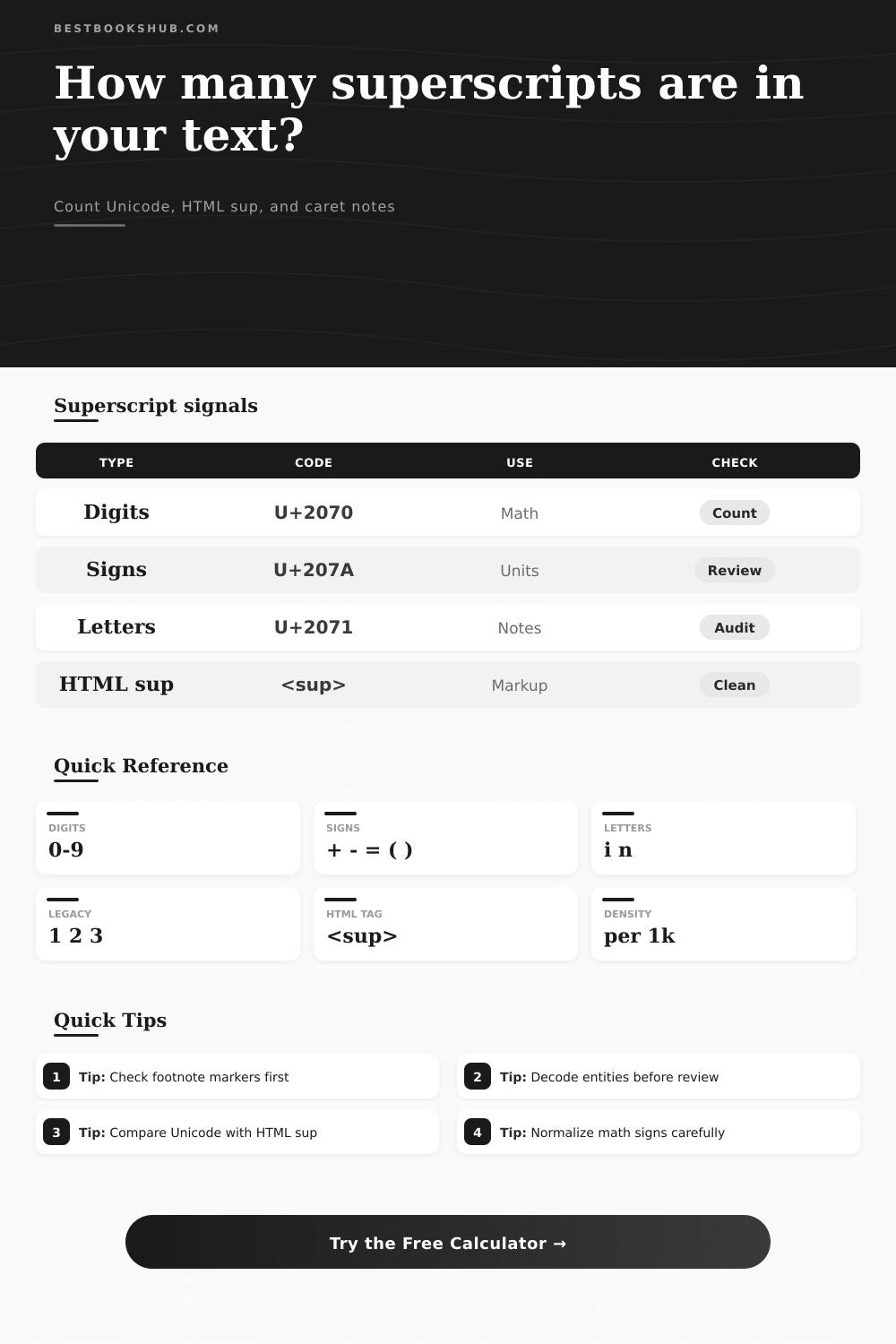
Find Unicode superscript digits, signs, letters, HTML sup tags, caret-style notes, and raised-reference patterns before editing, indexing, or publishing text.
| Symbol | Code point | Plain value | Count | First context |
|---|---|---|---|---|
| Run the scanner to list each superscript symbol found in the pasted text. | ||||
| Family | Characters | Code range | Common source | Review action |
|---|---|---|---|---|
| Legacy digits | ¹ ² ³ | U+00B9 | Units, footnotes, copied PDF text | Keep for units, normalize in plain-text indexes. |
| Superscript digits | ⁰ ⁴ ⁹ | U+2070 | Math expressions and formula notes | Confirm search systems support these code points. |
| Raised signs | ⁺ ⁻ ⁼ | U+207A | Charges, exponents, compact formulas | Compare with baseline plus, minus, and equals. |
| Parentheses | ⁽ ⁾ | U+207D | Grouped exponents and copied equations | Check that both sides appear as a pair. |
| Letters | ⁱ ⁿ | U+2071 | Variables, ordinal remnants, notes | Audit carefully because not every letter exists. |
| Text type | Expected volume | Superscript density | Risk signal | Best action |
|---|---|---|---|---|
| Book blurb | 60-180 words | Usually zero | Raised note markers in sales copy | Convert footnotes to plain notes when needed. |
| Academic notes | 200-900 words | Low to medium | Mixed Unicode and caret notation | Standardize citations before export. |
| Math passage | Varies | Medium to high | Unicode signs mixed with baseline signs | Keep formulas consistent inside the section. |
| HTML snippet | 10-300 lines | Tag-based | Nested or empty sup tags | Count tags separately from visible Unicode. |
| OCR extract | Varies | Noisy | False footnote or unit markers | Review first contexts before replacing all. |
| Band | Per 1k chars | Likely meaning | Common cause | Review priority |
|---|---|---|---|---|
| Clean | 0 | No raised text signals | Plain prose or normalized text | Pass |
| Light | 0.1-2 | A few notes or units | Footnote markers, m², cm³ | Quick check |
| Review | 2.1-8 | Repeated formula or note pattern | Citations, equations, copied references | Inspect clusters |
| Heavy | 8.1+ | Dense raised notation | Math text, chemistry, markup conversion | Audit before publishing |
| Normalization mode | Example input | Preview output | Best for | Caution |
|---|---|---|---|---|
| Plain baseline | x² + y³ | x2 + y3 | Search fields and indexes | Can lose exponent meaning. |
| HTML sup | m² | m<sup>2</sup> | Web copy and article markup | Requires HTML rendering. |
| Bracket mark | note¹ | note[SUP:1] | Editorial review logs | Not reader-facing text. |
| Keep unchanged | 10⁻³ | 10⁻³ | Math-preserving copy | Check font support. |
DISCLOSURE: This post may contain affiliate links, meaning when you click the links and make a purchase, I receive a commission. As an Amazon Associate I earn from qualifying purchases.
So now you have footnotes. If you’ve ever pasted a footnote into a plain text file, you’ll know what I’m talking about: the thing break apart. This happens to anyone working on documents with mixed content. You copy a citation from a web page. You copy a formula from a PDF. Suddenly your nicely-formatted document is covered in invisible formatting traps.
There’s some stuff that looks raised because it’s an actual Unicode glyph (a superscript 3). Other stuff are rendered as raised text when viewed in a browser, but appears as raw code when opened up in a text editor, they’re HTML tags. Then there’s other stuff that is simply represented by carets such as x^2, which are just normal-looking letters waiting to be interpreted.
Why Counting Superscripts Is Important
The issue is that standard word counts view all this as noise. They don’t say what kind of notation you’re working with, or whether your formatting is consistent at all. And that inconsistency is what make the mess.
To do this, it scan for several patterns. It looks for unicode superscript digits, raised signs like plus or minus, and special letters such as n or i that often get lost in technical text. It also scans for certain common caret-based notations and HTML sup tags. Why does this matter? Because it give you the tools to fix each type differently.
Not everything needs to be found-and-replaced. When you find a superscript two written using unicode, replacing it with a plain old two could potentially muck up some sort of math equation. Stripping out an HTML tag from a web export mean losing its visual clue as to what was a footnote. The calculator lets you see at-a-glance where those types of problems exist so you can address them accordingly.
For example, it return its density score (number of superscripts per thousand characters), and this normalizes short snippets against long chapters. High density in a math text is normal; but a high density in a short blurb indicate that the author has used a lot of units or footnotes.
This is where most editors go wrong: they focus on the visual characters first (cleaning those up). But that’s not necessarily the problem. Often, it’s the mix of styles. Mixing HTML tags with Unicode superscript in the same paragraph throw accessibility tools and search engines for a loop. Because there’s no consistent structure, these accessibility tools can’t consistently parse the content.
This is why the tool assign a cleanup score, based off the number of unique types of superscripts. If the score is high, you’re using more than one method to produce the same visual effect. And while it may be a small thing, it matters for long-term maintainability.
Ideally, you want to have a single source of truth for all your formatting. That could be HTML to style things; it could be Unicode to make it portable. You choose. But don’t mix them. You’ll pay for it down the road.
But before you go swapping out symbols willy nilly, it’s important to know what they mean. In the tool’s reference table, for instance, the code points for legacy digits (squared, cubed and so on) appear alongside other symbols that are popular in units of measurement. They’re not the same than moddern Unicode superscripts, those used in complicated math equations. You can filter based off these families in the tool.
For example, maybe you’re working with scientific writing where the footnote markers should be normalized but the raised signs indicating chemical charges remains intact. The tool also has options to set your input modes to recognize escaped Unicode characters. These characters are frequently embedded within data exports or code itself. Without decoding these, a simple text scan misses half the problem.
In the end, it’s up to you how you want things normalized. If you’re outputting to HTML, using tags works well and flexibly; they’ll be well-supported in any browser. If you’re putting this text into a search-indexed plain text file, Unicode glyphs will stick around and transport better than text wrapped around tags.
The calculator offers a preview of what it will do when it normalizes your input: it’ll either convert all of it to tags, or map everything back down to baselines. The preview matters, though, since it exposes hidden dependencies: maybe removing superscripts turns an entire sentence into gibberish, or converting them introduces extra markup bloat. It’s a matter of balancing the desire for data cleanliness against visual accuracy.
In short, superscripts are a decision about how to format your text that has implications for your data. It’s not just an aesthetic issue. Superscripts have semantic value for units, math, and citations. Not using superscripts results in broken links, missing information, and accessibility issues. If you explicitly count superscripts, then what was previously a cosmetic pain becomes a technical problem easy to solve. Stop guessing; start measuring.
Ideally, you won’t be trying to eliminate all superscripts. Rather, you want consistency among those superscripts you do use. A clean paper is one where every raised character conforms to a single rule. Once you understand what you’re working with, it’s easy to fix. You can’t fix what you can’t count. This is why we should of start here.