📘 Technical reading planner
Technical document reading time calculator
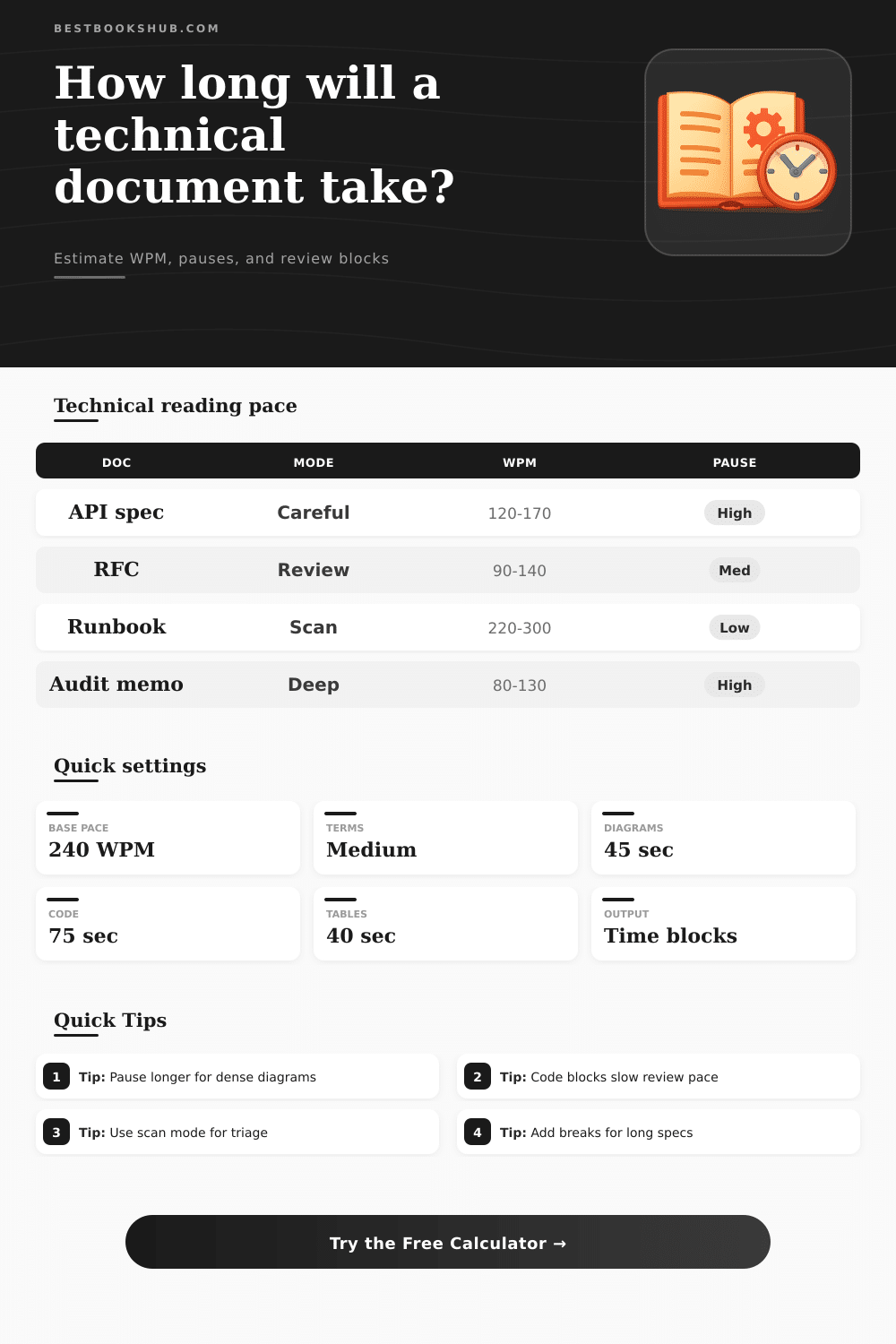
Estimate how long specs, RFCs, runbooks, audit memos, code-heavy guides, and architecture documents take when terminology, diagrams, tables, and review depth slow the pace.
Document family comparison
| Document family | Page word estimate | Complexity factor | Reading cue |
|---|---|---|---|
| API specification | 420 words/page | 1.18 | Parameters, response codes, examples |
| Architecture RFC | 450 words/page | 1.28 | Tradeoffs, constraints, decisions |
| Technical manual | 390 words/page | 1.08 | Procedures, warnings, references |
| Security or risk memo | 470 words/page | 1.35 | Claims, evidence, exceptions |
| Operational runbook | 360 words/page | 0.94 | Steps, commands, escalation paths |
| Research paper | 520 words/page | 1.42 | Methods, findings, citations |
DISCLOSURE: This post may contain affiliate links, meaning when you click the links and make a purchase, I receive a commission. As an Amazon Associate I earn from qualifying purchases.
Mode and review depth grid
| Mode | Multiplier | Best use | Risk if underplanned |
|---|---|---|---|
| Scanning for relevance | 0.68 | Triage, routing, first look | Missed caveats |
| Normal comprehension | 1.00 | General understanding | Light assumptions |
| Careful technical review | 1.32 | Design, API, process review | Shallow comments |
| Line-by-line verification | 1.82 | Sign-off, audit, migration checks | Incorrect approval |
Terminology and reading level adjustments
| Factor | Light value | Heavy value | What it means |
|---|---|---|---|
| Terminology density | 1.00-1.12 | 1.38-1.62 | Acronyms, specialized nouns, glossary lookups |
| Reading level | 1.00-1.12 | 1.38-1.55 | Sentence length, abstraction, legal phrasing |
| Annotation intensity | 1.00-1.07 | 1.22-1.38 | Notes, highlights, questions, comments |
| Repeat pass | +0% | +85% | Extra skim, hard-section pass, or full reread |
Pause timing reference
| Element | Quick pass | Careful pass | Why it adds time |
|---|---|---|---|
| Diagram or flowchart | 20-35 sec | 45-90 sec | Labels, arrows, dependencies, edge cases |
| Code or config block | 30-50 sec | 75-150 sec | Syntax, defaults, hidden assumptions |
| Dense table | 20-35 sec | 40-80 sec | Column comparisons and exception rows |
| Decision matrix | 40-70 sec | 90-180 sec | Tradeoff scoring and stakeholder impact |
This begins with an assumption that costs you hours of productivity. You spot an eight thousand word architecture RFC. You figure it’ll only take you forty minutes to read, since you’re good for three hundred words per minute on a news site. You sit down, open the document, and within moments realize this isn’t reading. This is decoding.
Casual reading is not the same as a technical review, and they are separated by more than just speed. There’s cognitive load. Constantly switching context between code snippets, tables of dense parameters, flowcharts and narrative text impose a tax on your attention span. The tool above quantifies that tax so you can schedule your day realisticly rather than guess optimistically.
Why Technical Reading Takes Longer Than You Think
The thing most folks don’t account for in their planning is non-linearity. Sure, there are words; sure, one can divide words by its estimated reading speed. But no one accounts for syntax and other visual frictions. A diagram is not merely an image. It’s a structured argument. You have to follow dependencies, figure out labels, and check edge cases. Prose reading rhythms stops when we encounter such a structure. And when we see a state machine chart or a sequence diagram, we aren’t scanning lines anymore. We are following relationships, reading labels, and checking edge cases.
The calculator handles all this by letting you input the number of diagrams and the time you spend per diagram. It considers this pause distinct from the word count, as if it were another kind of work unit. Why? It separates out how much of your total review time has been spent looking at static graphics while constructing a mental model of the underlying system.
Drag: Code blocks have a similar drag, even if it is for other reasons. Yes, they may be prettier with syntax highlighting, but it takes time to verify your understanding line by line, one config at a time. This isn’t a plot point skimming exercise. This is making sure no permission violates a security policy and no default cause an outage.
The calculator enables you to set your pace according to the depth of your reviews. For a quick read-through to check for relevance, fast. For a sign-off review, go slow. Why? It’s not only about how fast you can read. It’s about the cost of getting it wrong. Miss a parameter in an API spec, and the integration doesn’t work later. That risk require a more careful, slower pace that considers validating constraints and double-checking assumptions.
Another factor that makes it complicated is the use of many technical terms. If you’re working with a document whose phrasing is legalistic, or that is full of domain-specific acronyms, you’ll quickly fill up your working memory. You remember definitions instead of sentence structure, which means you spend less time understanding what it says. If you choose expert-only language, or just a document with many hard words, the tool will lower your effective words per minute to reflect this fact of human nature: vocabulary barriers slow you down. It’s not an indicator of your intelligence; its an indicator of the document’s opacity. That security audit memo might contain as many words as the company’s operational runbook, but it will take you much longer to read it. One requires combining ideas, whereas the other can be scanned step by step.
Speed isn’t everything; managing sessions is also important. Three hour straight reading of technical documentation doesn’t work for anyone; they’ll lose concentration. You can set how frequently you’d prefer a pause and the calculator breaks up your overall expected time according. That’s an easy-to-make mistake when estimating project times. Managers often don’t take into consideration how tired you might be while working through them. They assume you can type at a constant pace for extended periods. Humans are not constant, attention decays. The pauses force you to think about taking breaks. And that makes the resulting timeline realistic. You’ll notice that a 20 minute break every fifty minutes introduces significant overhead, but helps maintain understanding. Forgetting that break means missing information and glossing over details.
If you’re not sure where to begin, there is some useful benchmarks in the reference tables on the page. Each one outlines how different kinds of documents typically perform under different review modes. For example, an architecture RFC will have a higher complexity factor than a standard manual because they include more decisions and tradeoffs as opposed to procedures. These multipliers allows you to set expectations before diving in. Use them as a way to sanity check your inputs so that you don’t become too pessimistic or too optimistic. It’s not about getting the perfect second count. It’s about building a realistic buffer which keeps you from rushing at the last minute.
So what does it all mean? At the end of the day, guessing at reading time is simply respecting your concentration. Reading technical stuff is about thinking, not just skimming. Recognizing the price tag on jargon, code, and diagrams shields your brain from being overworked by unreasonable deadlines. Establish your limits and let the calculator do the calculations; it prevents you from undervaluing the mental strain of complicated material. It turns the feeling of “oh no, this thing looks huge” into a solid work plan. When you pull up a chair to read this thing, you know exactly what chunk of time to expect. This kind of certainty helps reduce your stress and so increases your review quality.
Next time you’re staring at a large spec, remind yourself: speed isn’t what’s important here. Understanding is. Account for the gaps, and everything else will fall into place.