🔤 Lowercase cleanup studio
Text to lowercase converter
Convert text to lowercase while choosing whether acronyms, book identifiers, sentence starts, email addresses, domains, and headings should be protected or cleaned.
Choose a realistic book, catalog, or web-copy task. Each preset loads text plus matching lowercase rules so the output is not a duplicate of broad case conversion tools.
DISCLOSURE: This post may contain affiliate links, meaning when you click the links and make a purchase, I receive a commission. As an Amazon Associate I earn from qualifying purchases.
Lowercase everything, preserve selected uppercase tokens, repair sentence starts after lowercasing, or clean title-style headings without touching domains and email details accidentally.
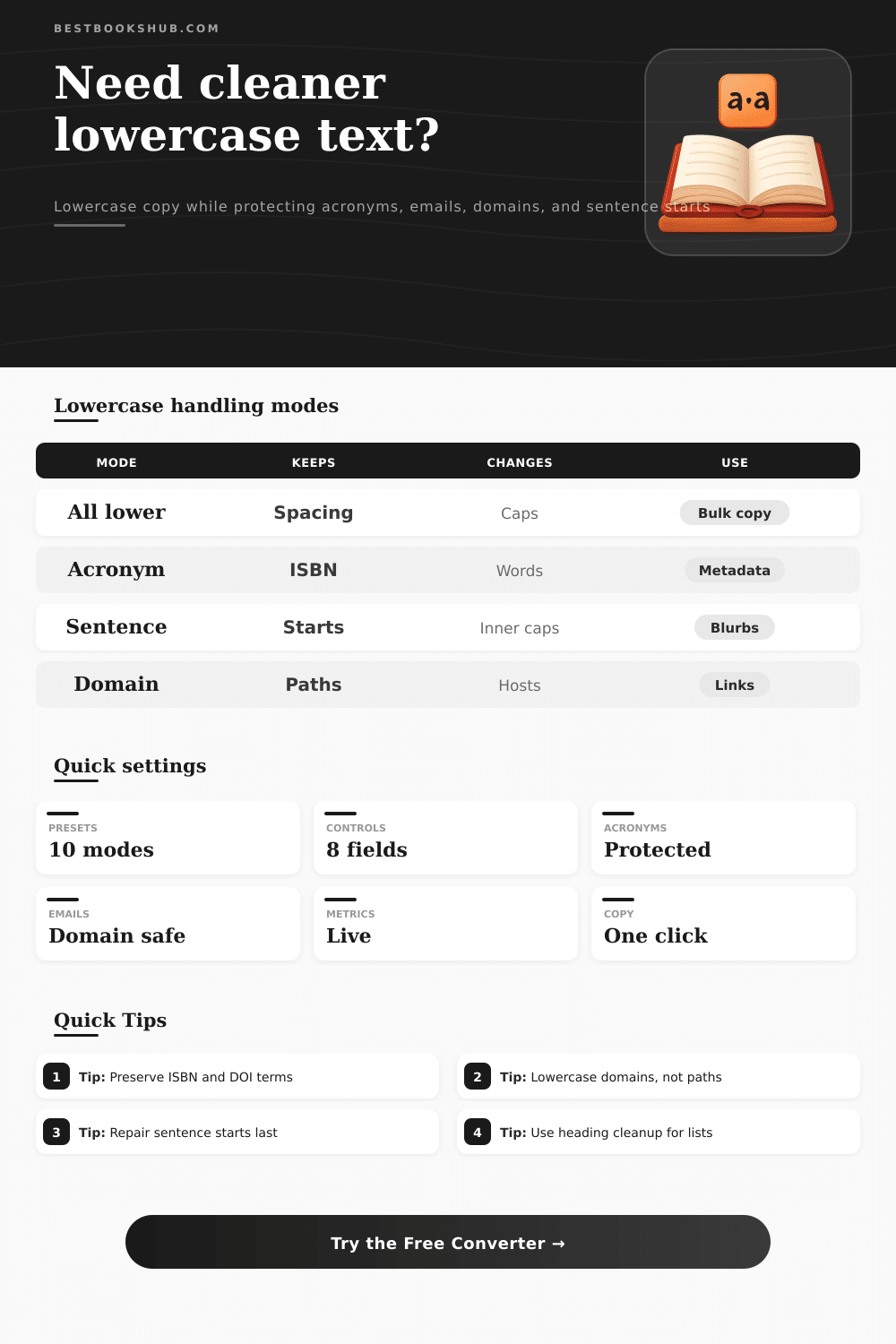
Use these tables to decide which lowercase rule should apply to headings, metadata, acronyms, email addresses, and web domains.
| Input type | Best mode | Protect | Reason |
|---|---|---|---|
| Book tags | All lower | None | Search labels match cleanly. |
| Metadata | Smart | ISBN, DOI | Identifiers stay readable. |
| Blurbs | Sentence | Names | Readable starts return. |
| Headings | Heading | Series terms | Title-style caps are removed. |
| Protected token | Example | Default | Note |
|---|---|---|---|
| Acronym | ISBN | Keep | Book IDs often need caps. |
| Custom term | ePub | Keep | Enter it exactly once. |
| [email protected] | Host lower | Local part can be left intact. | |
| URL path | /Books/New | Keep | Paths may be case-sensitive. |
| Metric | What it counts | High value | Use |
|---|---|---|---|
| Changed letters | A to z edits | Many caps | Shows cleanup size. |
| Changed words | Token edits | Mixed case | Shows affected words. |
| Protected | Skipped tokens | Many terms | Review exceptions. |
| Starts repaired | Capital starts | Readable prose | Confirms optional repair. |
| Email/domain rule | Input | Output | When useful |
|---|---|---|---|
| Email domain | [email protected] | [email protected] | Preserve local spelling. |
| Full email | [email protected] | [email protected] | Directory imports. |
| Host only | Site.com/BookID | site.com/BookID | Case-safe URLs. |
| Protect all | DOI.org/ABC | DOI.org/ABC | Manual review. |
A text to lowercase converter is a tool that allow you to change all capital letters in a text field to lowercase letters. A text to lowercase converter is useful for individuals looking for organize text that has uneven capitalization. Many document contain information that is all caps, whether intentional or not.
Using a text to lowercase converter ensures that all text is consistantly capitalized. Before using a text to lowercase converter, you should decide which tokens in the text should be protect. Some token that can be protected include acronyms like ISBN and DOI, as changing these acronyms to lowercase can make them challengingly to read.
How to Use a Text to Lowercase Converter
Additionally, you may want to protect the local part of an email address, as changing this to lowercase can make the email address challengingly to read. By protecting these tokens, you ensure that the most important information in your text remains easy readable. Another task that you must perform before using a text to lowercase converter is deciding whether you would like to restore the capital letters after every period or question mark in the text.
You can first convert the text to lowercase, then restore the capital letters after every period or question mark to make the text more readable. Each type of text have different requirements for such a process. For example, all filename and tag text should remain in lowercase, but the catalog descriptions and blurbs should have capital letters at the start of every sentence.
The next step for certain text to lowercase converters are the management of URLs and domains. The host name portion of a domain can be safely change to lowercase. However, you must take care with the path portion of a URL, as some of the path portions is case-sensitive.
URL headings can be treated similar to domains. The descriptive portion of these headings can be changed to lowercase, but the identifier should be left to their original case. Another final task is the provision of metrics after the text is converted to lowercase.
A text to lowercase converter can provide a metric that demonstrate the number of changed letters and words. Additionally, the converter can provide a metric showing the number of protected token in the text that the text to lowercase process did not change. These metrics allow the individuals using the converter to evaluate whether the lowercase conversion process was successful.
It is likely that people will make mistakes when using a text to lowercase converter to complete every type of text project. Text elements like metadata batches will require a different process than chapter list. Metadata batches have different requirement than catalog tags.
If you dont mark the protected tokens before the text is converted to lowercase, there may be a second pass to fix these error. By listing all the tokens to be left unchanged and uppercase before using the text to lowercase converter, people can avoid a second pass. The final result of using a text to lowercase converter is consistent text across all file.
All types of searches and imports will run more smooth when the links are all converted to lowercase. Using a text to lowercase converter ensures that the text look cleaner and the individual has a sense of control over the document being edited.