⌨ Text cleanup lab
Whitespace counter
Measure spaces, tabs, line breaks, blank lines, and hidden gaps in pasted text, then compare raw and normalized views.
Pick a cleaning lens, decide how tabs and hidden spaces should behave, then measure the whitespace left in the draft.
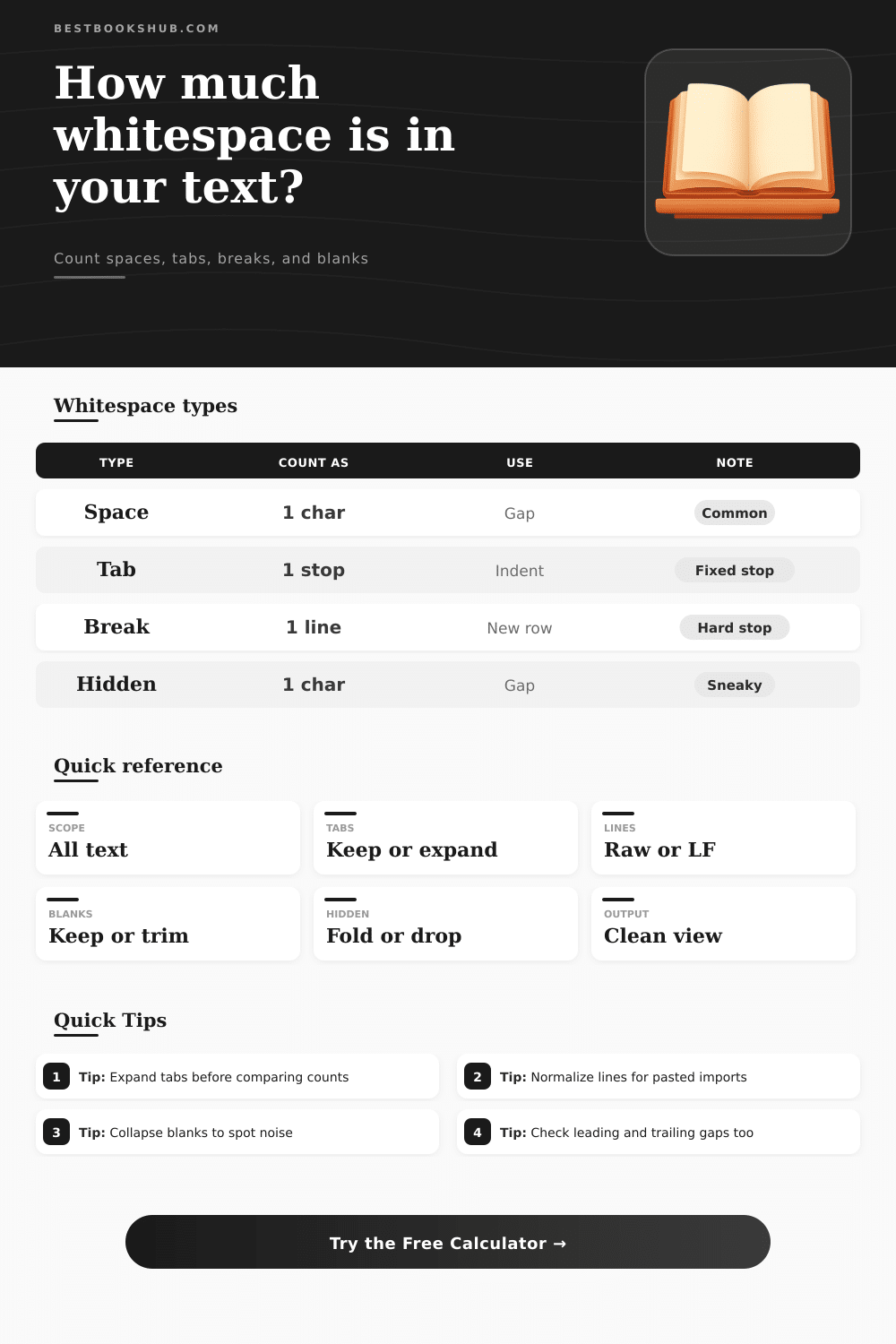
| Type | Counts as | Use case | Note |
|---|---|---|---|
| Space | 1 char | Gap | Most common |
| Tab | 1 stop | Indent | Visual gap |
| Break | 1 line | New row | Hard stop |
| Hidden | 1 char | Gap | Sneaky unicode |
| Lens | What it does | Best for | Tradeoff |
|---|---|---|---|
| Raw | No edits | Exact paste | Baseline only |
| Trim edges | Outer gaps | Drafts | Starts and ends |
| Normalize | One line ending | Imports | Stabilize breaks |
| Compact | Collapse runs | Cleanup | Heaviest trim |
| Scope | Included | Ignored | Good for |
|---|---|---|---|
| All | Every type | Nothing | Full audit |
| Horizontal | Spaces, tabs | Breaks | Prose cleanup |
| Breaks | New lines | Spaces | Paragraph map |
| Hidden | Unicode gaps | Visible gaps | Accessibility |
| Paste type | Typical mix | Blank lines | Best preset |
|---|---|---|---|
| Email thread | Mixed spacing | 1-2 | Email thread |
| Poem stanza | Hard returns | Many | Poem stanza |
| Code snippet | Tabs and spaces | Few | Code snippet |
| Legal clause | Tight copy | Few | Legal clause |
When pasting text into an editor or when uploading a file to a shared drive, the gap between words and the gaps between lines might not be in a correct shape. Text that was copied from an email might contain extra space. Lines might contain tabs because the tab width in one program is not the same than the tab width in another program.
Blank lines might have been created when the author hit the return key twice to create breathing room for the paragraph. The text might look correctly on the screen where it was pasted, but it might look incorrect on another screen or computer. Therefore, it is important to measure invisible characters prior to finalizing a document.
Find and Fix Hidden Spaces and Tabs
A calculator is available on this page that can convert the invisible layer of text into numbers. The calculator can separate ordinary spaces from tabs, it can count hard line breaks separately from blank line, and it can even identify unicode gap. Additionally, the tool can scan a text to examine every character in the text, or it can examine horizontal spacing, line endings, or hidden character.
Furthermore, the tool allow for decisions about how to treat tabs, whether to collapse repeated blanks, and whether to trim the outer edge of the text prior to counting the characters. Each of these feature allows individuals to get an idea of how each decision will affect the text, the concrete count being more accurate than any feeling that an individual might have about the text. Because many individuals make the same assumptions about text, issues can often arise.
For instance, many people might not consider that a tab in one program might be four space in another program, but the file will still store the tab as a single character. That single character could prevent the line from lining up with other text. Other invisible characters might include non-breaking space or em spaces that were used when formatting text to appear a certain way, but that could cause issue when someone else opens the file.
Yet again, the whitespace calculator will catch and flag these problems so that individuals can decide whether to expand the tabs, change hidden gaps to spaces, or remove the hidden gaps. Another problem caused by invisible characters is blank lines. Blank lines might be used in a manuscript to allow for breathing room between paragraphs, but in another context, blank lines might create problem for scripts that are meant to read the text and remove every empty row.
Therefore, individuals can use the whitespace calculator to decide which option work best for them. Additionally, the percentage of characters that is whitespace (density) might be important to individuals. For instance, if the text is meant to be shared online or stored in the cloud, a high percentage of whitespace might indicate a problem for those who are paying for storage.
Furthermore, the density calculator will report the density for a text after individuals have use the options to trim or normalize the text. Therefore, the percentage of characters that is whitespace reflects what individuals plan to keep the text to be. Another factor to consider is leading and trailing gaps.
For example, lines of text might have begun with three spaces, or they might have ended with a return that was not suppose to be there. These types of problems can create issues for text that is meant to line up with other text in another part of the file. Therefore, the calculator can identify these problems so that individuals does not have to search for them in their file.
When using the whitespace calculator, it is best to compare two version of a text that exist side by side. For instance, individuals can paste the raw text into the editor to create a document, then apply the normalization feature to the same text. By comparing these two versions of the text, individuals can understand the impact of their choice about text.
Furthermore, individuals can use these versions to determine if the text was successfully clean up, or if any useful structure was lost during the text editing. The type of whitespace that is selected for a document will determine how the text travels. For example, deliberate gaps in text might indicate to a reader that the author took care to format the text properly.
Yet, extra space might cause issue for the next individual that reads the document or opens it with another program. Therefore, measuring the whitespace in a document will allow individuals to make a choice about which type of gap to keep in the text.